
Epomaker Galaxy100 Lite Review
takes A galaxy to wake
Disclaimer: Epomaker sent us a unit free of charge to review, but all thoughts and opinions expressed in this review are our own and were not discussed with the company prior to publishing.
Retail Price: $109.99
My first thought when I unboxed the Epomaker Galaxy100 Lite mechanical keyboard was classic. And heavy. Definitely heavy. In fact, I’m not sure why they added the term “lite” into its product name, despite this being version two of the original Galaxy100. Let’s take a closer look and see what it’s all about.
Build Quality
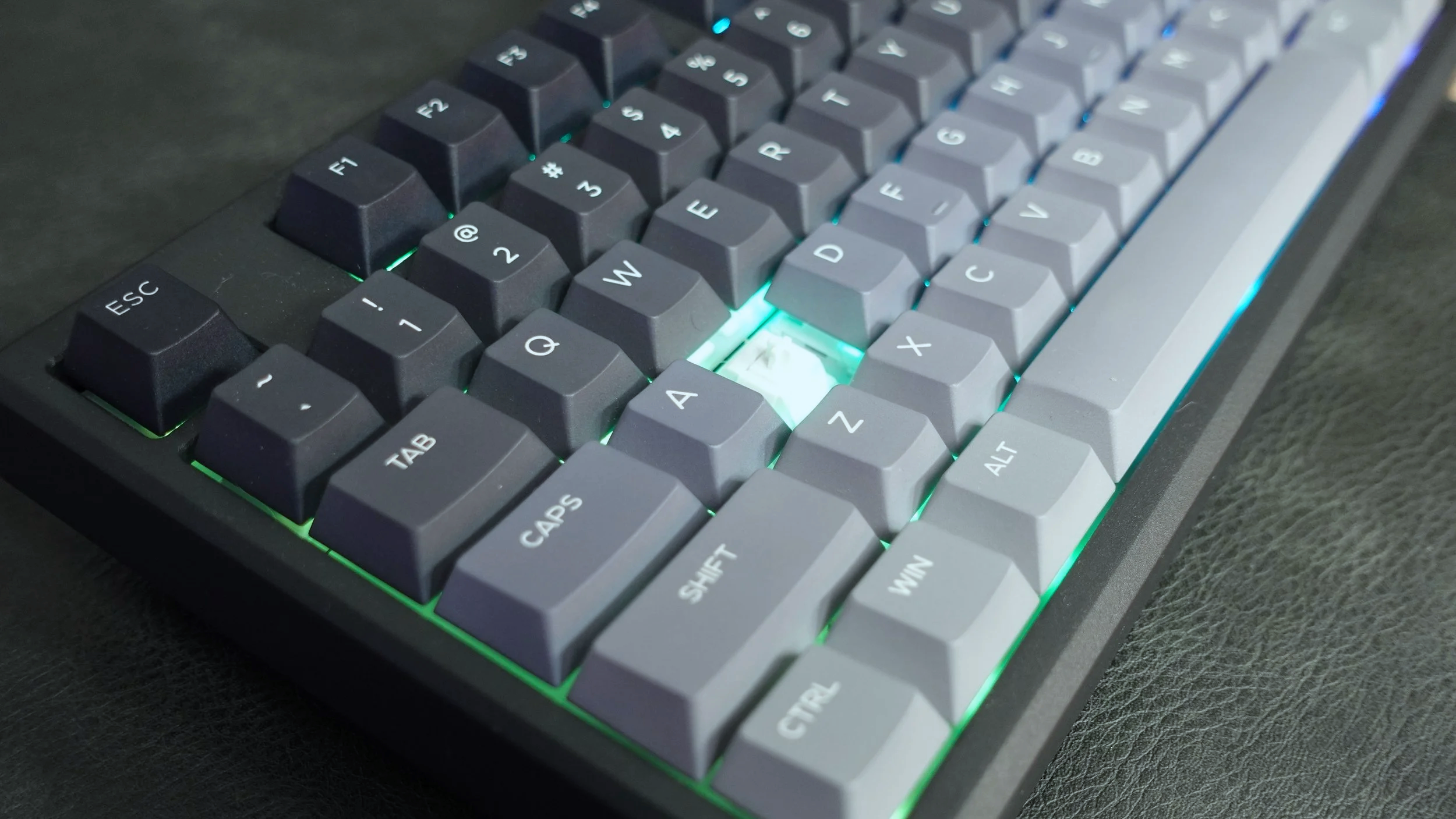
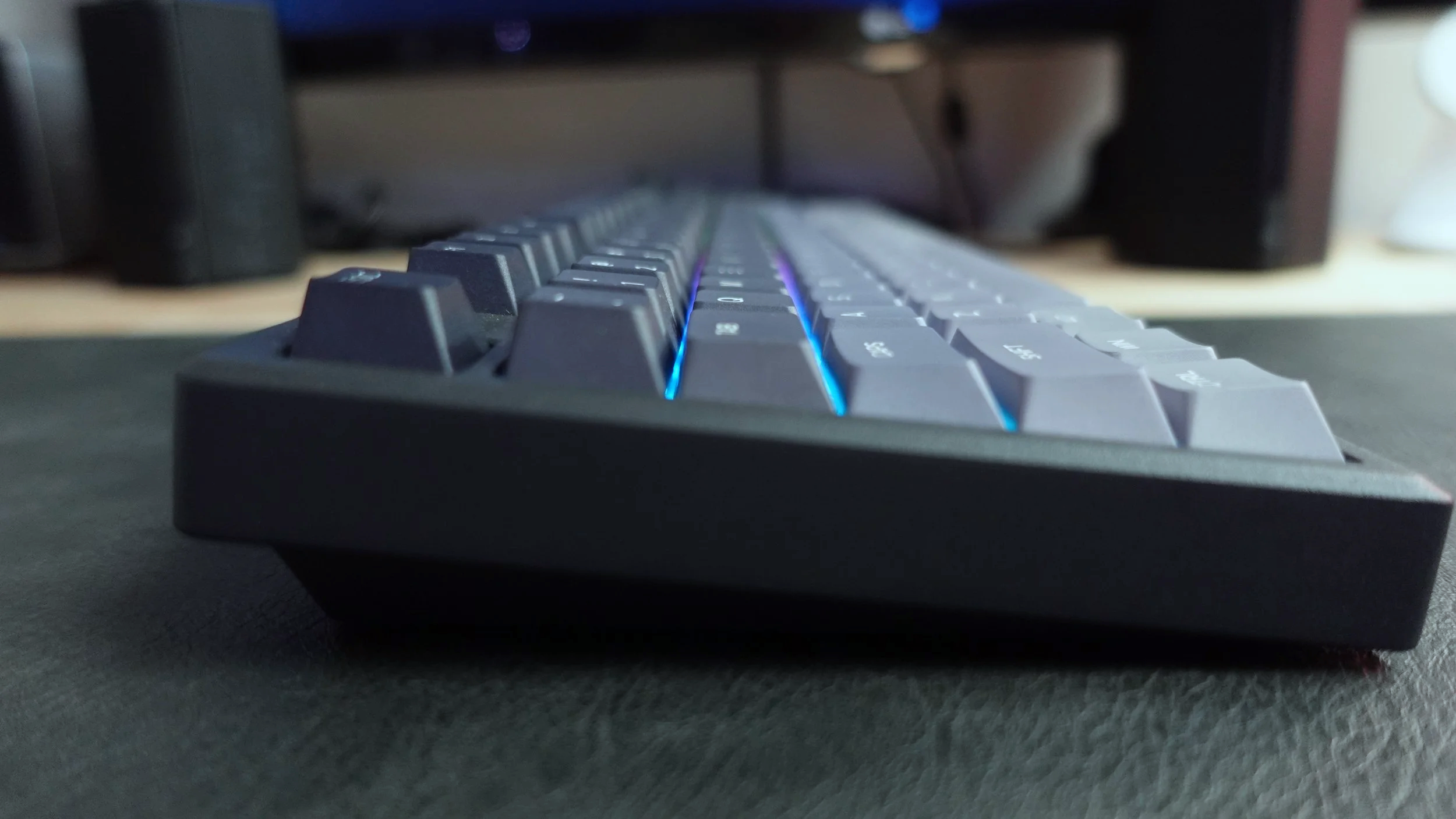
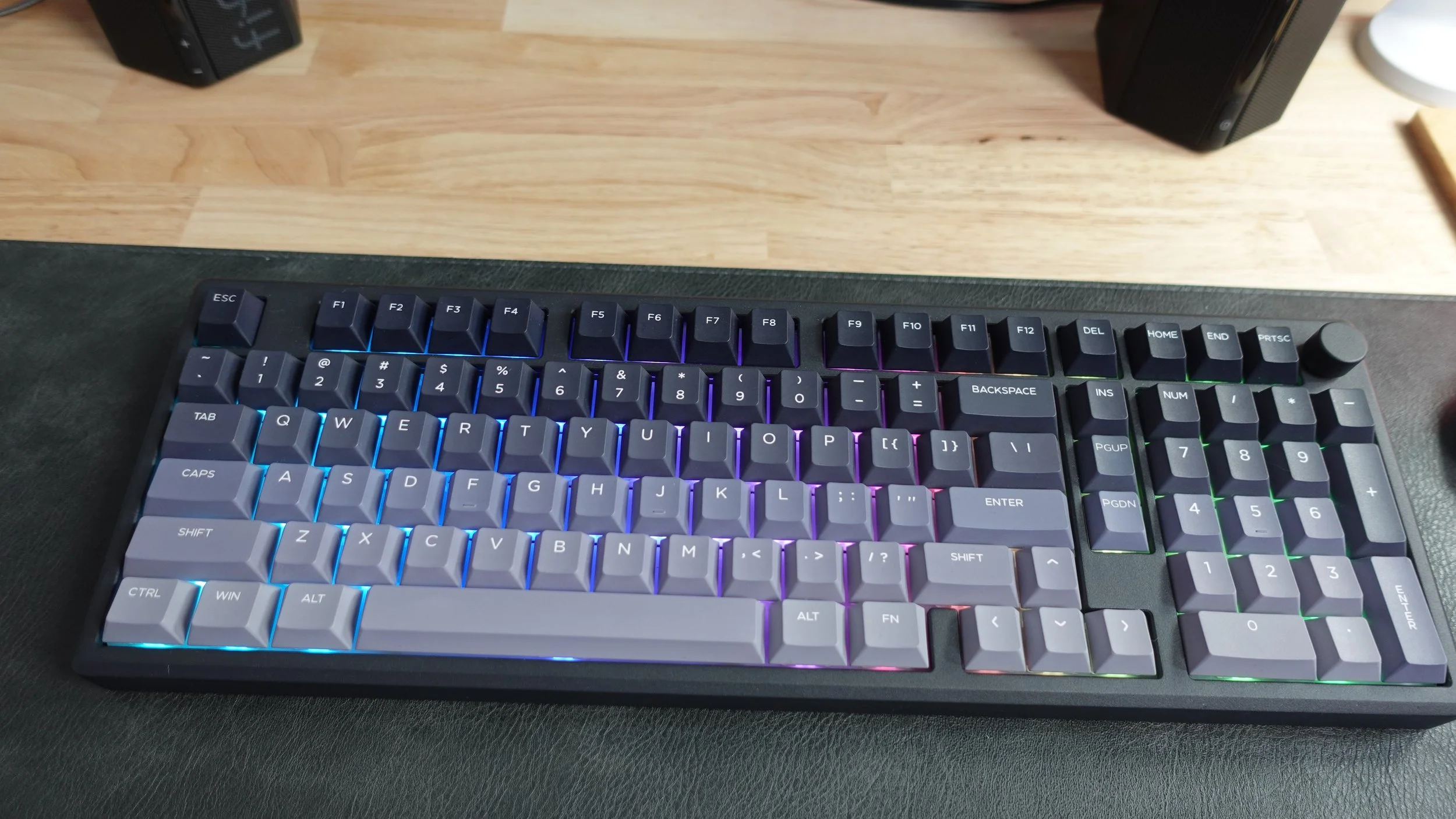
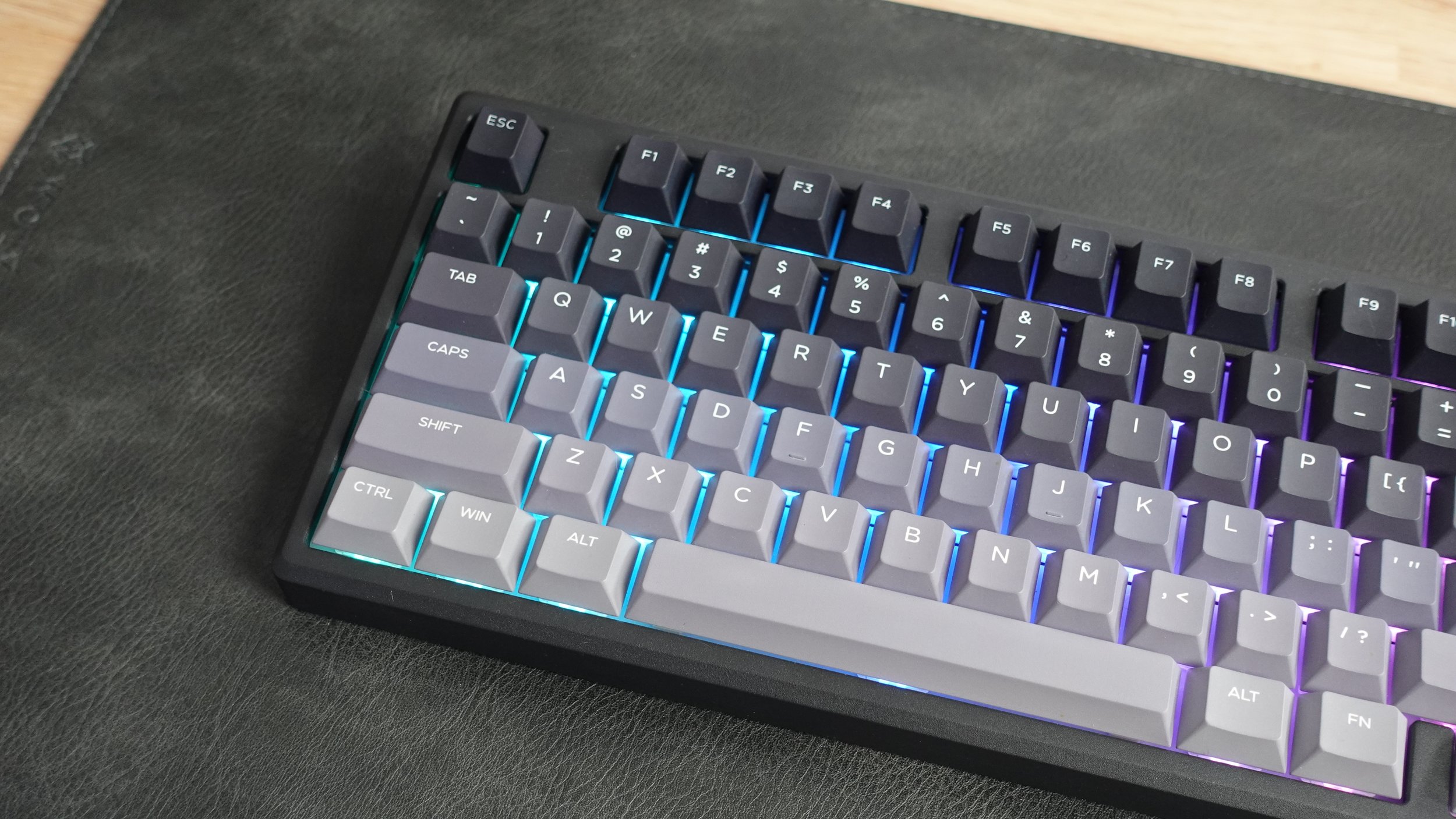
This 96% keyboard looks unassuming on any desk and would do well for someone who would make good use of a number pad or other function keys. But let’s start with the frame. The Galaxy100 Lite features an aluminum base making it look high quality, modern and functional. The color scheme on this black variant has a classic look to it, but inside the keyboard and above the aluminum, are many other layers that noticeably give stability to the keyboard and make the typing sounds enjoyable. There’s multiple foam layers, hot swappable PCB, lubed linear switches and PBT keycaps that all contribute to what makes the Galaxy100 Lite look and feel great.
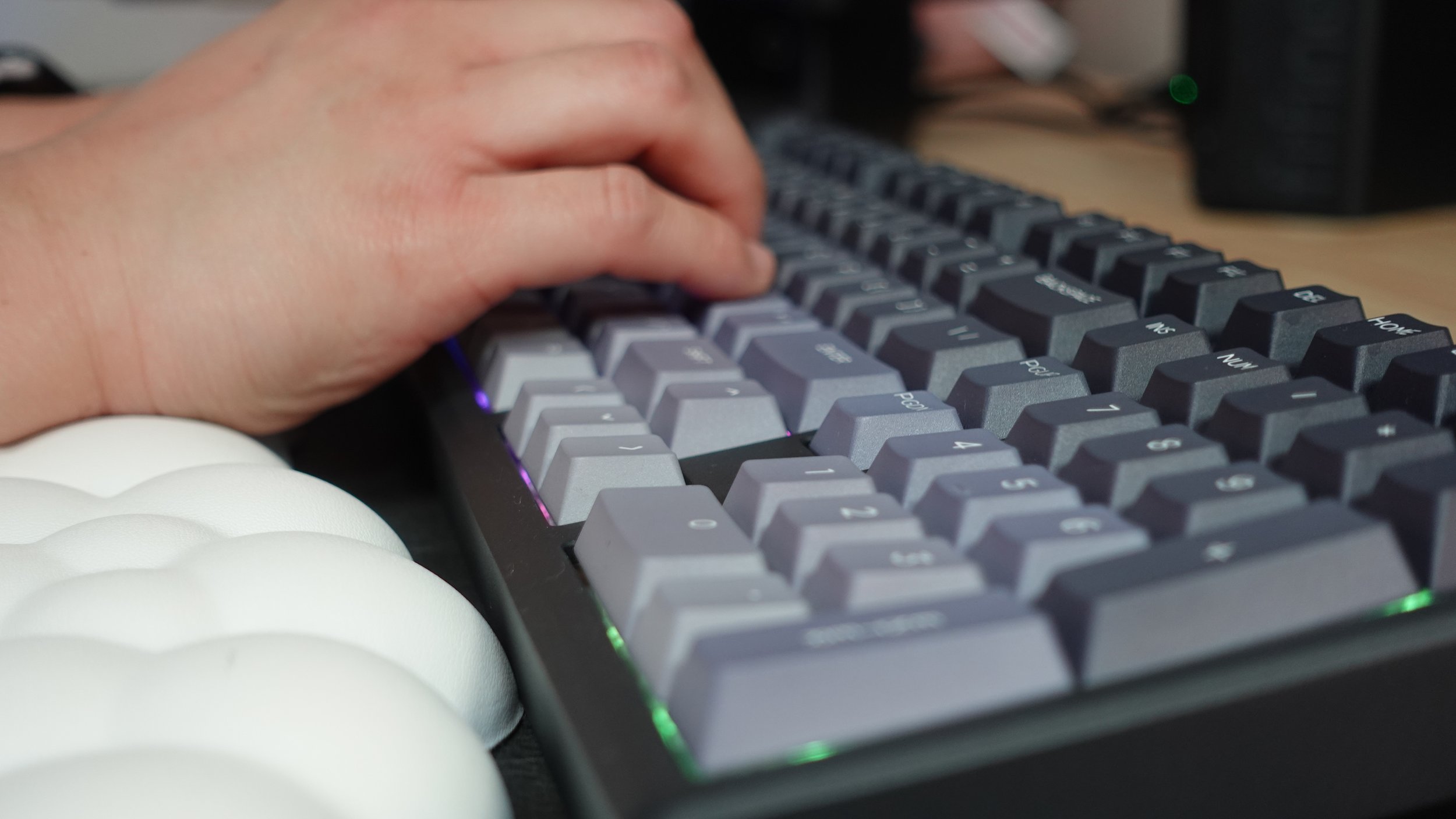
While the keyboard is indeed “thocky”, it’s somehow muffled in sound to not be annoying or loud to type. The variant that I received uses Marble White Switches and Epomaker advertises that they sound “akin to rolling marbles.” I’m not sure if that’s the same comparison that I’d use but I do like how pleasant they sound to type on. I’m pretty self-conscious about how loud my keyboard is, especially because I’m a fast typist and my microphone placement is not too far from my keyboard. When taking notes while on Zoom, others on calls I’m in can hear me typing at the same time. In this case, typing on the Galaxy100 was a very pleasant experience and satisfying to hear. In terms of comfort, it’s not adjustable but if you have a wrist rest I found it to be the perfect height for someone who wants a little support. The keys also feel very well spaced out and easy to navigate.
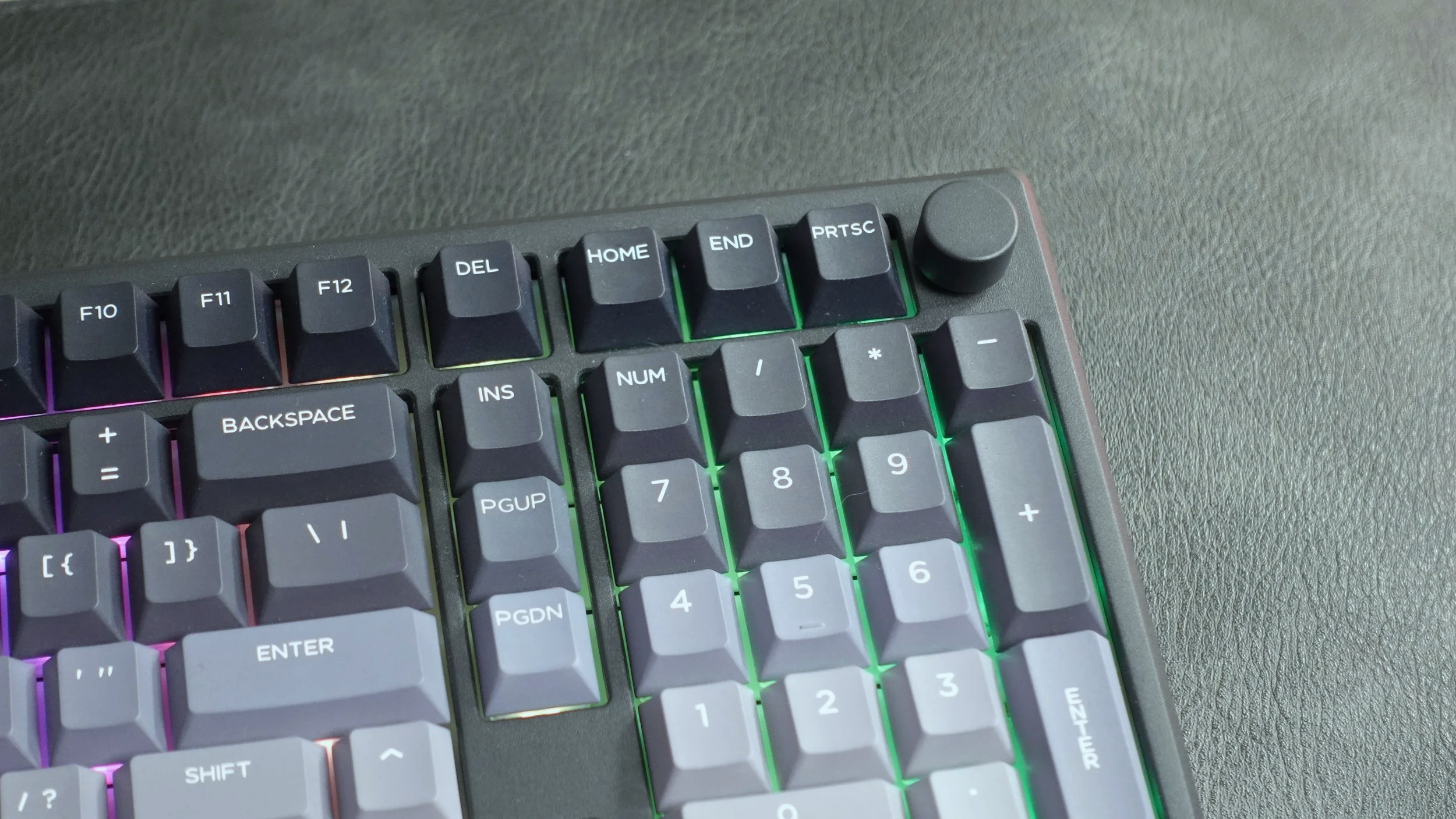
While I typically prefer my keyboards to have screens to convey the minor information you’d need on a device like this, the Galaxy100 Lite doesn’t have one. Instead, it simply has just one volume knob in the top right occupying that space. It’s convenient, easy to use and straightforward. There’s no gimmicks on this keyboard and you get a solid user experience that can be used for a student or office worker. You can also remap keys and set macros if you’re using this for gaming although the Galaxy100 Lite is not advertised as a gaming keyboard. You can also set these functionalities across Windows, Mac and Android.
South-Facing RGB


Since the Galaxy100 Lite isn’t trying to compete with flashier keyboards, its dynamic RGB backlighting is also fairly muted. It is noticeable thanks to its south-facing LEDs but it’s not obnoxious or trying to be too eye-catching. Nevertheless, I found the RGB to be bright enough to notice even during the daytime in a sunny home office and colors still being vivid enough to discern. Users do have the option to change RGB settings thanks to the VIA software and can personalize brightness, colors and lighting.
Slow to Wake
While everything on paper sounds great about the Galaxy100 Lite, I had one major gripe that ultimately made my experience with this keyboard very unenjoyable– and that was disappointing because everything else about the keyboard was seemingly perfect. That issue was the connectivity, specifically the extremely slow wake time. Like many other keyboards, there’s multiple ways to connect to the Galaxy100 Lite. You can choose to connect via cabled wire to USB-C port, 2.4GHz receiver, or Bluetooth 5.0. The absolutely disappointing part of the keyboard was the Bluetooth connectivity. I’m not quite sure why it was so slow, but in every instance of Bluetooth connectivity that I used this keyboard, it felt as though it took at least 10 seconds for the keyboard to wake up and respond to input. This was frustrating on multiple levels especially during work if my keyboard went to sleep and I was trying to type a response or email while thinking quickly. In this day and age, keyboards should not take this long to reconnect to devices. This was the case on both my MacBook Air and Dell laptops. For this reason alone, I have a hard time recommending this keyboard.
Battery Life
Despite very shoddy connectivity, the Galaxy100 Lite has a fantastic 8,000 mAh battery that really does last. After using this keyboard for over a month, I have only had to charge it a handful of times despite using it everyday for multiple hours a day with the RGB lights on. Without the lights, the keyboard can allegedly go for up to 512 hours which is absolutely bonkers to me. Charging the keyboard is fast and easy with a USB-C cable and the keyboard notifies its users when the battery needs to be charged thanks to its red indicator light that flashes when low battery. It’s little things like this that remind me how much thought Epomaker has put into putting functionality first into its keyboards.
Final Thoughts
For a price of about $120, the Galaxy100 Lite is sturdy, well built and designed for users. Despite having all the features and technology most people would want in a keyboard, this was not my preferred Epomaker keyboard thanks to its shoddy connectivity. If this issue were fixed or if you’re alright using an always it as a wired keyboard (which in that case why not just buy a wired mechanical board?) then I can definitely see the value in it for you.
We are a participant in the Amazon Services LLC Associates Program, an affiliate advertising program designed to provide a means for us to earn fees and support our channel by linking to Amazon.com and affiliated sites.
This keyboard looks like it belongs on an alien spacecraft.