
CRUA 34” Monitor Review
All the specs you want at a budget-friendly cost
purchase Price: $149.99
The CRUA 34” CR340D monitor is proof that you don’t need to spend crazy amounts of money to get the features gamers care about. On paper, this monitor comes packed with features: a 34” ultrawide 21:9 aspect ratio, 3440x 1440p resolution, 165Hz refresh rate, supports DisplayPort 1.4, and HDMI 2.0 with FreeSync. All of this for about $200 unless you pick it up during a sale. Seems too good to be true, right? Well, there might be some trade-offs when getting a monitor at this price. While CRUA claims to have over 120% sRGB coverage, this monitor lacks color vibrancy and does not pop like I thought it would. The 380-nit peak brightness is not impressive, especially during the day. Still, for most gamers, these compromises won’t be dealbreakers as they could be fixed either in the settings or at the time of day they play. In daily use, the CR340D monitor holds up enough to be the main display, especially if your priority is screen size and smooth gameplay over image quality. If you are looking for an affordable ultrawide monitor that works for both PC and consoles, this is a great recommendation for one. Just don’t expect anything fancy from this monitor.
Good Specs without the high-end price tag
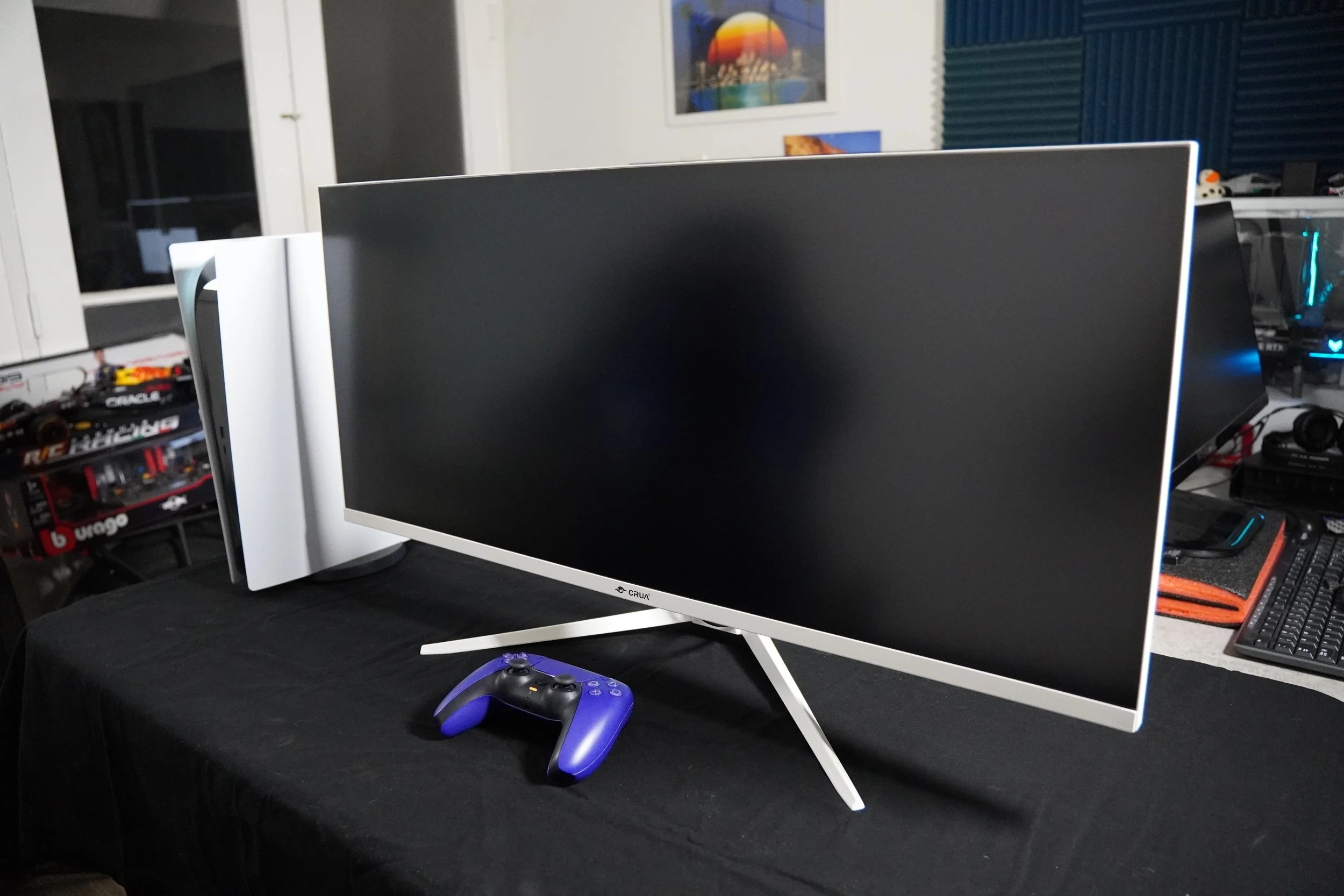
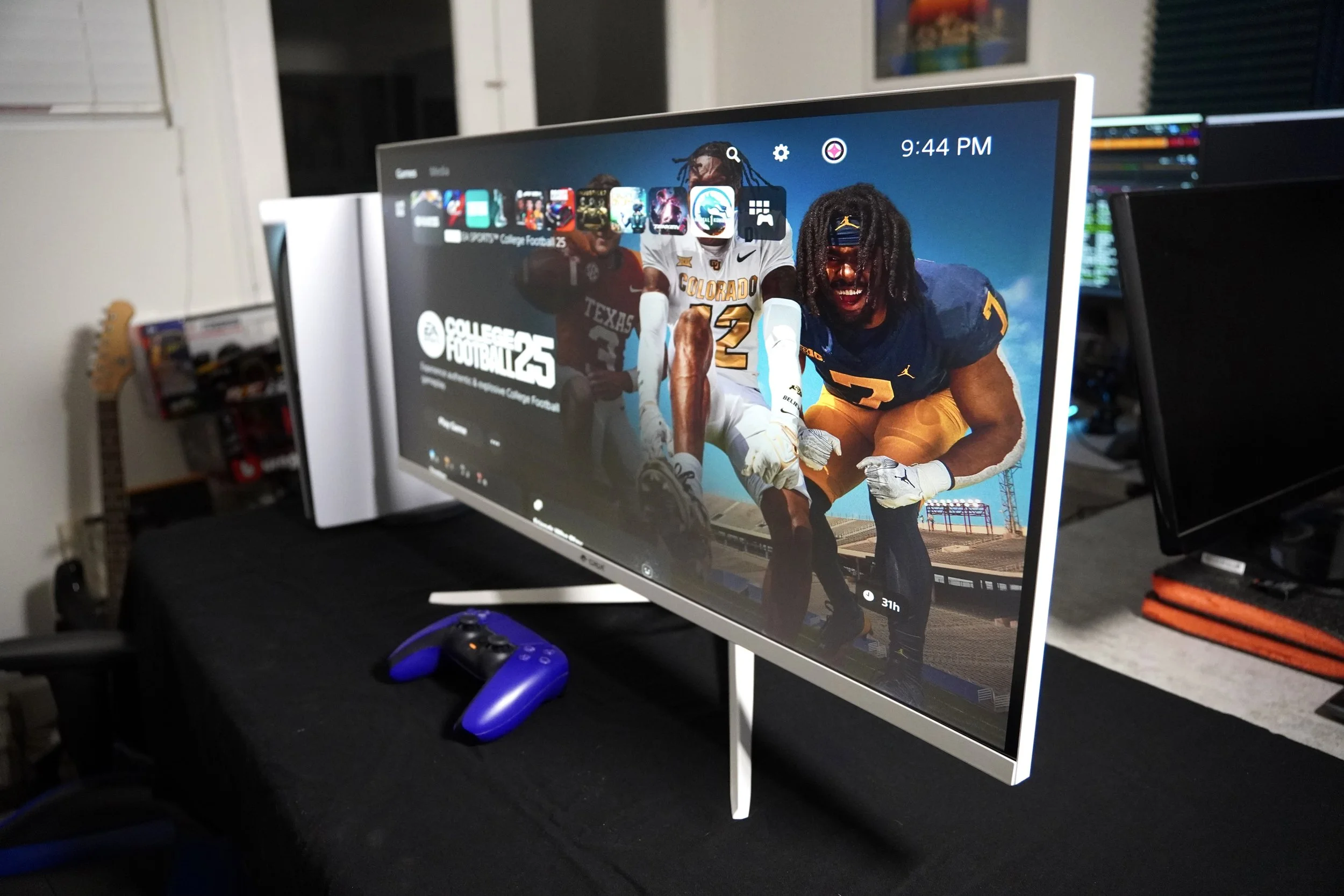
The CRUA monitor next to a PS5
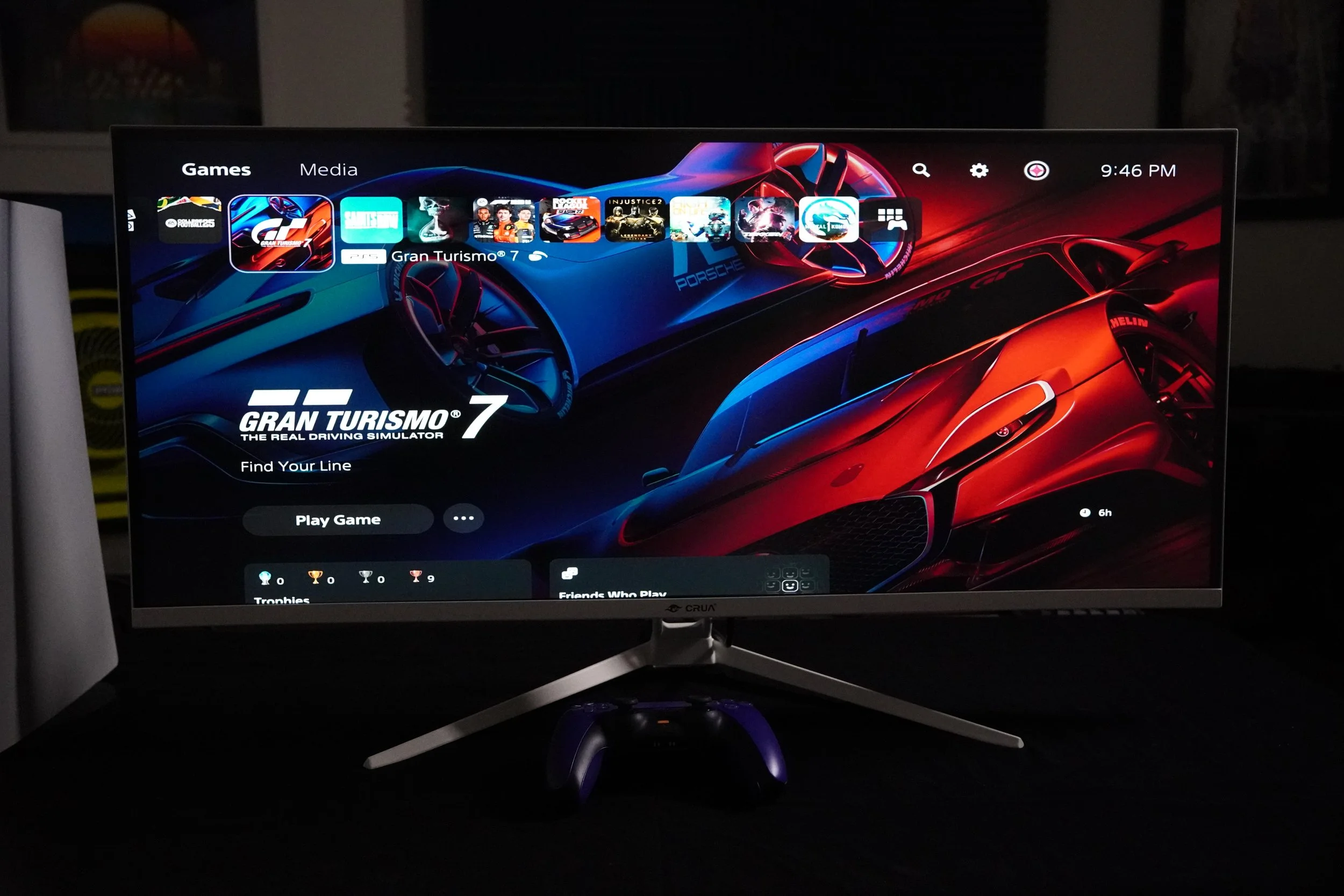
CRUA makes budget-friendly monitors that focuses on grabbing the shopper with specs that compare to their more expensive counterparts. This 34” monitor is quite impressive, being an ultrawide with 3440x1440p resolution with 165Hz refresh rate, something you see on higher-end monitors. CRUA implemented both an ultrawide monitor and an ultrawide curved monitor, great for whichever preference you would like. Out of the box, this monitor comes with the essentials: a DisplayPort, USB-C power supply, and a premium metal stand. Assembly is quick and painless, and with multiple buttons to navigate the menu. Using the monitor, it pairs really well with console gaming like the PS5, even though it is capped out at 120 Hz 4k resolution. After dialing in the changes in the menu for both my PS5 and monitor, everything runs smoothly. The monitor comes with different aspect ratio settings, letting you switch between the full 21:9 ultrawide or the 16:9 traditional format. While I had to adjust for the ultrawide format, it was the setting that I preferred.
an immersive experience for a wide variety of games
The overall experience using the CRUA monitor has been very positive, especially once you start testing it with your favorite games. Titles like College Football 25 and Forza Motorsports really highlighted the ultrawide experience. In College Football 25, the expanded field of view makes a noticeable difference compared to the standard ratio not reaching sideline to sideline. Meanwhile, Forza Motorsports really benefited from this aspect ratio by immersing me behind the steering wheel and making me feel like I am really in control of the car. When switching camera angles, the aspect ratio allows more space to be seen around the car on your left and right sides.
That being said, the panel isn't without its limitations. Colors come across a bit muted, especially during a scene that showcases nature or in visually rich scenes, but it is a lot less noticeable when in the moment gameplay, such as Forza Motorsport or Rocket League. The CRUA monitor’s brightness is more of a consistent issue for me. It does not feel as bright as some of my other monitors. When I tried changing the brightness in the settings, the IPS panel started to bleed in white, causing more discolorization. Having 380-nits really shows during the day or in well-lit rooms. During the night, though, the issue would not be noticeable and would improve dramatically. This allowed me not to focus on that and improve my experience.

The Gaming Life
From consoles to game reviews, we got it covered!
Final Thoughts
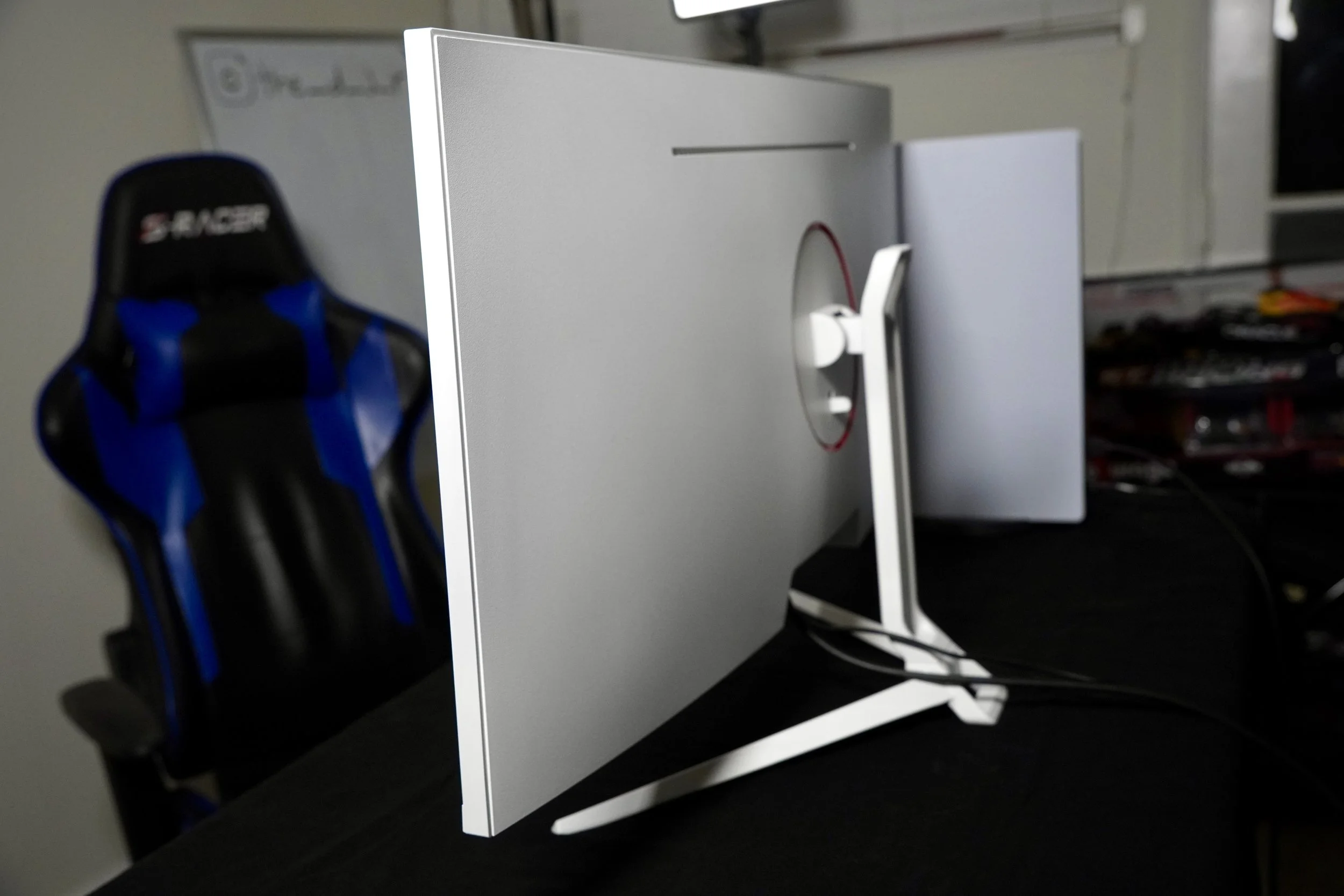
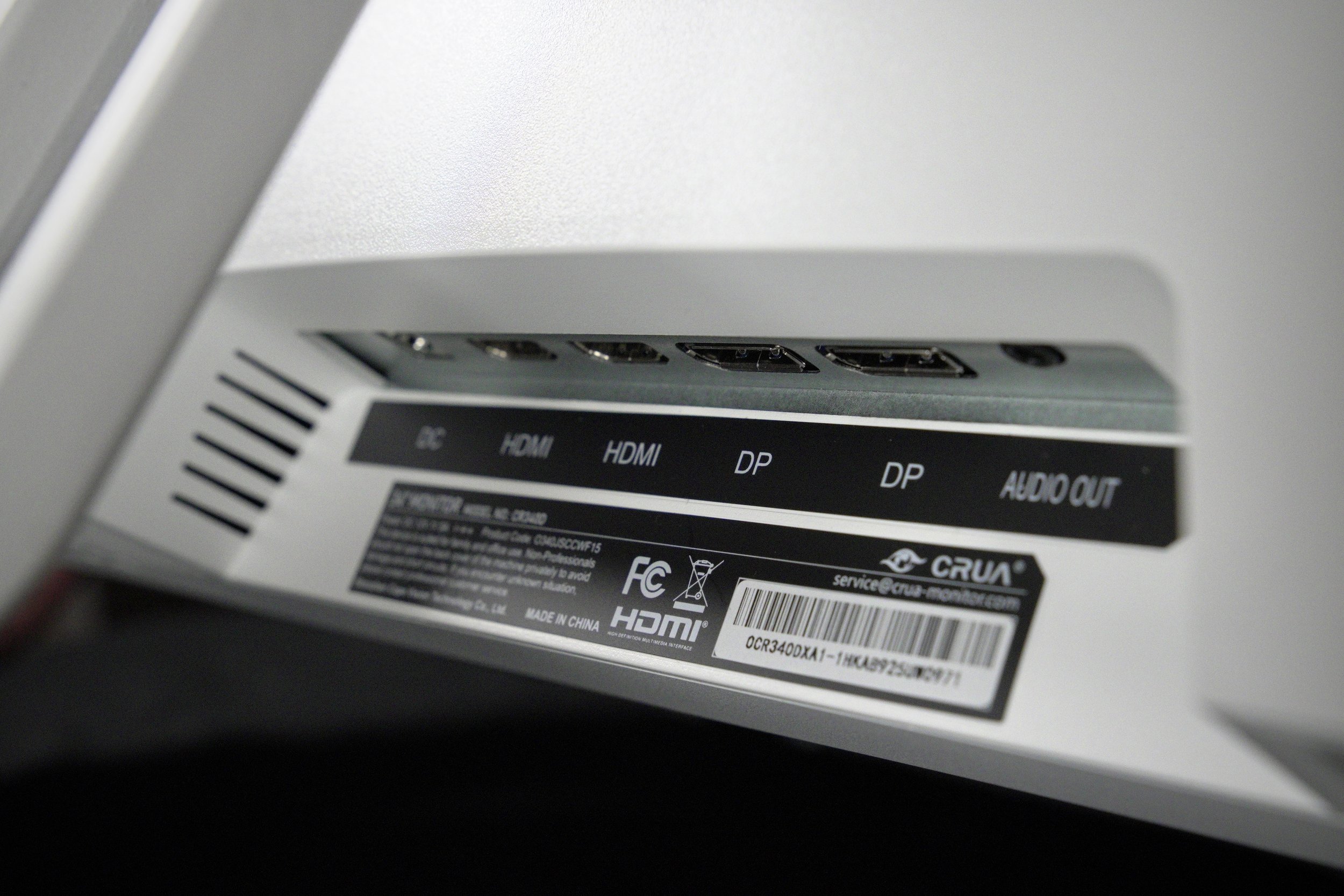
All things considered, the CRUA 34” Monitor gives the essentials to game with both PC and consoles while delivering all that at a reasonable price. It gives an ultrawide experience with smooth refresh rate, and solid everyday usability, all under $200. While it has its trade-offs, I believe that this monitor does everything you want it to do as a casual or a heavy gamer, with features you see on the more expensive counterparts. For the price, it’s an easy recommendation for this monitor.
We are a participant in the Amazon Services LLC Associates Program, an affiliate advertising program designed to provide a means for us to earn fees and support our channel by linking to Amazon.com and affiliated sites.
Dilian
Dilian is known to be tech-savvy and eagerly awaits new product launches. While covering new cars, gaming products, or new computer parts, he always brings his engineering insight to every review. Anything that piques this Engineer’s interest, you'd best bet that he will be doing the research beforehand.