
Logitech G Pro X2 Superstrike Review
Might be too good for me
What we have here from Logitech is an elite premium option on the gaming mouse side that very well could influence the outcome of a competitive gaming match. The Logitech G Pro X2 Superstrike essentially throws the kitchen sink and then some at gamers, covering every edge and competitive advantage into one little package. Over the last few years, the gaming mouse market has been on a mission to shave off as much weight as possible to create the lightest mouse in existence. Logitech doesn’t seem to just be chasing grams with the Superstrike, instead they’ve completely re-engineered the most fundamental part of the mouse: how it clicks.
Clocking in at a steep $179.99, the Superstrike ports rapid-trigger technology—a feature typically exclusive to the world of high-end mechanical keyboards—directly into your palm. It stands as an ambitious and potentially polarizing piece of tech that could very well redefine the standards for competitive gaming hardware.
retail Price: $179.99
Disclaimer: This unit was donated to us by a subscriber of Sypnotix free of charge to review, but all thoughts and opinions expressed in this review are our own.
Design and Build Quality
-
5 Buttons
Haptic Inductive Trigger System
44,000 DPI
61 Grams
HERO 2 Sensor
8,000 Hz Polling Rate
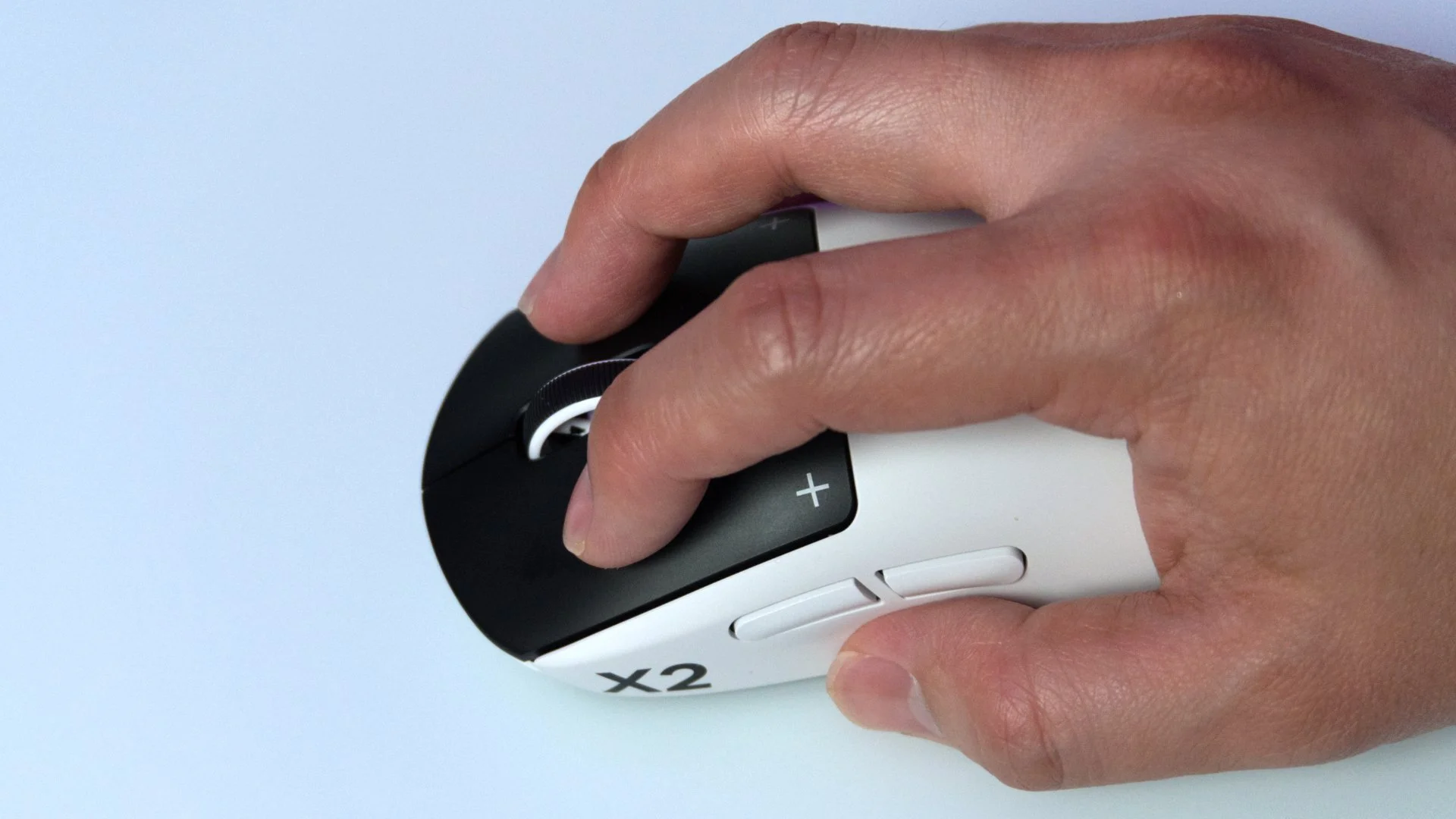
Logitech has made the strategic choice to preserve a chassis that is already widely recognized as an industry benchmark from their previous designs. It retains that same reliable, pseudo-ambidextrous profile, complete with a subtle hump that accommodates palm, claw, and hybrid fingertip grips with ease that many are familiar with the premium Logitech portfolio.
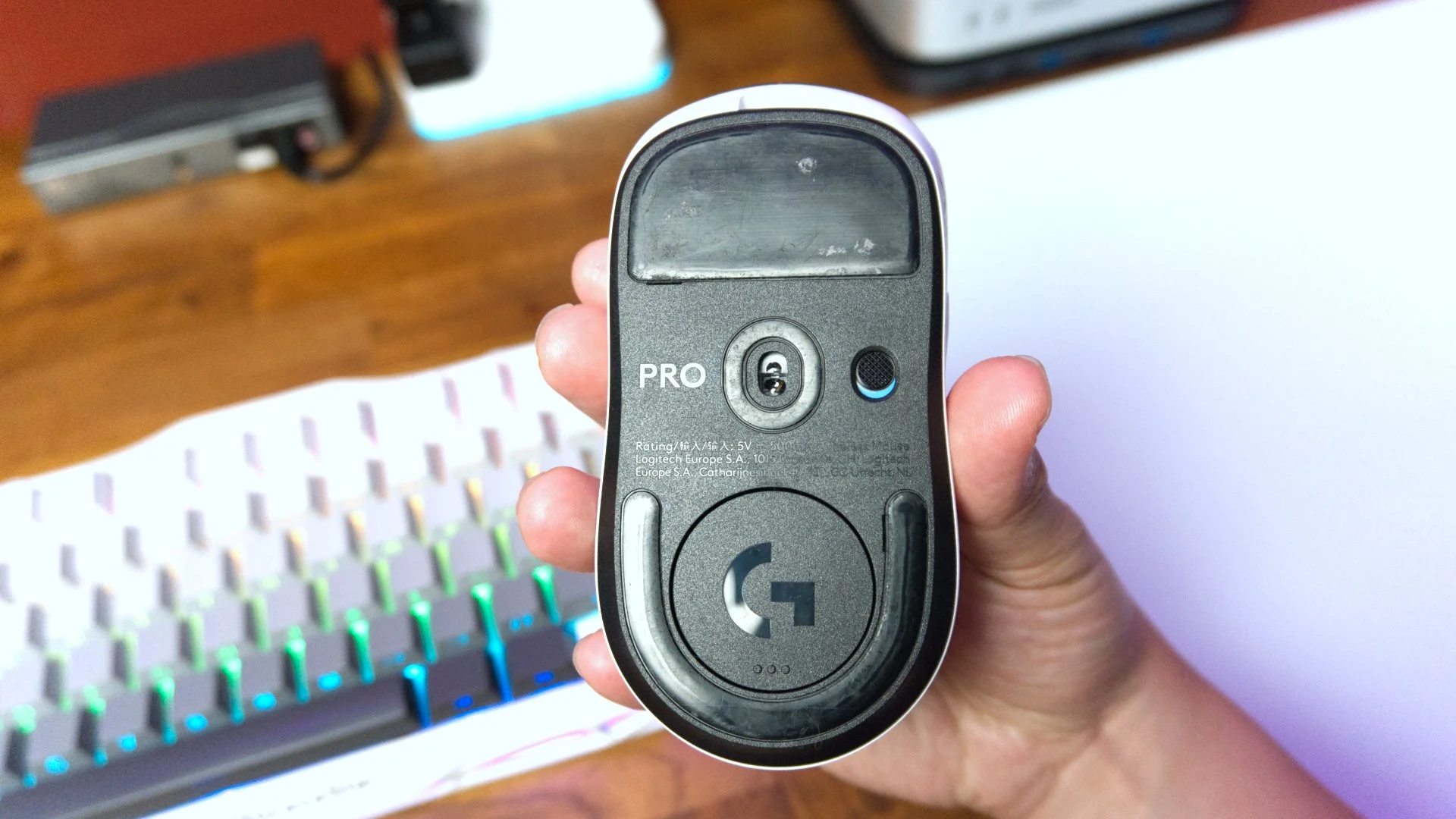
While tipping the scales at 61 grams doesn't crown it as the absolute featherweight in a market where competitors are aggressively dipping into the sub-50g territory, the Superstrike still remains exceptionally nimble. Without actually throwing it on a scale, you’ll be hard pressed to believe that other mice weigh less than the Superstrike. That’s also with the USB receiver stored inside of the mouse for safe keeping – which I like having a lot. The build quality is undeniably premium, utilizing a 0.7 mm thin-wall chassis that exhibits zero creaking or structural flexing, even under significant pressure. Flip it over, and you'll find extra-large UHMWPE (Ultra-High Molecular Weight Polyethylene) feet that facilitate a buttery-smooth glide across any surface. I’ve been throwing my mouse across a glass pad and it’s truly remarkable how lucid a mouse can feel in your hand nowadays with this combination.
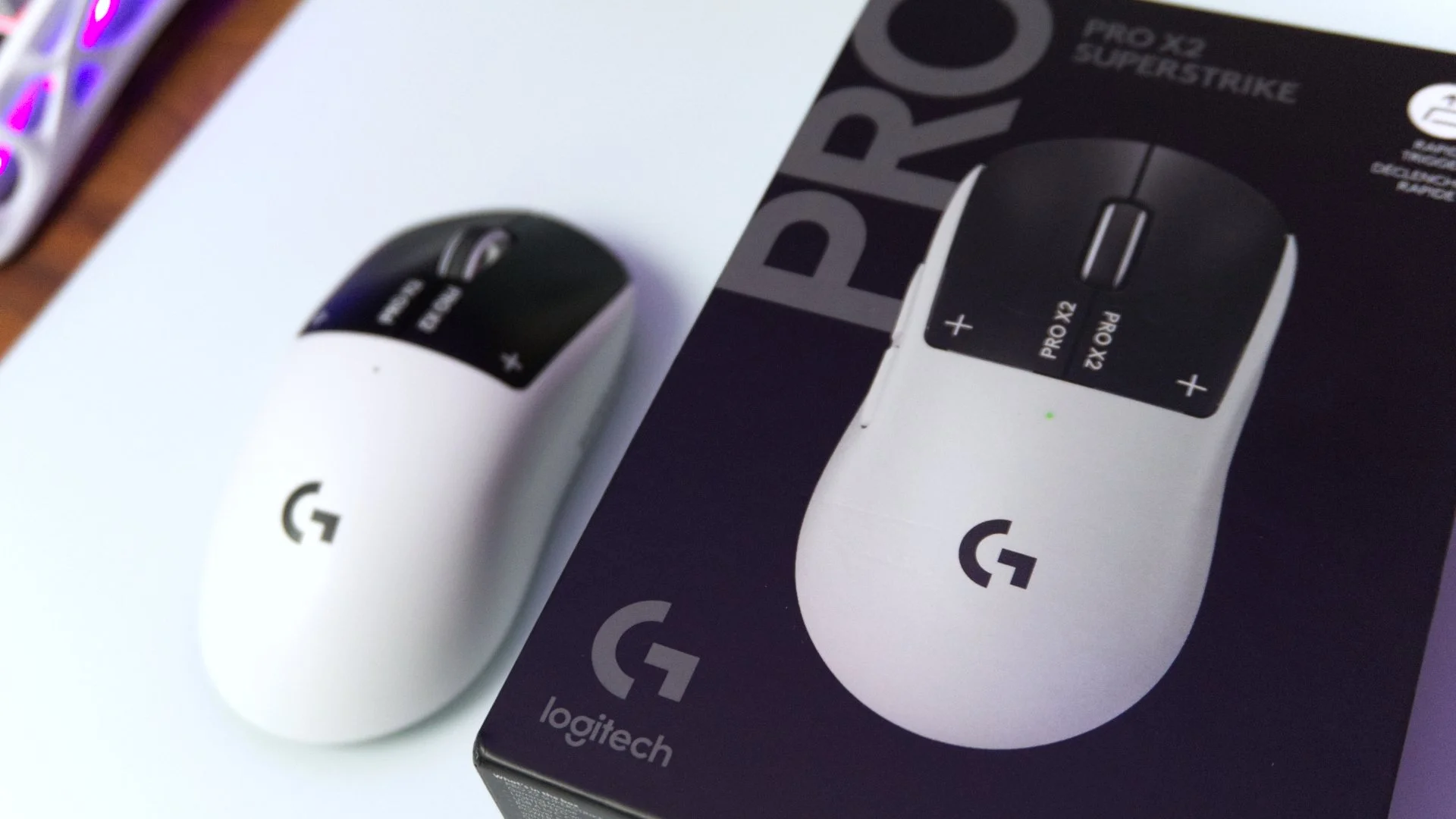
I personally wouldn’t say this is the most ergonomically comfortable mouse I’ve held in my hand, but it also wasn’t a cause for hand cramps after a few hours of gaming with it either. I play with either a palm or claw grip depending on the circumstances and both of these grips translate into the shape of the build decently.
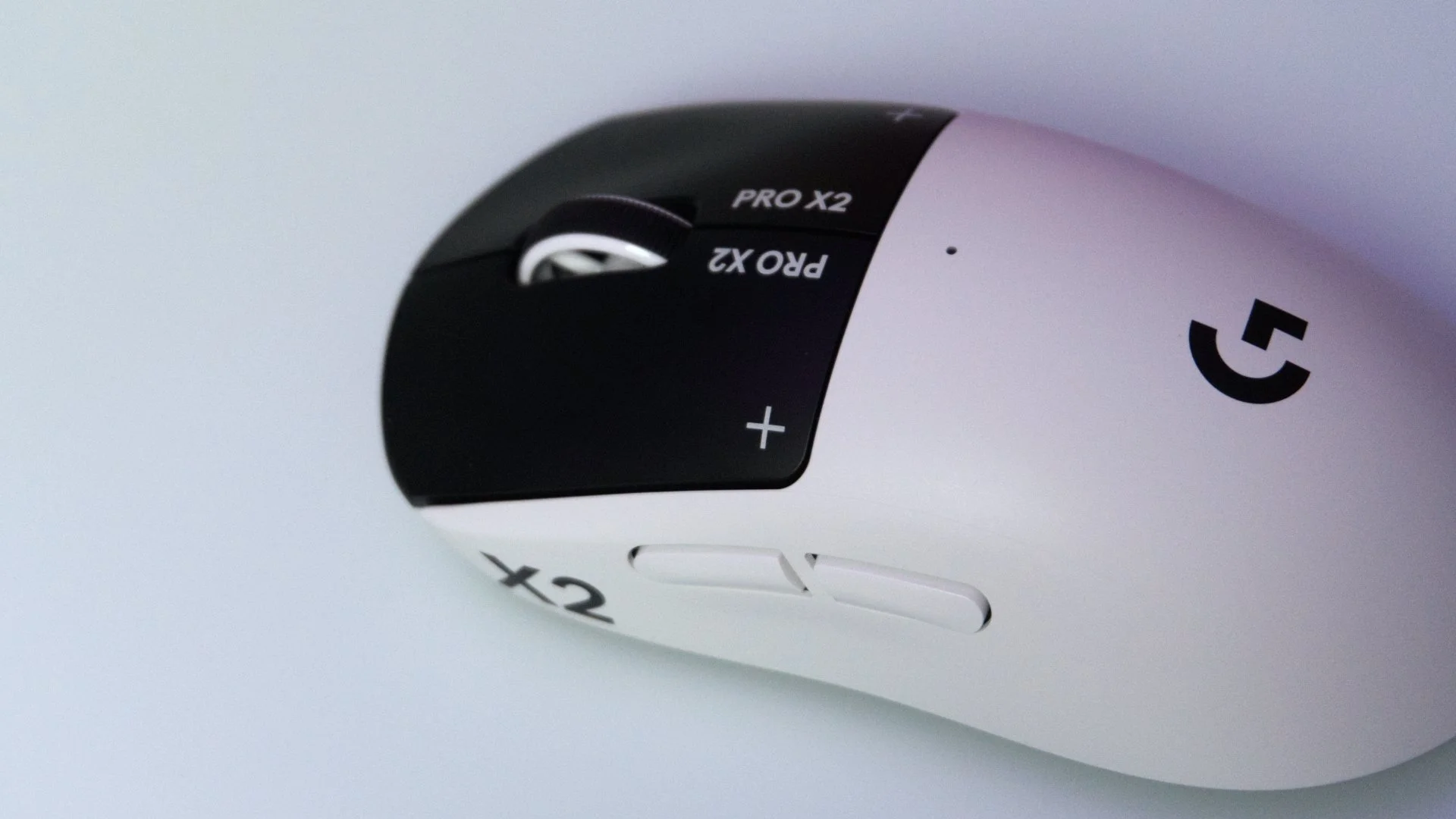
In keeping with its pedigree as a serious esports tool, Logitech has stripped away any trace of RGB lighting, opting instead for a sophisticated, matte finish—available in either black or white—and a minimalist 5-button layout.
HITS (Haptic Inductive Trigger System)
The undisputed star of the show is Logitech’s new HITS technology. Logitech has ripped out the traditional mechanical microswitches and replaced them with inductive sensors synced with custom haptic hardware. This gives your gameplay the ability to utilize Tunable Actuation in which you can adjust the exact travel distance required for a click to register across 10 different actuation points. You’ll also have Rapid trigger Reset which lets you set how far the key must return before it resets across 5 different levels. By calibrating the actuation to a shallow 2/10 or 3/10, the mouse registers a shot the literal millisecond you exert pressure. Logitech asserts that this innovation shaves up to 30ms off click latency; and within the high-stakes environments of reflex-dependent titles like Valorant or CS2, that critical thought-to-action pipeline feels so much more immediate. Of course this is way more than my level of gaming needs, but even with my casual gaming prowess, I too was impressed with just how fast this nifty little peripheral felt.
There might be a palpable learning curve with this system. Since the traditional physical break of a mechanical switch is absent, the tactile experience is delivered entirely through haptic feedback—which, much like the actuation, is customizable across 6 distinct intensity levels. To my hand, the sensation is best described as a standard click slightly muffled by a layer of tissues; it lacks that signature sharp, acoustic "clack" that many gamers are accustomed to. While it doesn't feel mushy in the traditional sense, it is undeniably distinct. For those who depend on that crisp physical snap, you might find yourself battling accidental double-clicks or misfires during that critical window where your muscle memory is forced to recalibrate.
This is not much different than the shift from mechanical keyboards to magnetic switches we’ve seen with the surge of hall effect boards circulating the market now. It’s an evolution of sorts and eventually I do surmise most people will switch over to this kind of technology with their own personal setups especially once the price of this technology inevitably lowers.
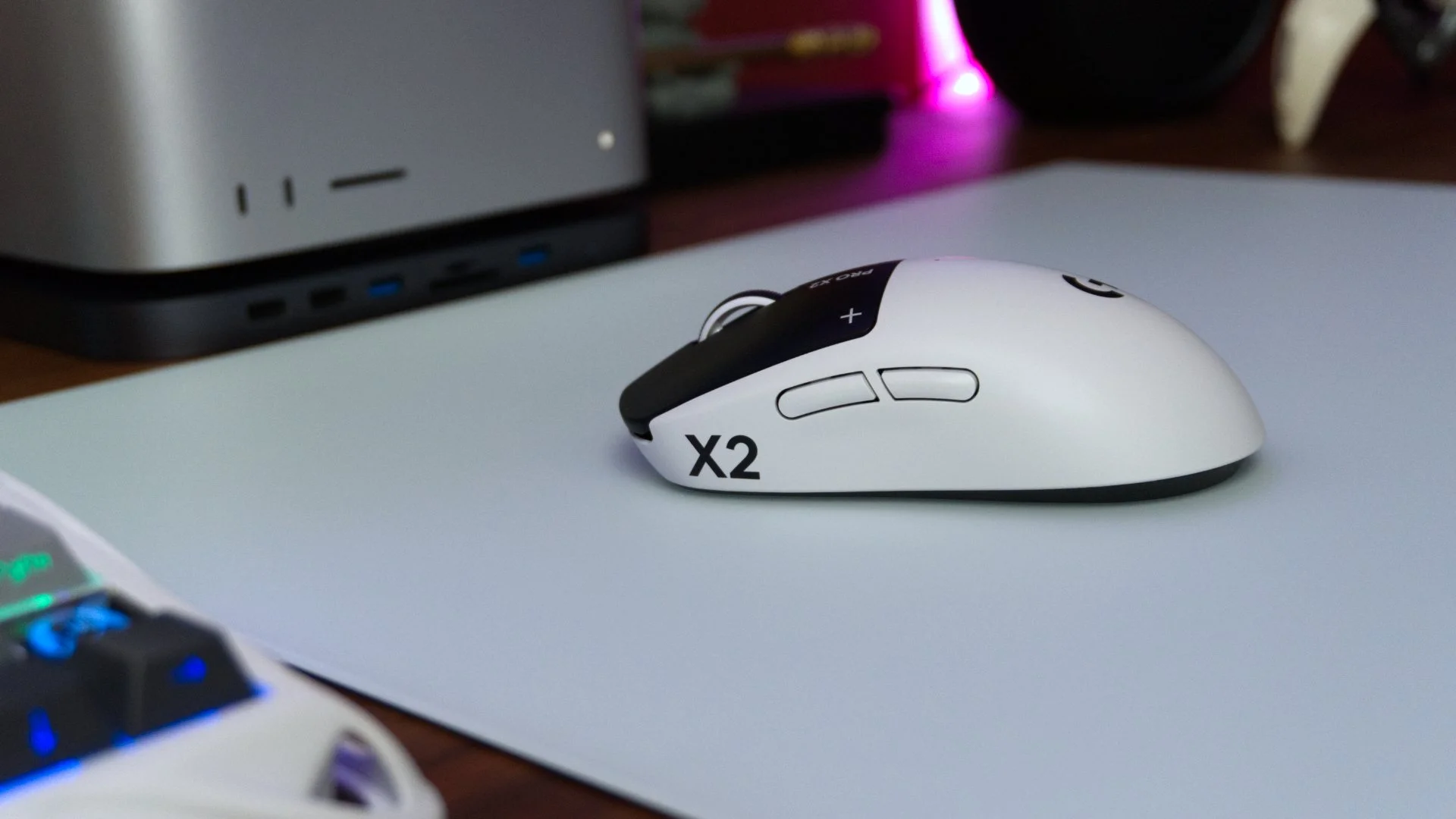
The G Pro X2 Superstrike on top of a glass mouse pad
Haptics Off
You can set the haptic level to zero and the clicks are completely silent
Performance and Sensor
The heart of the SUPERSTRIKE is powered by Logitech’s HERO 2 sensor. It boasts a maximum of 44,000 DPI, handles 88 G-force of acceleration, and tracks at over 888 IPS. Pair that with the included LIGHTSPEED receiver capable of 8,000 Hz polling, and you have a mouse that tracks basically flawlessly. There is no spin-out, no artificial acceleration, and no jitter that I’ve seen and that’s hopefully to be expected when doling out this asking price for a mouse. It might be an exaggeration to say this, but in some ways the mouse does feel like an extension of my hand when you consider all the variables it unites. The lightness, the speed, the features, the Superstrike does feel like an accessory that’s sole goal is to aid you and not to sabotage you. At the end of the day that’s what we want from our gaming peripherals– or at least the ability to fool ourselves into believing that.
Customization and fine-tuning are managed through the notorious Logitech G Hub suite, acting as the command center where you can dial in haptic intensities, specific actuation points, and precise DPI intervals. As always with software from the big gaming accessory makers, it can occasionally feel a bit cumbersome to navigate, to connect, and control. When things get going and are actually controlled properly, the level of granular control it affords over the HITS system is expansive.
My biggest complaint about this mouse is the lack of a physical DPI button on the mouse. Logitech makes the assumption that you will set the DPI with G Hub and leave it as such during a session. While that’s fine for a single gaming session, I personally change my DPI setting for various reasons when operating my PC. I also currently only use one single mouse across my Windows and macOS setups. G Hub has a list of different full settings on it which is great, but you will still need to open up the program every time to change it. While the mouse does save on-board, I swap over from Windows to Mac frequently and the settings do not carry over from one OS to another meaning I have to download G Hub for both computers. A pre-loaded set that can be toggled through by a button anywhere on the mouse is something I took for granted until I lost that flexibility with the Superstrike.
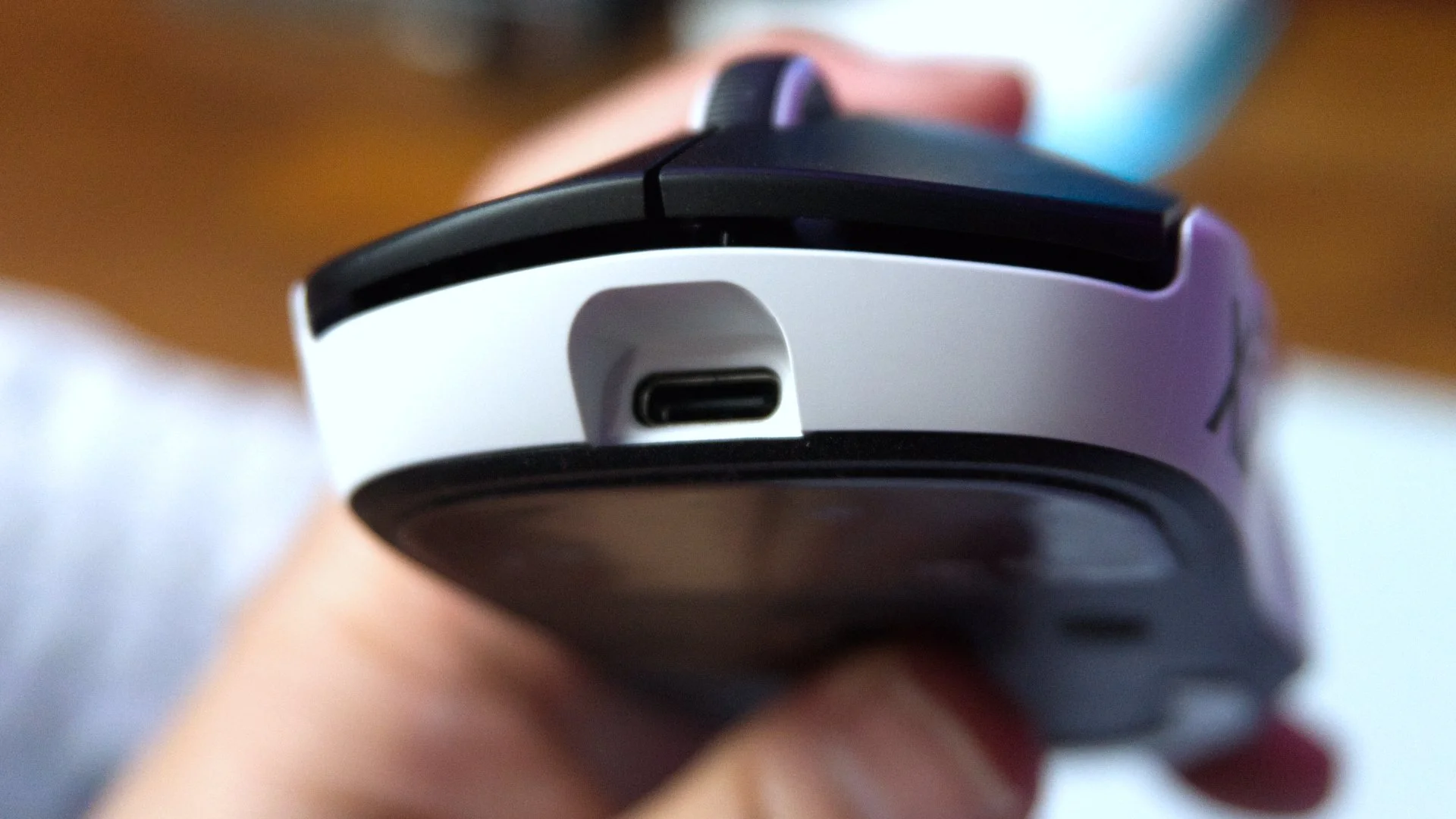
As a wireless mouse with the additions of haptic motors and 8 Hz polling, Logitech has still managed to squeeze a solid battery life showing out of the Pro X2 Superstrike. Depending on the usage, I’d say the 60 to 90 hour range is a good gauge of life on a single charge via the USB-C port. While I didn’t have the Powerplay 2 wireless charging ecosystem that Logitech sells separately– so I wasn’t able to review it, this mouse is compatible with that.


Final Thoughts
At times I wondered to myself if the Logitech G Pro X2 Superstrike was the right mouse for me. The honest truth is that it’s likely meant for a small segment of the gamer market that is ultra-competitive at FPS games looking to shave every possible millisecond off their reaction time to match their high-end hall effect keyboard performance. If you’re already reaping the benefits of rapid-trigger on your keyboard, it’s only natural to want to unify that rapid-trigger experience across your desktop so the mouse is the next logical item to upgrade.
You’re not going to magically become a top ranked player in your game simply by purchasing this powerful little mouse. If you’re bad at your game, no amount of money you spend will compensate for the deficiencies in skillset. Still, like I’ve said in many of my reviews for hall effect keyboards, competent competitors that know how to capitalize with better weapons will absolutely find the Superstrike to be that ace in the hole that can pull you out of the trenches when needed.
We are a participant in the Amazon Services LLC Associates Program, an affiliate advertising program designed to provide a means for us to earn fees and support our channel by linking to Amazon.com and affiliated sites.
Does Razer provide enough benefits for MMO players to use this specialty mouse over a regular gaming one?