
Sennheiser Profile USB Microphone Review
For Aspiring professionals
Purchase Price: $129.00
I have aspirations of one day making a living by performing. Am I anywhere near that reality right now? Not even close. And frankly, not having a salaried job with traditional benefits scares the living daylights out of me. Especially now that I have a child. Speaking of my child, having him has brought me so much joy, but it has also made it a bit more logistically challenging to find and be able to take performing opportunities.
Right now, the only performances I’m going to be able to consistently try for is something I can record from the comfort of my home. Which is why I was in the market for a mic. Luckily, I’ve joined The Sypnotix team who allowed me to pick a mic and review it.
According to voice acting pros, the industry standard for audio recording is to have an XLR mic connected to an audio interface. And I’m sure they’re right, but that’s a lot of equipment and software to invest in when you’re just starting to dip your toe into recording. And frankly, it’s intimidating.
So, I went looking for a quality USB mic with a budget of $150, and opted for the Sennheiser Profile, purchased on Amazon for $129. I knew the Sennheiser brand from my days as a stage performer in various groups, and trusted that if they were going to put out a mic that was less than “industry standard,” it had a good chance of being a strong alternative.
About the Mic
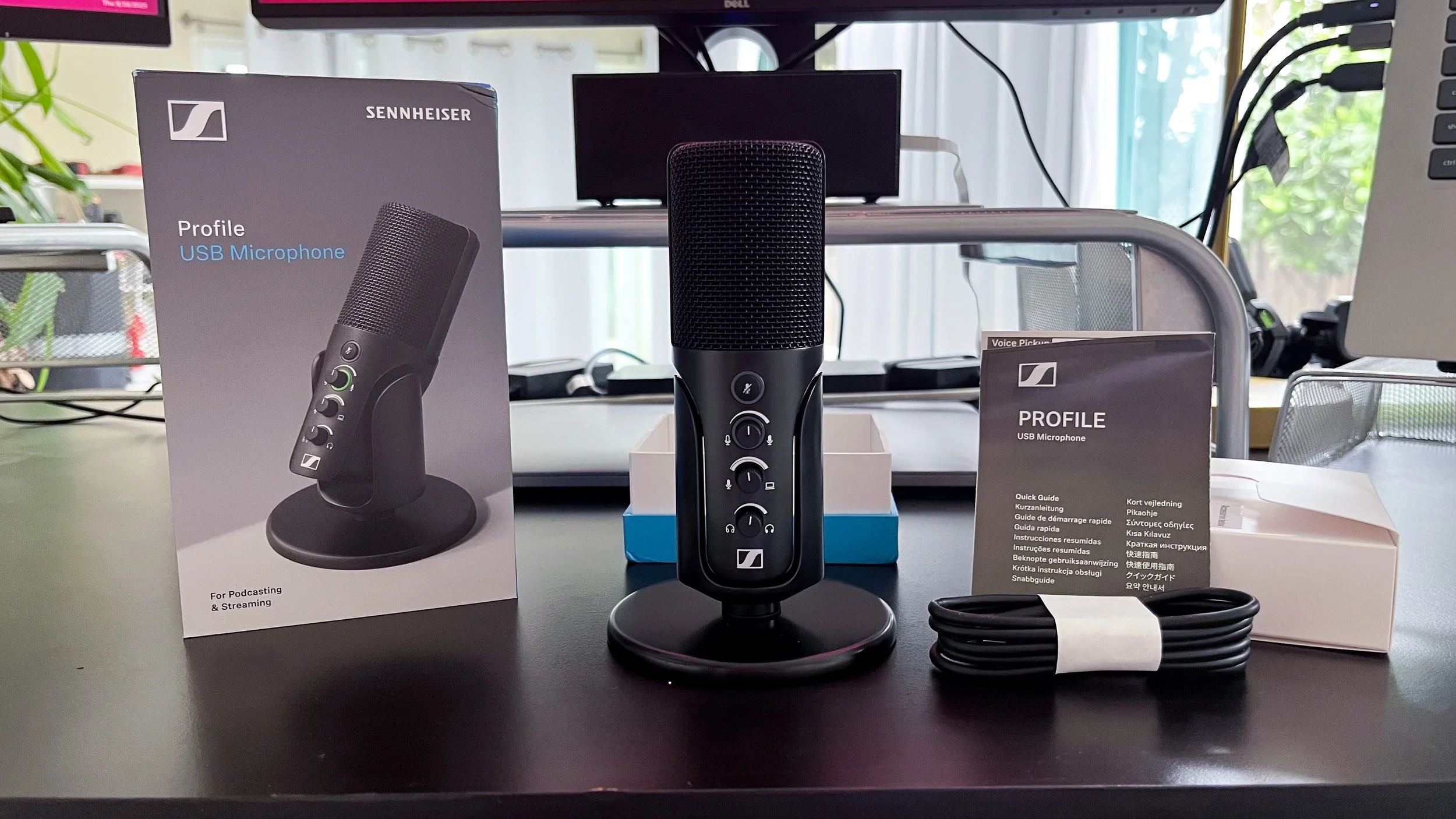
The mic is sleek and looks very professional, with an all-metal housing and table stand in black, with a black metal mesh screen. In the hand, it feels substantial and seems to be made of high quality materials. Along with the mic and table stand, the box included a 1.2 meter USB-C to USB-C cable, quick start guide, and safety guide. For the full user manual, you’ll have to scan the QR code in the quick start guide. Sennheiser also offers a more expensive package option, the “Streaming Set,” that also includes a boom arm and a 3 meter cable.
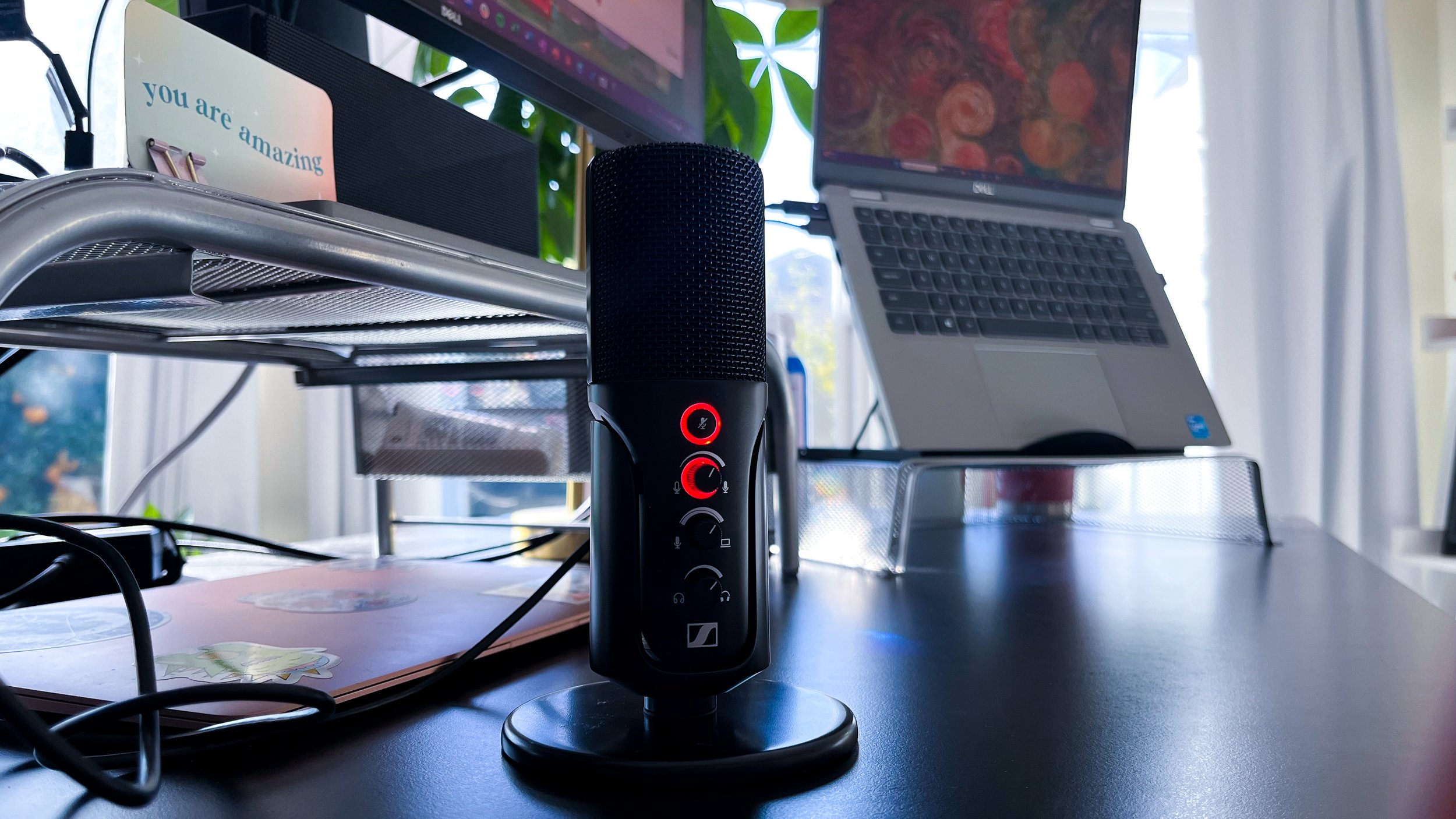
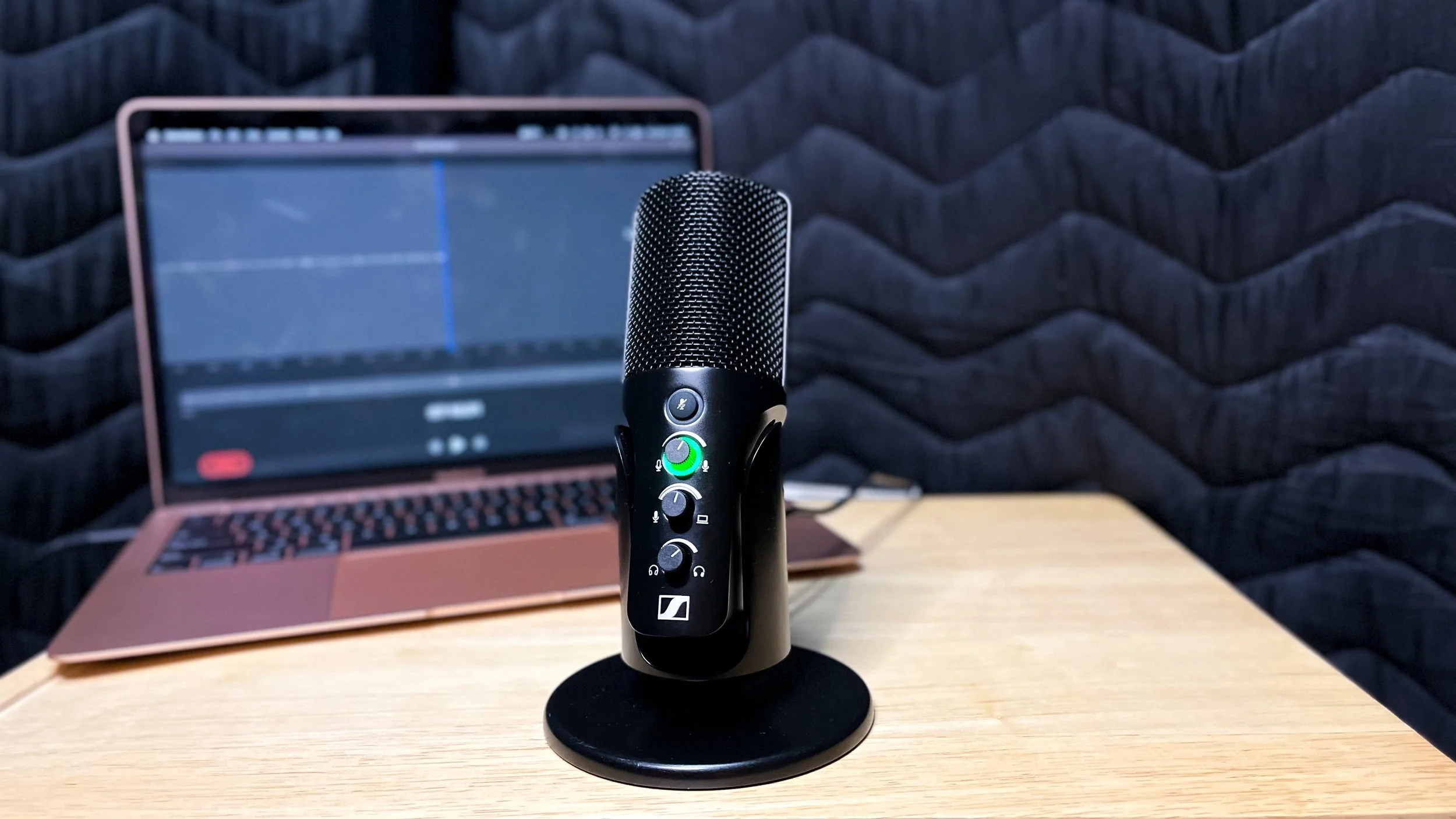
On the front of the mic, from top to bottom, is a soft-touch mute button, gain control knob, mix control knob, and headphone volume knob. When plugged into a device, the gain control knob has a green LED ring around its base. When the mute button is engaged, a red LED ring appears around the mute button and around the gain control knob. This is such a helpful indicator, because I much prefer to use the physical mute button on my mic when I’m on work calls, rather than using the Zoom mute button.
Another note on the mute button–the mic does not pick up any of the sound of pressing it. That’s how “soft-touch” it is! If you are going to be using this mic for anything live and will need to mute throughout, your audience won’t get the weird click that other mics sometimes deliver when their mute button is pressed.
On the back of the mic is a USB-C port and a latency-free 3.5mm headphone jack. You can tilt the mic back about 30-40 degrees, and you can unscrew it from the table stand to attach it to a boom arm or other mic stand, using a 5/8ths or 3/8ths screw.
The mic has a cardioid condenser capsule, which means it will pick up the sound best from the front of the mic, and will reject sound from the back of the mic. On the table stand, the mic sits at about six inches tall. Since it’s generally recommended that you be two to six inches from the mic for the best sound quality, unless you’re going to be hunched over speaking into the mic, expect to turn the gain up and get some background noise when using the table stand.
First Impressions
When it arrived on my doorstep, I was so excited to get this out of the box and put it the use. I wanted to include my honest first reaction for my video review, so I got out a USB-C to lightning cable (I have an iPhone 13 mini, which was the last generation of iPhones to use the lightning cable), plugged the mic into my phone, and started recording my video. When I went to watch and listen to it back, I was disappointed to find out that the mic did not actually connect to my phone (since this was my first time plugging it in, I didn’t realize anything on the mic was supposed to light up when connected. I know that now).
Apparently it really does require a USB-C-to-USB-C connection. I don’t understand the magic that happens inside of a cable or the difference between what information a USB-C end can transmit versus what a lightning or any other end can transmit. All I know now is that this particular mic requires both ends of the cable to be USB-C in order to transmit the information.
Once I got over being bummed, I plugged the mic into my computer, plugged in a set of headphones, turned up the gain, and sent Lida (yes, the co-founder of The Sypnotix) my first ASMR voice message, where I was giggling with giddiness the whole time.


How I’ve used the mic
I’ve had the mic now for three months and have used it for work Zoom calls, creating how-to videos for work, recording voice acting auditions, and, my favorite use, solo karaoke parties. For work calls, because I don’t have a boom arm for the mic, I’ve had the gain turned up about 60-70% while it sits on the edge of my desk, about 15 to 20 inches from my mouth. My home office also has minimal sound treatment. Between the distance and the environment, it’s not ideal for best sound quality, but it sounds better than the mic that is built into my webcam, so it’s an upgrade, for sure.
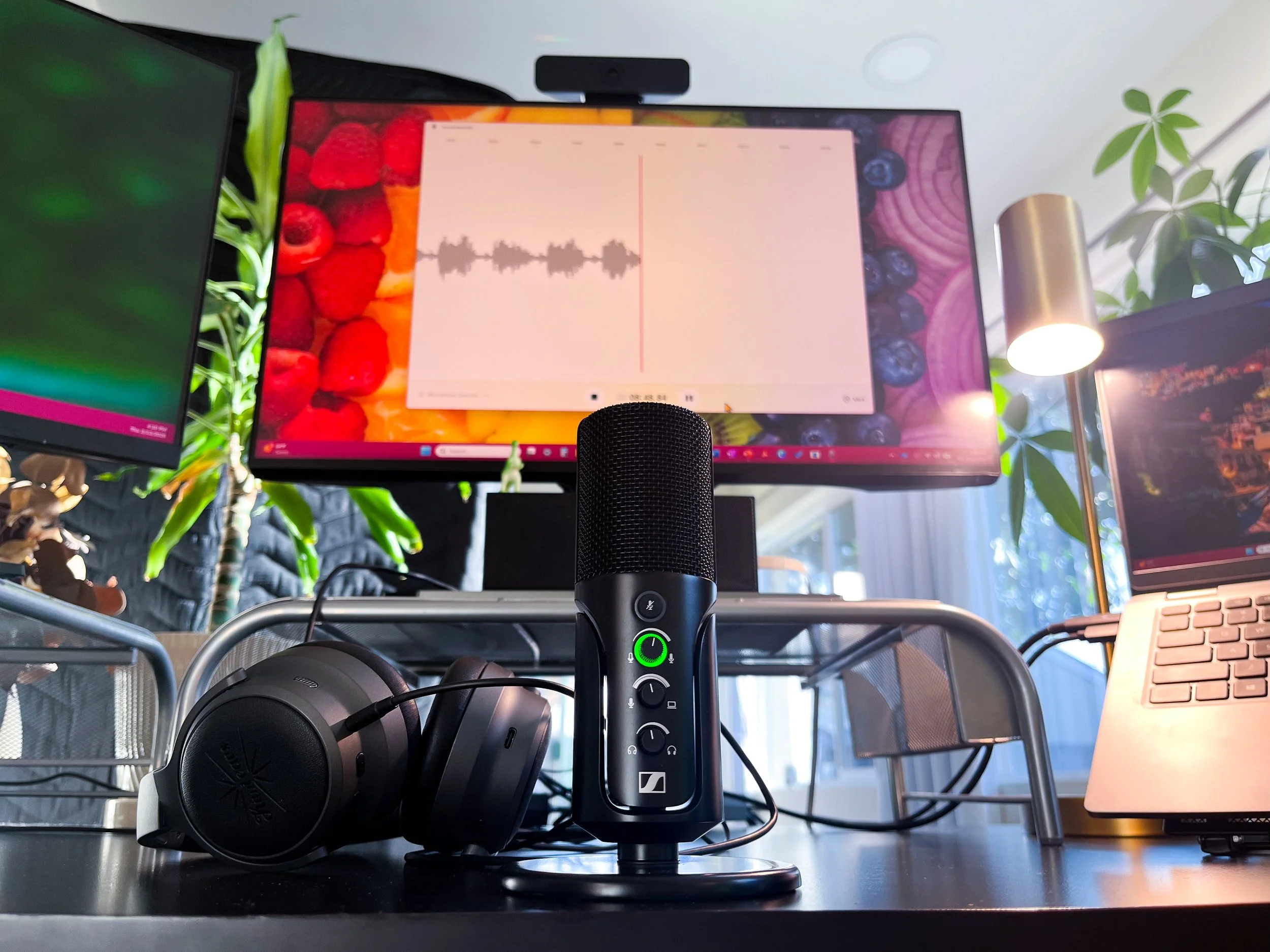
To create the audio for my work how-to videos, and to record my voice acting auditions, I have a portable sound booth (a PVC frame draped in sound blankets). I set up my laptop on a music stand covered in a blanket, and use an old tripod to hold the mic, so it can be the recommended two to six inches from my mouth. While I haven’t booked any voice acting gigs yet, I’m very happy with the quality of the recordings. And everyone at work has been very impressed with the audio (and video) of the how-to videos I’ve created using this mic. Also, even at only a couple of inches away, the mic does a great job of not picking up plosives.
And finally, the solo karaoke parties. I’ve had plenty of solo karaoke parties before I got this mic, but being able to sing into a real mic and hear the feedback through the earphones added a piece I was missing from my stage performing days. While this use of this mic won’t pay any of my bills, it sure does bring joy to my heart, which is equally as important.
Final Thoughts
I have been very happy with this mic (minus the part where my phone is one generation too old to be compatible). The Sennheiser name and design aesthetic make it look and feel very professional. And the USB-C plug-and-play simplicity, combined with the on-board controls make it super approachable to a beginner. Since this mic is on the higher end of the USB mic price range, I’d say it’s worth investing in (or gifting) if you are someone who is serious about streaming or podcasting or recording, but doesn’t want to get hung up on learning mixing software or additional hardware.
We are a participant in the Amazon Services LLC Associates Program, an affiliate advertising program designed to provide a means for us to earn fees and support our channel by linking to Amazon.com and affiliated sites.

Made from a solid metal, this low profile boom arm handles the microphone holding job well.