
MelGeek Horus Mouse Review
A lightweight powerhouse
Disclaimer: This unit was donated to us by a subscriber of Sypnotix free of charge to review, but all thoughts and opinions expressed in this review are our own.
Retail Price: $119.00
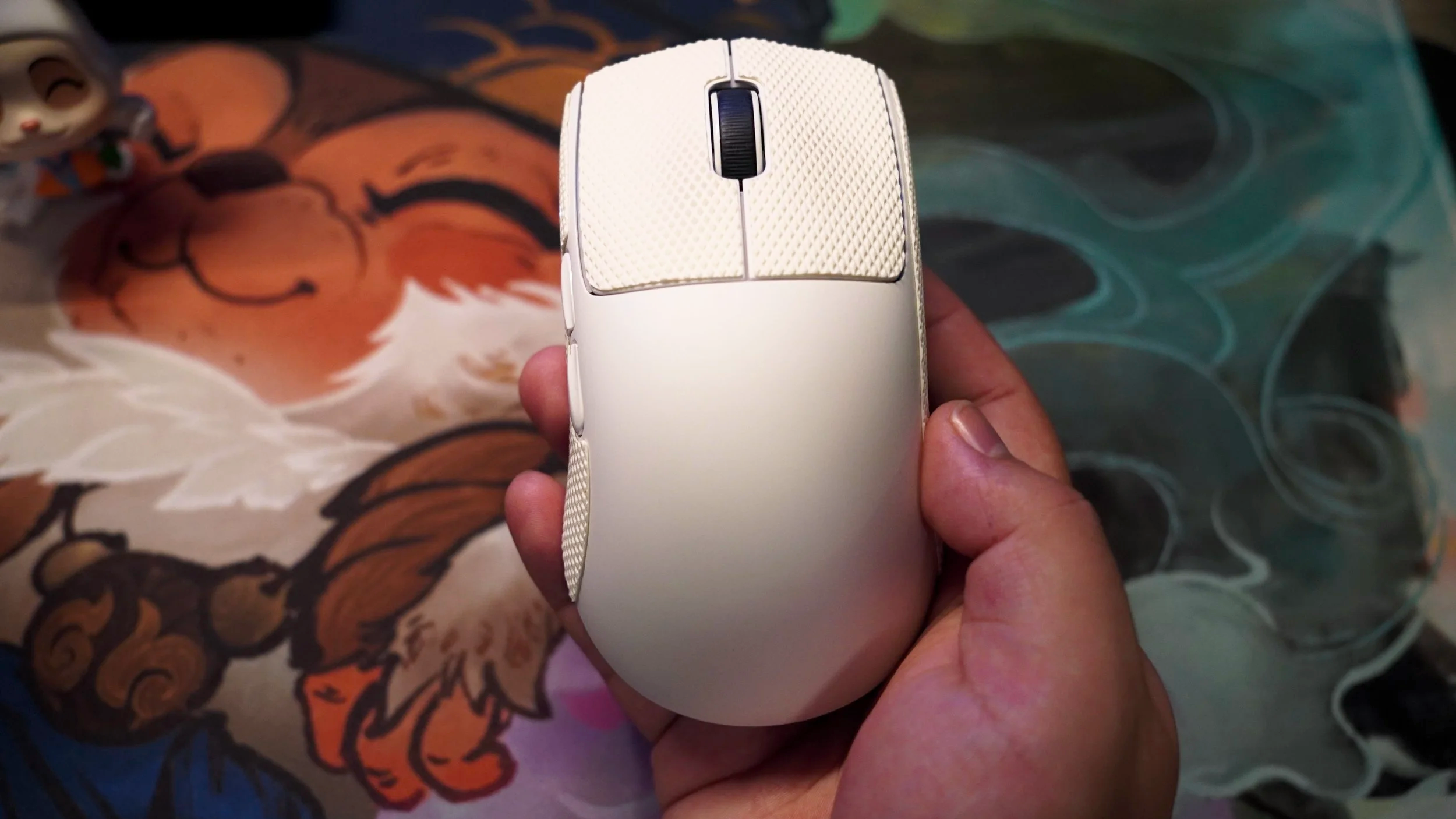
MelGeek has delivered an impressive ultra-lightweight design when creating the Horus. It can comfortably compete with some of the bigger-name companies in the competitive gaming mice market. Weighing in at nearly 49 grams, the Horus has an extremely lightweight chassis capable of reaching 30,000 DPI and an 8,000Hz polling rate thanks to its high-end sensor embedded as the main focus. On top of that, the Horus is priced far below the standard for high-end, ultra-lightweight competitive gaming mice at $120. You are getting one of the best bang-for-your-buck options that focuses on pure competitive edge without breaking the bank. The only thing that could alter my opinion is that while it fits my hand very well, I could see that the mouse is tailored more towards medium-to-large hands. In short, the Horus delivers everything a competitive player demands in terms of top-tier performance while maintaining a clean, minimalist design—unburdened by unnecessary gimmicks, save for one stylish cosmetic feature: its Louvre Pyramid receiver.
Responsive, Light, and Effortless
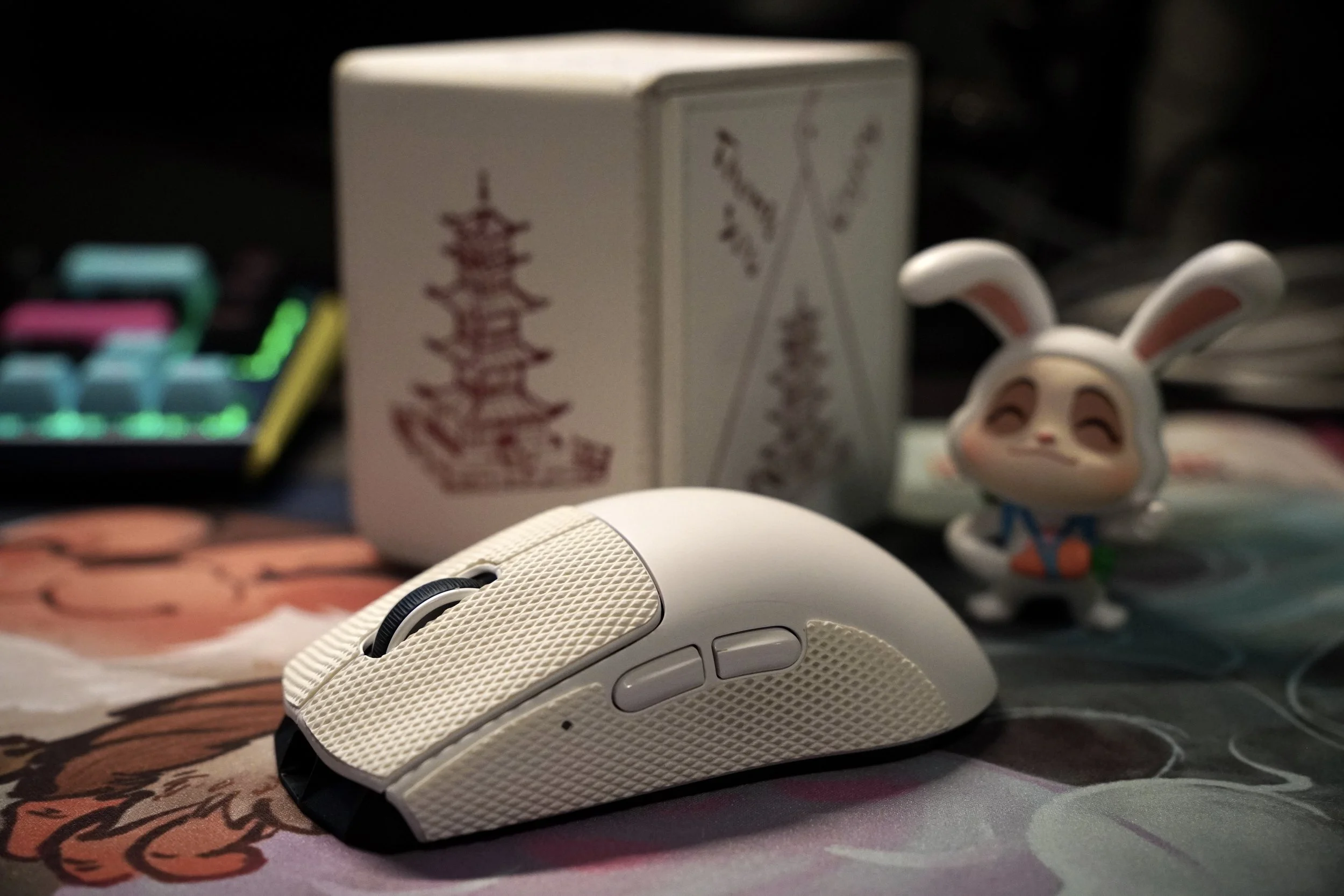
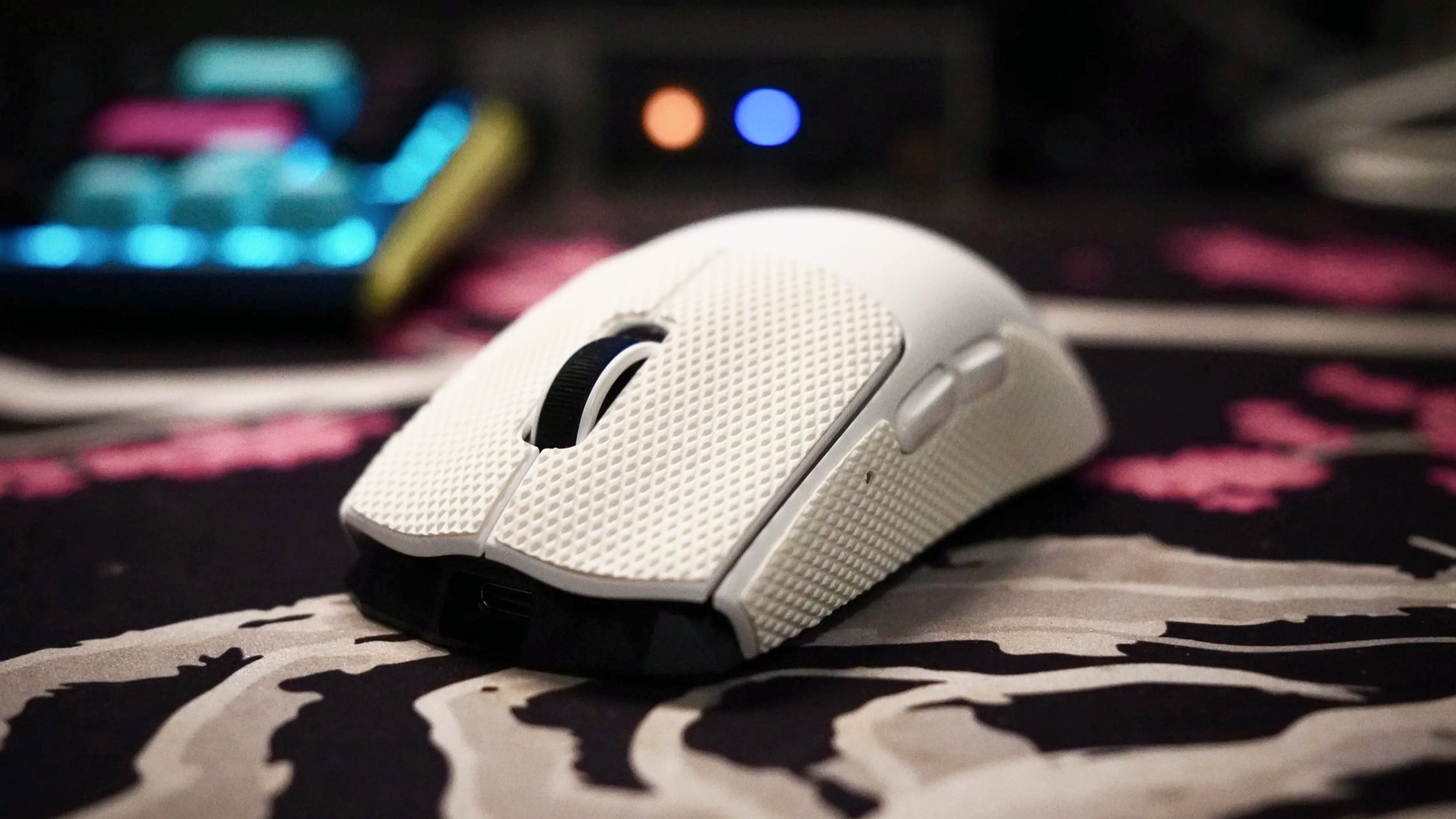
The Horus weighs only 49 grams
Now this is where the Horus starts showing off. Inside the mouse, it has a PixArt PAW3950 sensor, making the mouse feel ridiculously quick and responsive. It glides across the mousepad with such little delay and force that it starts to feel less like you're controlling a mouse and more like it is an extension of your hand. One thing that really sets the tone is that you get the same 8,000Hz polling rate whether you're plugged in or using it wirelessly. No more performance trade-off just because you want to be wireless– a huge plus for competitive gamers.
While it is rare to have gamers use 30,000 DPI, being able to customize and dial it to the exact sensitivity you want just makes this mouse so desirable. In use, its 49-gram weight made it feel snappy and almost weightless. It was very noticeable in both FPS and MOBA gaming, where quick and precise movements are a necessity. When I was playing Battlefield 6 or League of Legends, the Horus felt effortless to operate and allowed me to continue winning, knowing every movement I made was where I wanted to be.
Simple Exterior
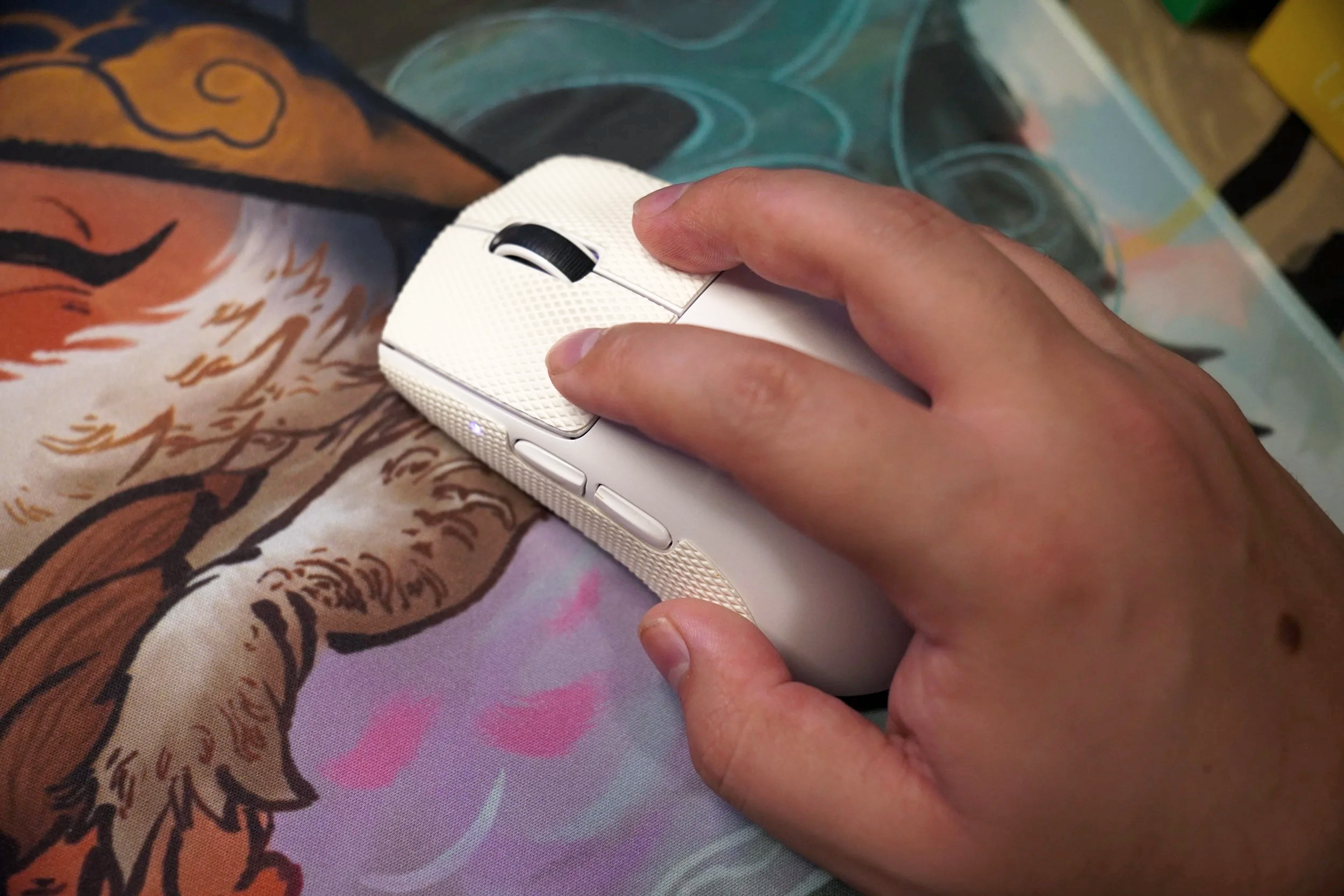
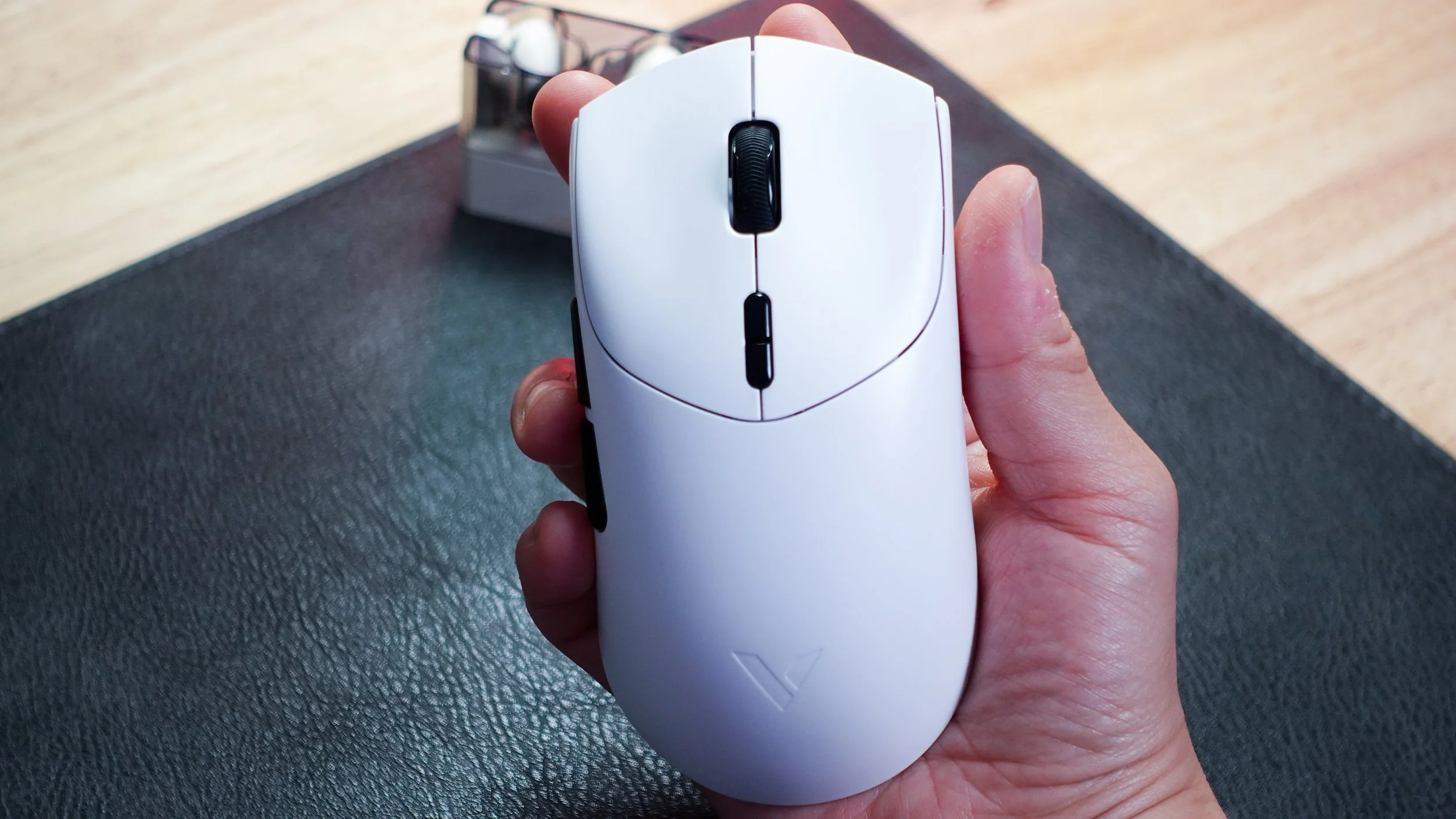
The Horus is just such a good-feeling mouse, designed with intent that it’s hard to pinpoint anything necessarily wrong with it. The optical switches have a satisfying, deep, and crisp feel– while the tactile bumps on the scroll wheel provide you just the right amount of give. Pairing the almost weightless design and the precision of the sensor gives the Horus a deadly combo. Included in the box were some grip tape, which I ended up putting on for the switches and where your thumb rests. That added grip really changed the feeling of the mouse for me. It really made me feel like I could barely rest my fingertips on the mouse and still have enough grip to move the cursor all around the screen. I was able to really have the confidence to ensure that the movements I made during the fast-paced gameplay were intentional. That small addition really made the Horus stand out for me. What really impressed me, though, was the build quality of this mouse. Instead of going with the traditional honeycomb shell most gaming mice trend towards nowadays, they kept the rigid exterior and hollowed the interior, only keeping internal cross supports to maintain its rigidity. The result is a mouse that feels very familiar and strong despite not having any weight inside. Design-wise, the Horus kept the exterior simple but left the internals very complex to ensure they kept nothing but the best inside. The Horus focuses on what matters inside: performance over flashiness.
Fun Fact
One fascinating fact about the MelGeek Horus mouse is that its hollow undercarriage hides secret design engravings of the ancient Egyptian deities Horus and Baste.The shape of the Horus does lean towards medium to large hands, with a taller rear bump which could pose an issue for smaller hands. For my hand, it was very comfortable having enough support for my palm to rest on it. During long gaming sessions, I did not feel any discomfort or loss of grip with the help of the grip tape. I did notice that since the rear hump is a bit taller, fingertip grips could feel a bit awkward, but overall, the Horus feels sturdy and comfortable.
The white color model I have does seem to hold onto sweat and dirt which makes the appearance of the mouse look a bit dirty quicker than I normally like to see. A bit of cleaning helps spruce the Horus up, but white and this material does require a bit of upkeeping if you don’t want the mouse to look grimy.

Glowing Louvre Pyramid
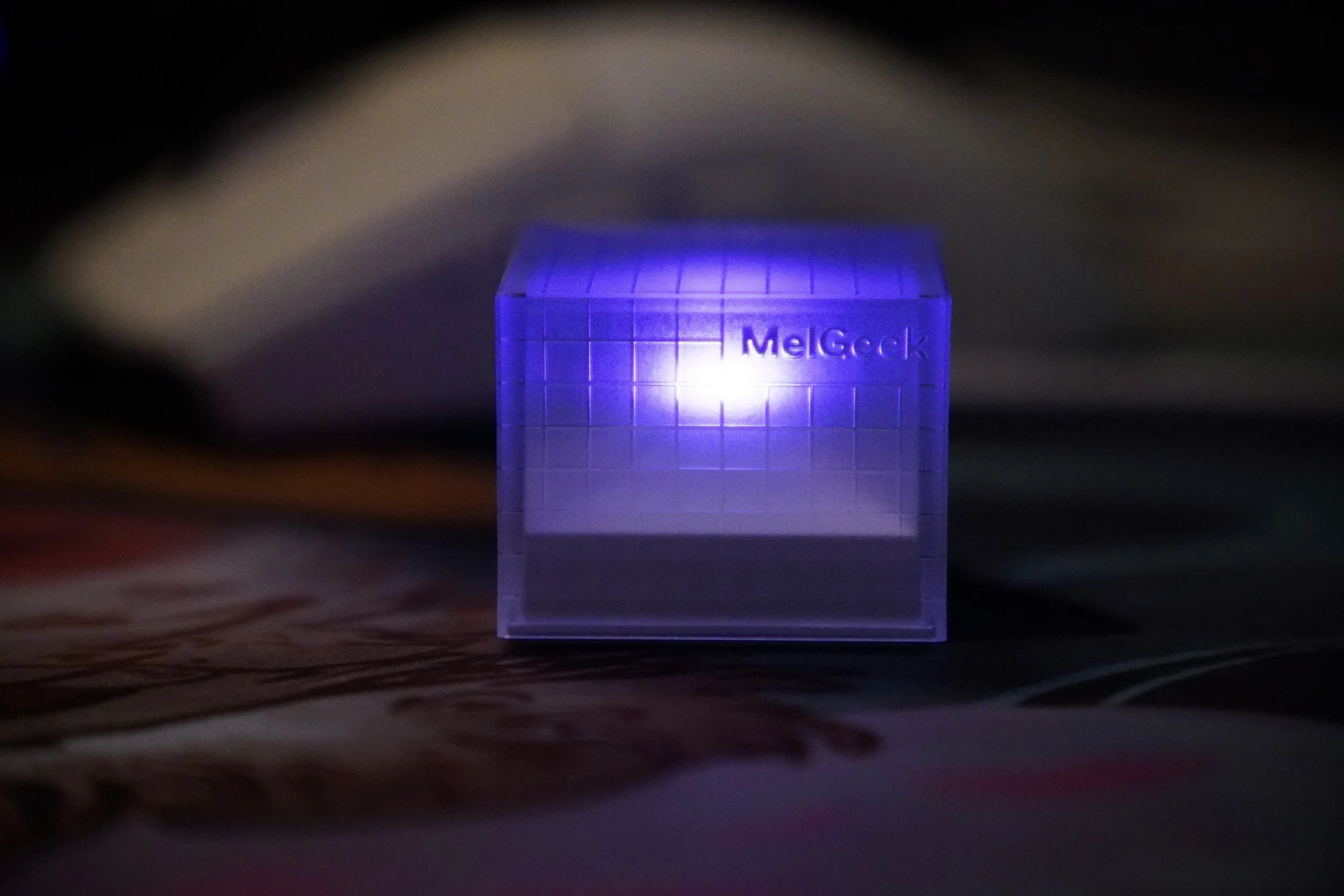
The unique USB receiver
One of the most interesting selling points for the Horus is not necessarily the mouse itself; oddly enough, it's the 2.4GHz receiver. Instead of having a boring, typical receiver shape, MelGeek decided to have some creative freedom and had the receiver designed with inspiration from the Louvre Pyramid. Normally, I would put the receiver out of sight, but this receiver has such a geometric design that makes you want to display it while you are gaming. Right in the center of the pyramid is a fully customizable LED, adding to the personality it gives. While it may not be the main selling point of the Horus, it definitely shows it wants to be different than the other companies
Final Thoughts
At the end of the day, the Horus checks every box I would want to see in an ultra-lightweight competitive gaming mouse. It is well built, extremely light, and precision-focused. It felt like MelGeek really wanted to stand out not by being so different for the mouse, but by focusing on what is on the inside. Adding creative flair to the Pyramid receiver is a unique and stylish choice that, rather than trying to make the mouse an awkward design that takes away from its main objective, is precise and light.
Performance is where the Horus really stands out, in my opinion, it may even out perform over the big-brand companies. With a high-end sensor built in and being able to not drop in polling rates depending on your connectivity, it really makes the mouse feel like an extension of your hand. You are getting such a great package for this mouse at a great price of $120. The Horus mouse easily ranks at the top of my leaderboard for what I would want an ultra-lightweight gaming mouse to be.
We are a participant in the Amazon Services LLC Associates Program, an affiliate advertising program designed to provide a means for us to earn fees and support our channel by linking to Amazon.com and affiliated sites.
The Mad Catz M.M.O. 7+ mouse has 21 programmable inputs loaded with customization options.