
Womier ERA75 Mechanical Keyboard Review
Looks Can Be Deceiving
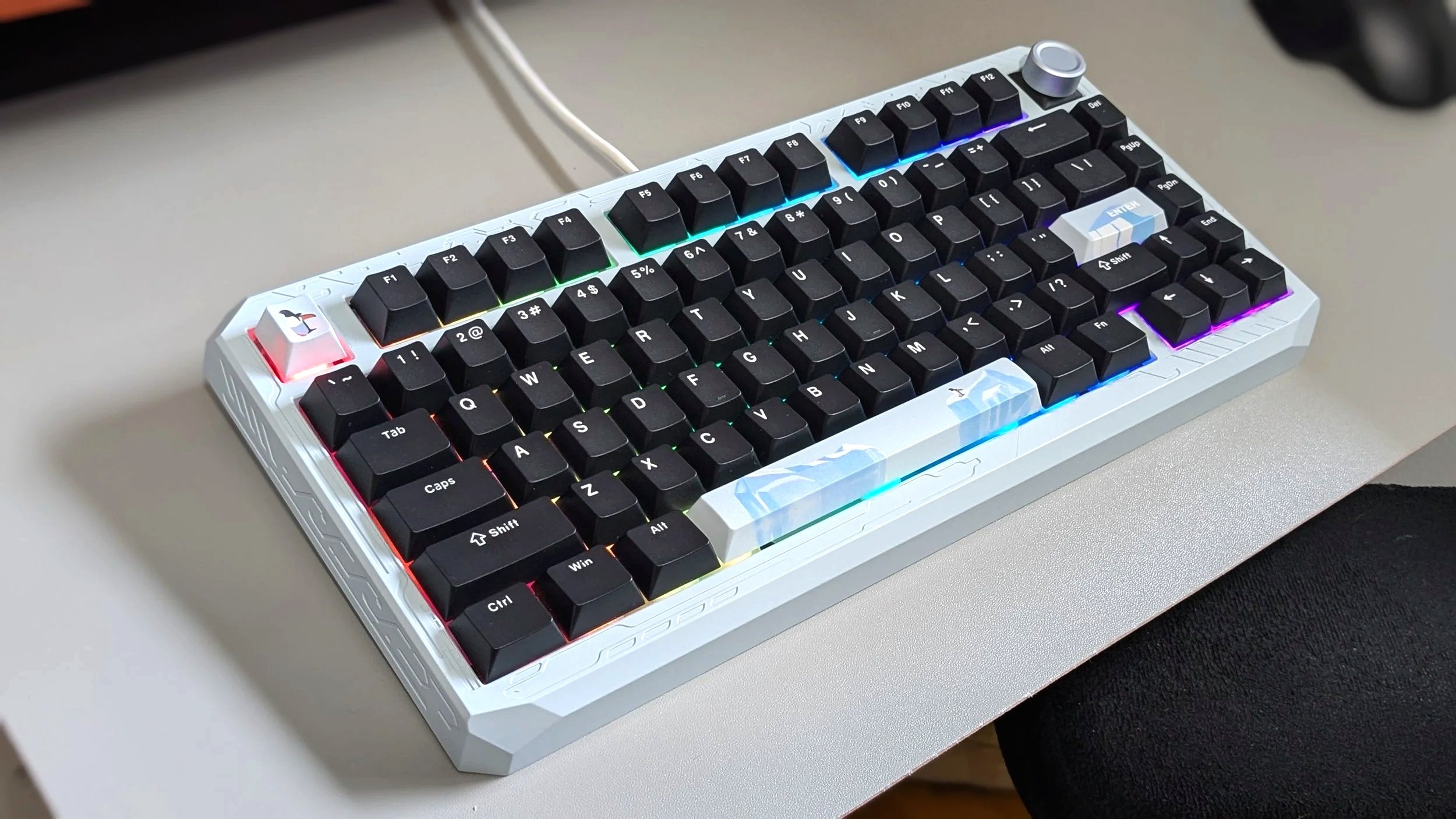
Womier has created a name for itself in the budget to midrange keyboard space. The last keyboard I tried from this brand was aesthetically pleasing, but it was nothing special. Trying out the ERA75, I feel like I’m having the opposite experience. I really like the performance of this board, but I’m not a fan of how it looks. As the saying goes, we shouldn’t judge a book by its cover because there’s more to this keyboard than meets the eye.
Retail Price: $129.99
Disclaimer: Womier sent us a unit free of charge to review, but all thoughts and opinions expressed in this review are our own and were not discussed with the company prior to publishing.
-
Wired and wireless connectivity (Bluetooth and 2.4Ghz)
1000Hz wired polling rate
Full aluminum case
Pom Ice Linear Switches
8000 mAh battery
South facing RGB lights
Hot-swappable
Aesthetic
These days, how our tech looks is nearly as important as how it performs. The Womier ERA75 comes in a variety of different color options, and you can even choose matching keycaps as an add-on. We simply got the base keyboard in “ice” without any extra keycaps. All of the keycaps are black, but there were three extra stylized keys in the box, which you’ll see in our photos.
Silky Finish
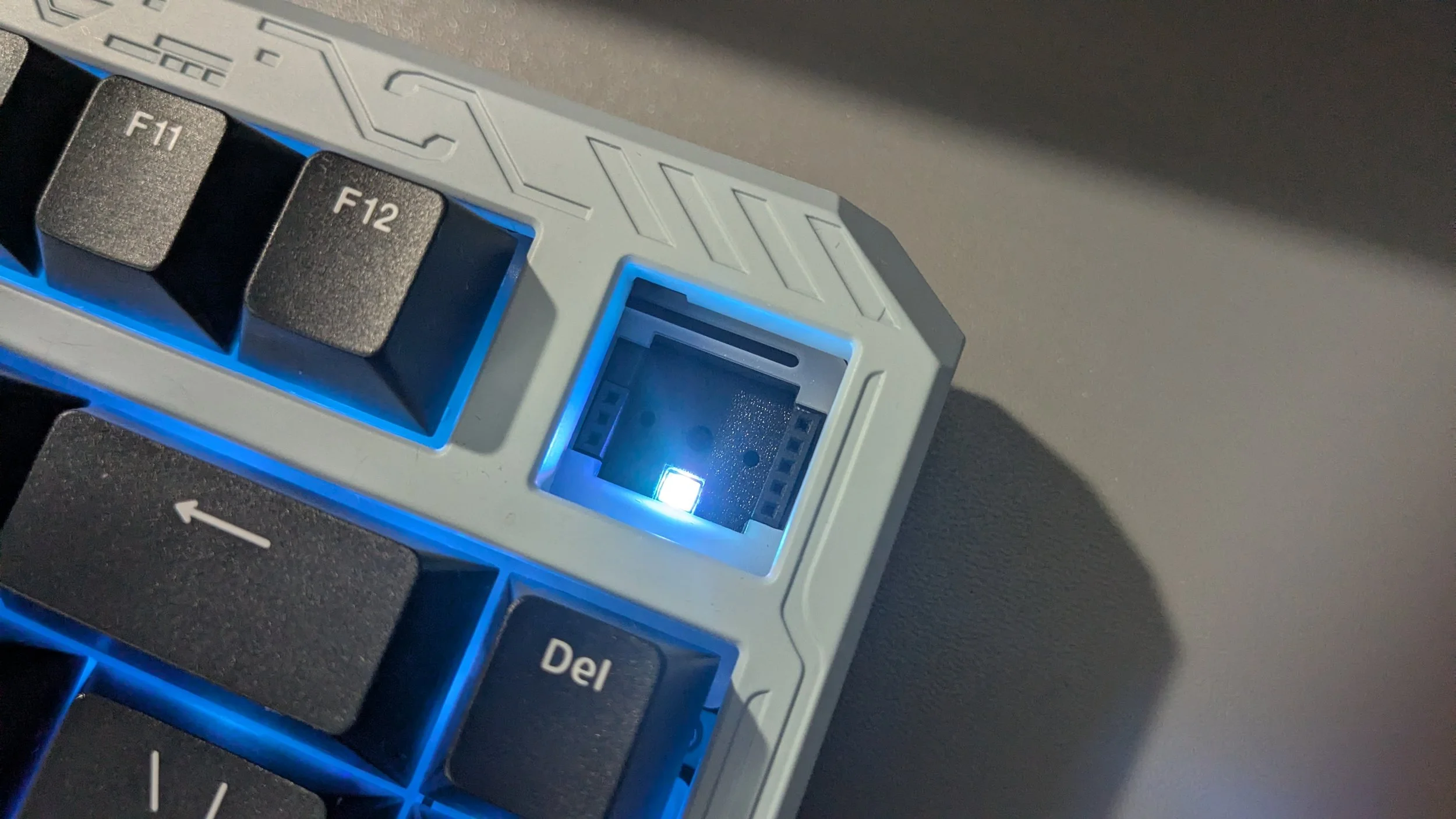
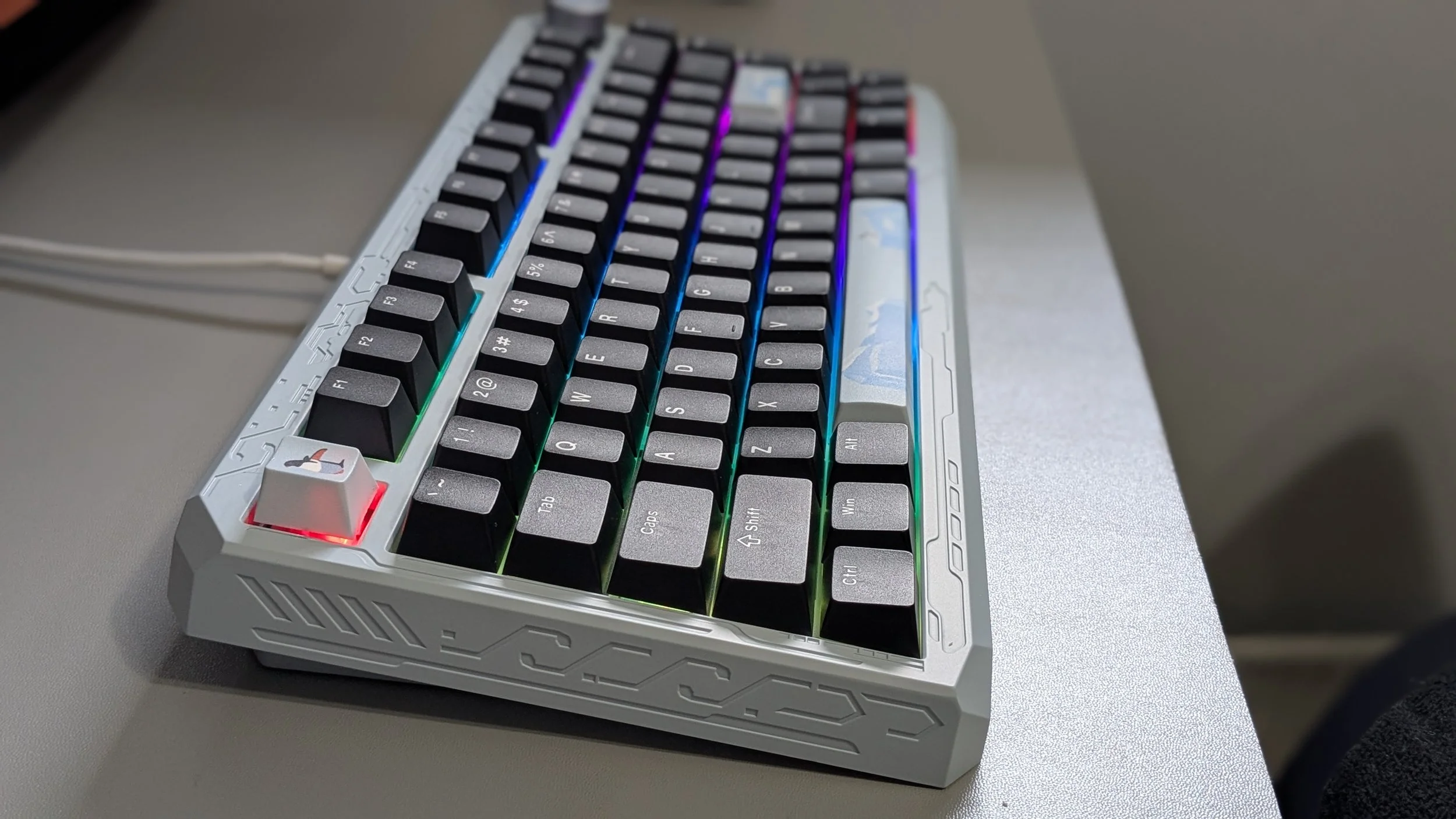
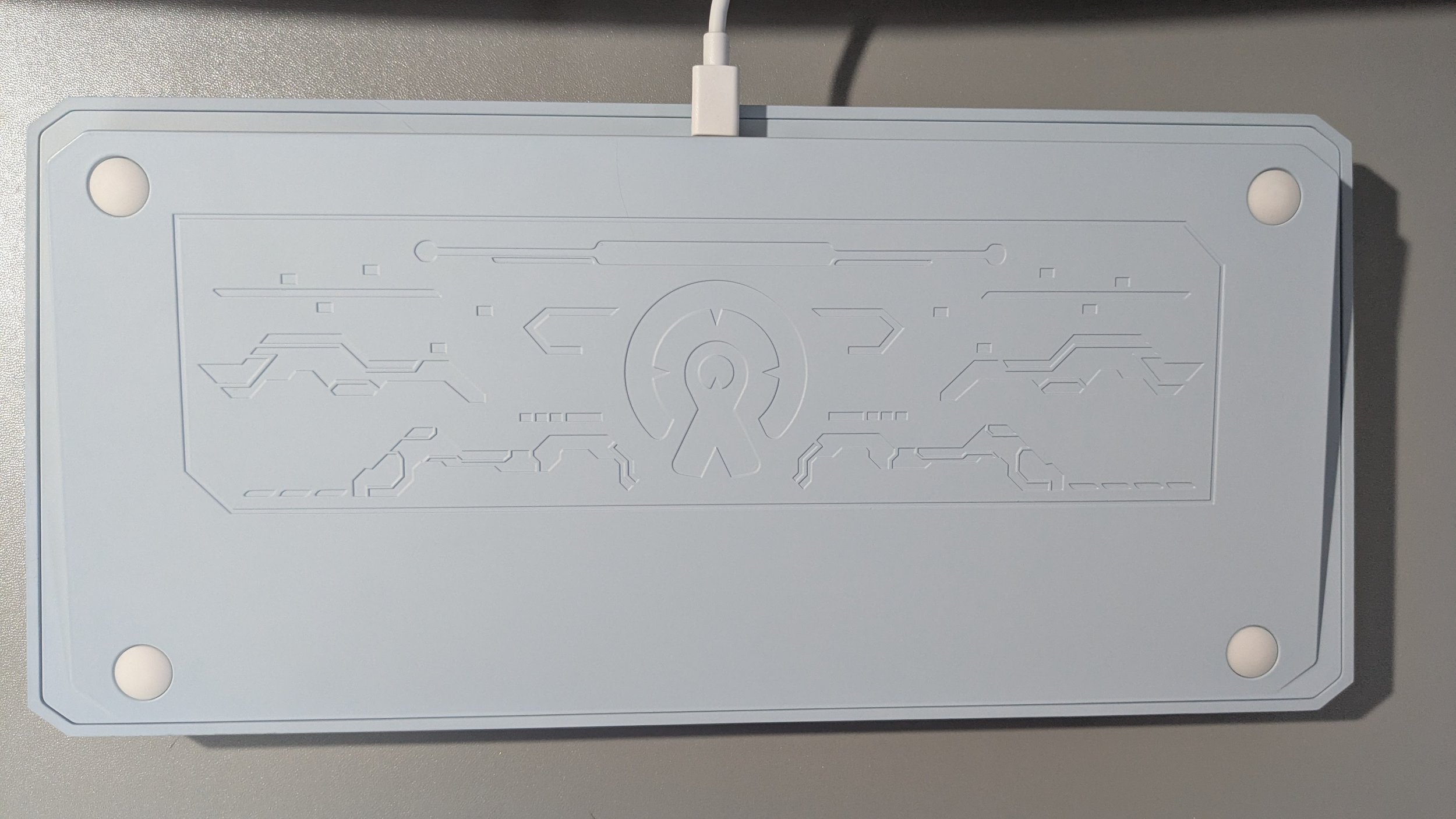
The ERA75 is made out of a full aluminum casing with a powder-coated finish.Even though I was able to choose which color I wanted to review, I have to be honest: I didn’t really like the look of any of the options for the ERA75. I don’t like the thick look the board has, and while the base blue color is pretty, the overall shape and engraved details just aren’t my style. Similarly, I’m not really a fan of the penguins and icebergs on the keycaps, but I picked the “Ice” color because I found it to be the one I disliked the least.
The keycaps also disappointed me since the legends are not transparent, so the RGB light does not shine through them. I did initially like the slightly textured feeling of the keycaps quite a bit, but despite these being PBT keycaps, they’ve already become smooth to the touch after about a month and a half of daily use. I use my keyboards quite a bit, so that’s not too surprising, but I was hoping they’d last a bit longer since they’re PBT.
Overall Experience
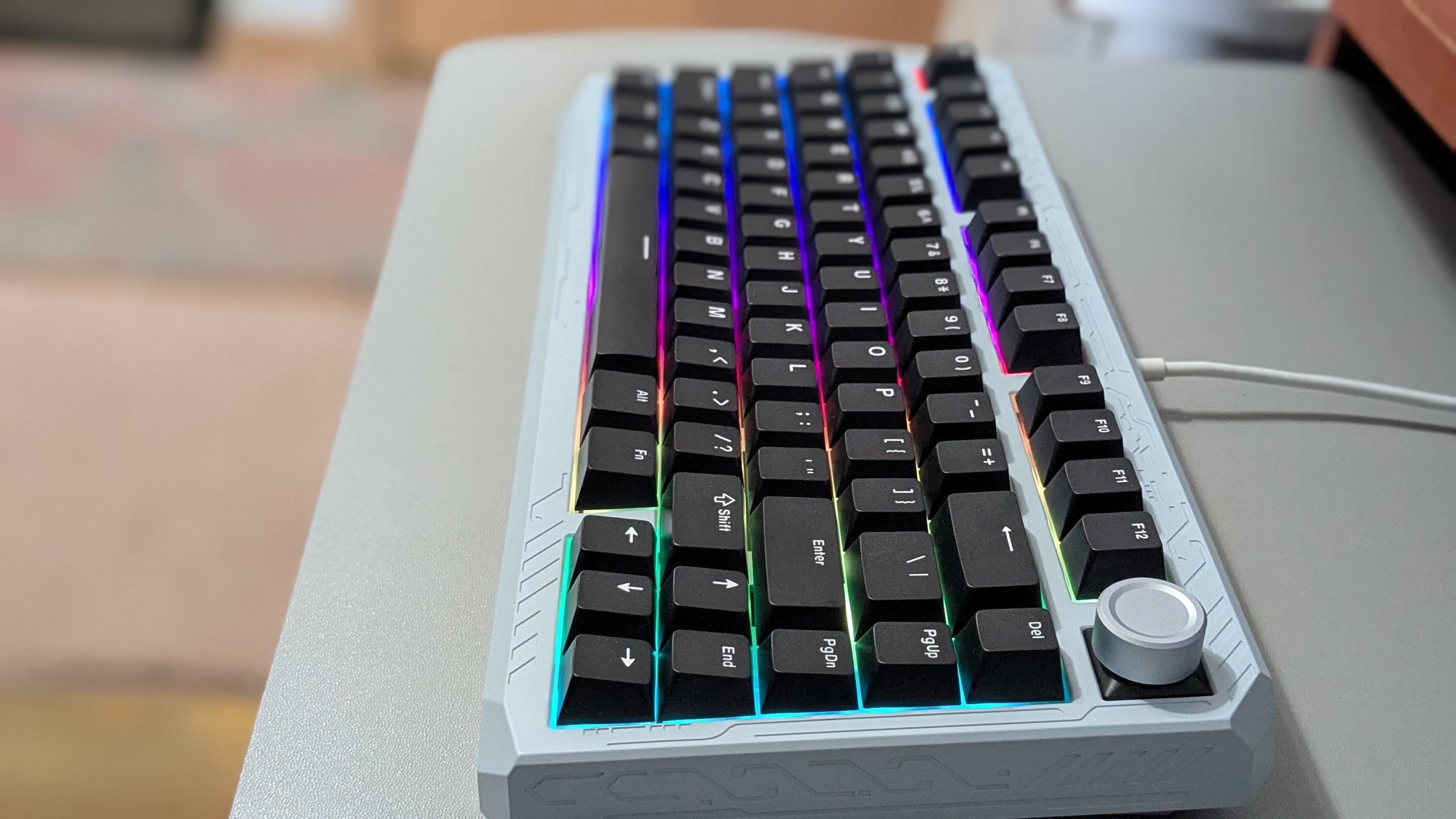
Though the look of this board doesn’t appeal to me at all, the overall experience of using it was so good that it has actually become one of my favorite keyboards I’ve tried. Looks aside, this keyboard is almost everything I’ve been wanting in a keyboard. I have a small desk, so I appreciate compact boards, but I often prefer the 98% form factors more because I tend to miss some of the keys. Though I do like a numberpad, I feel like I haven’t missed it that much with this keyboard. The ERA75 still has all of the keys I need. I love that it retains the F keys, and even has a few extra keys on the right-hand side (del, pg up, pg dn, end). On top of that, it has a volume wheel! Finally! I’ve tried a fair handful of these compact boards, and they either don’t have a volume wheel or they’re lacking something else (like the F keys), so even if I like them, they’re not quite perfect for my needs. The ERA75 having both is a real win for me.
As you can see, I’m happy with the general layout of this keyboard, but that’s not the only reason I love it. It also just feels and sounds great to type on. Though I do wish the texture on the keycaps would have lasted longer, I feel like the force needed to fire the keys is perfect for me. Some keyboards are too “soft,” if you will; basically, it takes the lightest of touches to press the keys straight into the board. It’s like putting your head on a pillow and sinking straight to the mattress. That’s how those boards feel to me. Other boards have almost too much resistance, where it feels like you have to press too hard to get the key to fire. The ERA75, however, feels just right to me. There's just enough resistance in the keys without it being too much.
Finally, we have to talk about the sound. To me, the way this board sounds is definitely in line with some of those viral keyboard typing videos. It’s a bit deeper and more muted than some of the other thocky boards I’ve had; it’s less clacky. That said, I do really enjoy the way these keys sound. It’s always difficult for me to describe sound, so I will once again direct you to the sound byte we’ve included in this review so that you can hear it for yourself!
Other Notable Features
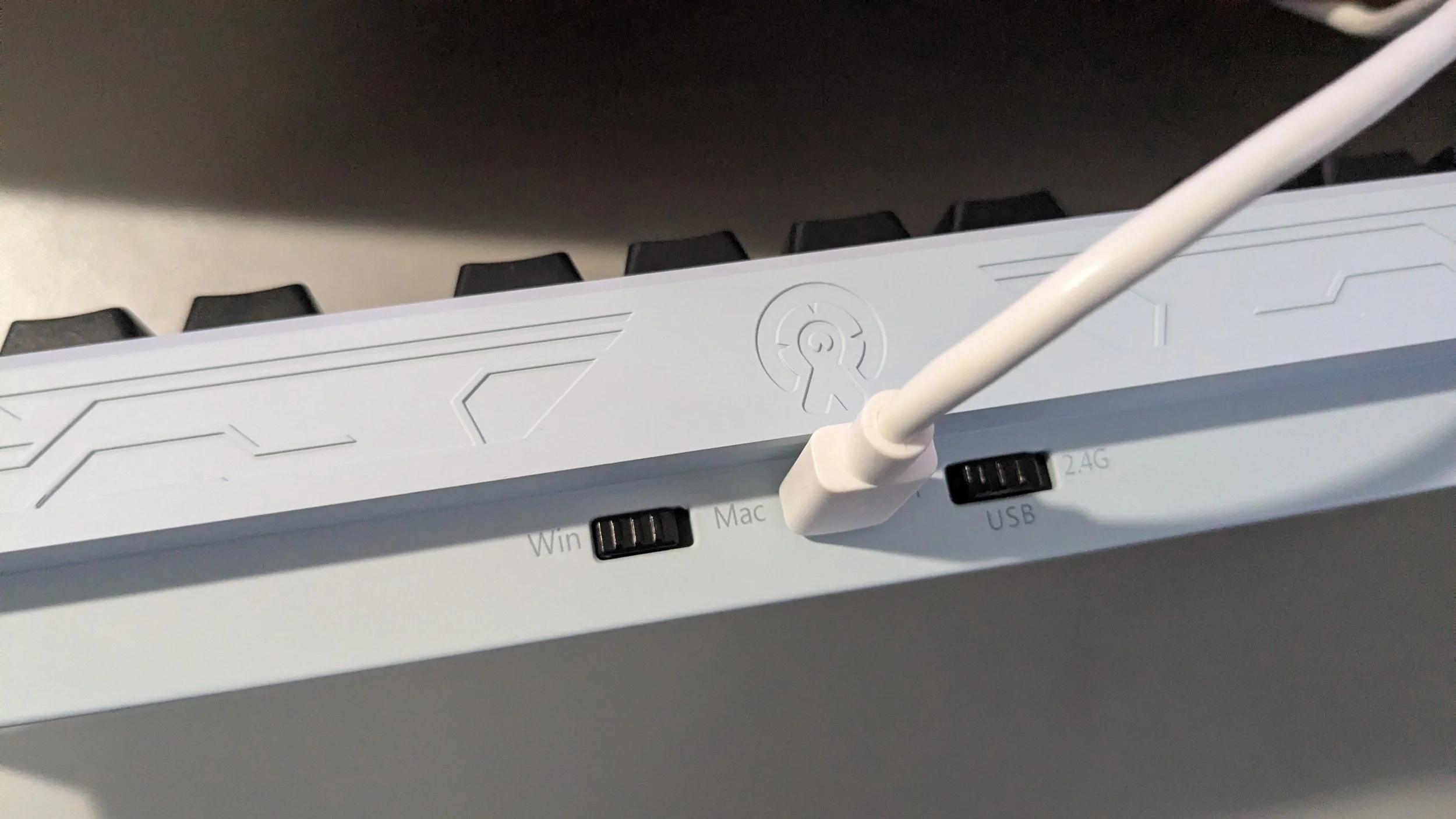
I love the ERA75 for being compact and having a volume wheel, but it actually has a ton of great features. For example, you can use it wired or wirelessly via Bluetooth or 2.4GHz connection. It also has three Bluetooth profiles, so you can easily switch between connected devices using simple hotkeys. I tested the battery life of this board, and I only got about three days of use before it needed to be recharged, which is just okay. Some of the wireless boards I have reviewed in the past have lasted closer to a week, so I personally wasn’t very impressed with this. However, the ERA75 certainly has enough battery if you’re just planning to use it around the house with different devices. That said, I wouldn’t exactly call this board portable as it’s quite heavy at roughly 4.5lbs. According to the product page, it’s compatible with Windows, Mac, Linux, iOS, and Android operating systems. It has N-key rollover and is fully hot-swappable.
Like most keyboards these days, you can set up macros and remap keys. Rather than having dedicated software for you to download to do this, Womier has opted to send users to a website called Via, where you can edit key functions, make macros, etc. Personally, I have mixed feelings about this. The Via website works well enough and is not difficult to use, but you still need to download a JSON file from the Womier website to even get the board configured with it, and you have to use it in wired mode, so it’s not like having a browser version of this app makes it possible to adjust the keyboard using your smartphone, for example. The bigger issue is that Via is not compatible with all browsers; you have to be using a browser that has something called WebHID enabled. Apparently, the browsers that support WebHID are Google Chrome, Opera, and Microsoft Edge. Firefox and Safari do not support WebHID. I guess I just don't understand why Womier doesn’t make its own software that is compatible with all of its products.
South-facing RGB
RGB Customization
According to the product listing for the ERA75, this board is supposed to have “full support for real-time customization via VIA’s web-based configurator. From subtle ambient glow to vibrant full-spectrum animations, you can fine-tune colors, brightness, and modes to match your mood and setup.” I was disappointed to find that there wasn’t any real customization for the RGB. Almost everything you can do on Via you can do using hotkeys on the keyboard itself. There’s not much customization here beyond picking a preset and picking a color you like. That said, using Via does allow you far more options for colors than using the preset hotkeys, but you can’t select specific keys to add colors to. Though it’s disappointing that this board has such lackluster RGB customization, I will say that it does have a lot of nice presets. Using Via, you can change the color of these presets, and it won’t just default to a solid color like most keyboards. It’ll change to various shades; I’d like to say it depends on what color you choose, but honestly, it feels like no matter which color I pick, so long as it isn’t the default (which is red), the colors it cycles through instead look pretty much the same. If you’re not super into RGB customization and just want a board that has some cool lighting presets, then I think you’d be fine with this. However, if you live for RGB customization, then the ERA75 is definitely not for you.


final thoughts
The ERA75 is a keyboard I never would’ve chosen based on looks alone. That said, I was actually really impressed with the overall performance of this board. It has a lot of great features, such as a volume wheel, wireless connectivity, multi-platform compatibility, and hot-swappable switches. It feels and sounds great to type on, and it’s the perfect form factor if you’re looking for something compact but not too compact. Unfortunately, the RGB customization isn’t great, but there are a lot of nice preset lighting effects. Overall, I think this is a solid keyboard for the price, and I’ll definitely be keeping it in my rotation.
We are a participant in the Amazon Services LLC Associates Program, an affiliate advertising program designed to provide a means for us to earn fees and support our channel by linking to Amazon.com and affiliated sites.
There might be a caution sign on this gaming keyboard, but that shouldn’t keep you away from the Chronos 68.