
Razer Naga V2 Hyperspeed Review
Can tradition trump innovation?
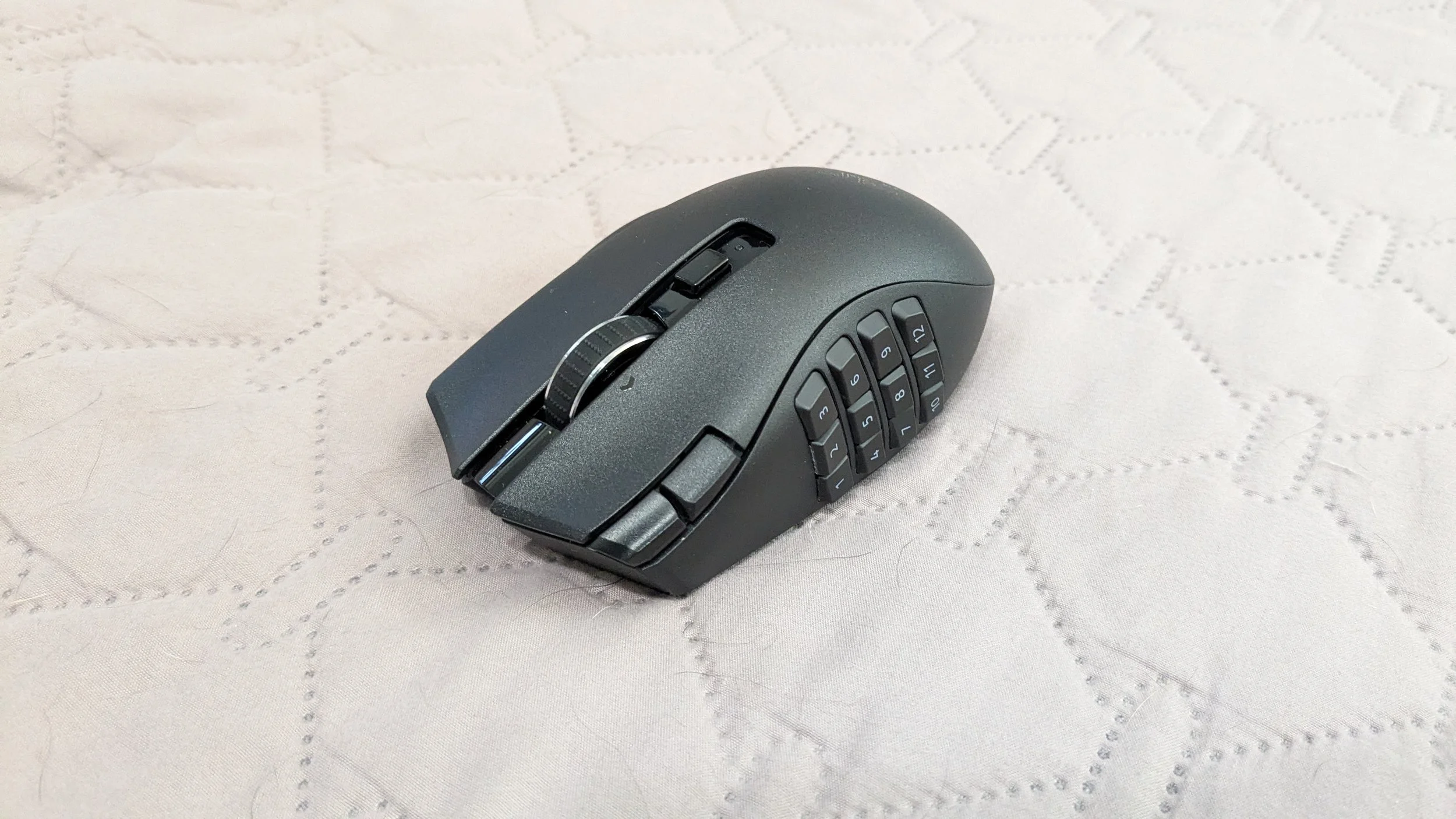
After trying out the Mad Catz M.M.O. 7+ mouse, I really wanted to know what a traditional MMO mouse was like, as despite my years of MMO gaming, I had never used one before. Since the Mad Catz mouse had such a unique layout, I was curious to know if it was actually more convenient than your standard MMO mouse with a side panel of buttons. And so, I decided to try the Razer Naga V2 Hyperspeed, one of Razer’s “budget” options (I say budget as it goes for about $60 on Amazon, which is affordable for Razer). While I still have to give the win to the Mad Catz mouse, the Naga V2 Hyperspeed has everything you need for a third of the price.
Purchase Price: $56.99
Comfort and Grip
-
19 programmable buttons
Razer Focus Pro 30K Optical Sensor
Razer HyperScroll Technology scroll wheel with free spin
95g weight
30,000 DPI
1,000 Hz Polling Rate
Single AA battery for 250 hrs on wireless, 400 on Bluetooth
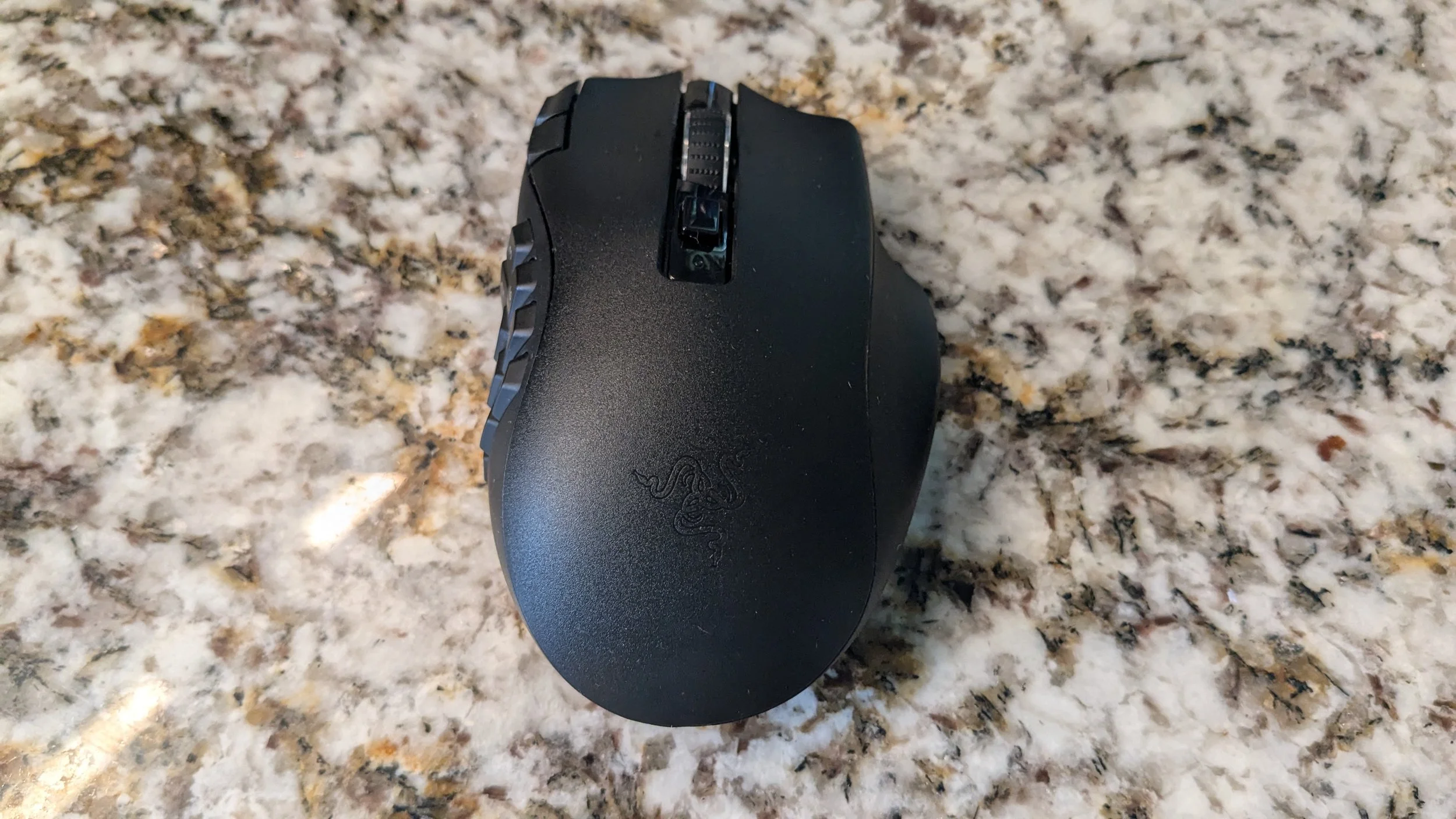
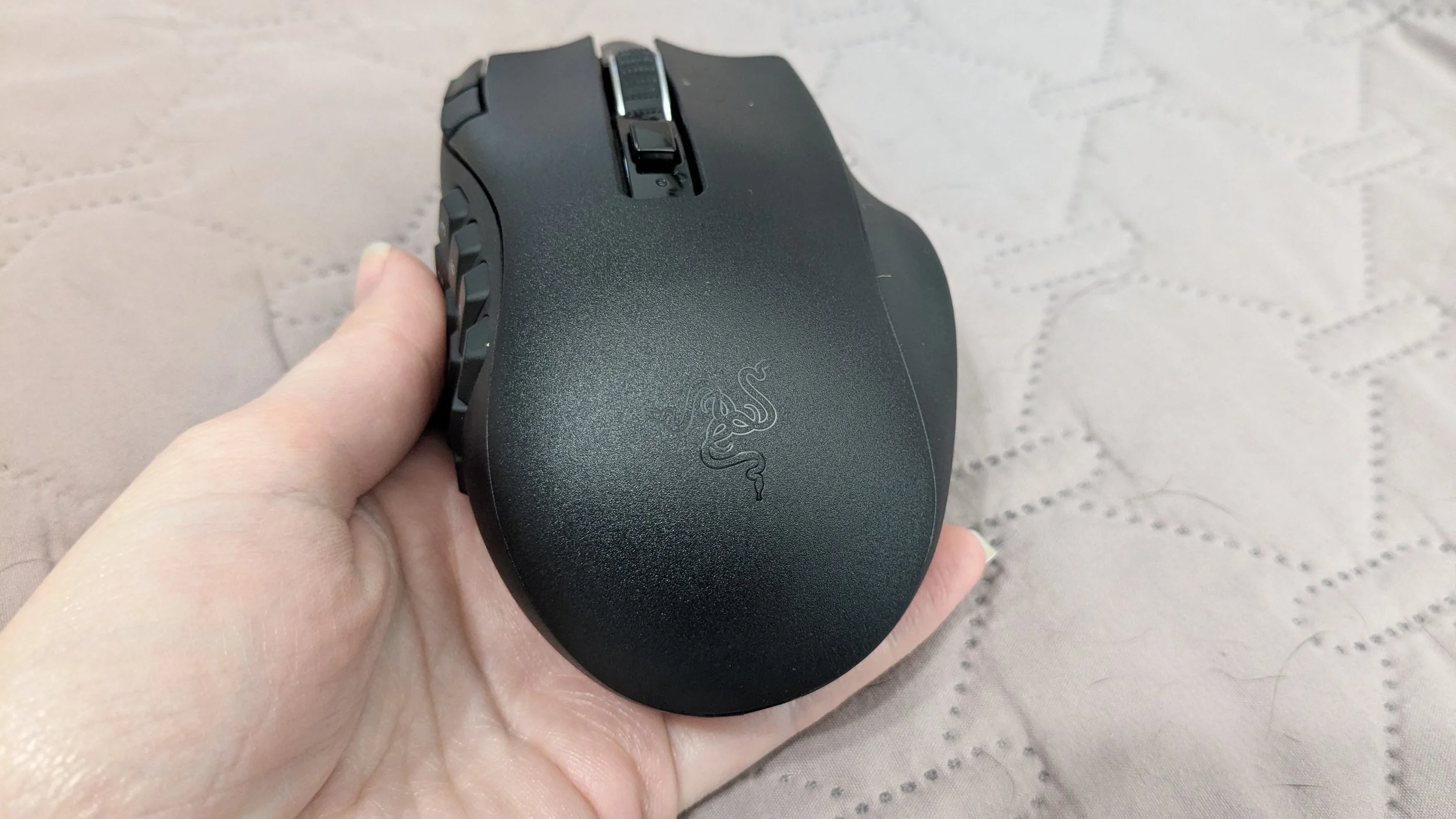
This Razer mouse claims to be ergonomic. I don’t have any hand issues, so I can’t speak on whether or not this mouse would be good for someone who does experience pain or strain. However, I can say that it is very comfortable in the palm, and the lightly textured plastic feels great. This is perhaps the one thing I prefer in this mouse over the Mad Catz. The Razer is definitely more comfortable, and because of the type of textured plastic used, I think it would feel better in sweaty hands than the Mad Catz. The M.M.O. 7+ uses smooth plastic, and I’m really just a smooth plastic hater when it comes to both mice and keyboards.
Side Panel Struggles
The whole point of getting an MMO mouse is to enjoy the convenience of the myriad of buttons (12, in this case) on the side. Unfortunately for me, I found using the Naga’s side panel of buttons to be a bit of a struggle, especially coming off the Mad Catz mouse. My issues with the Razer Naga are this: firstly, the buttons all feel the same – though they are slightly sloped in different directions, they still felt too similar for my liking, and I wish Razer would’ve included some textured stickers for me to use; Secondly, reaching the back six buttons required me to contort my thumb in such a way that felt incredibly awkward, to the point where I can’t really see myself using them.
I think I could potentially get used to the motion with time, but it almost makes me wish this mouse had an adjustable side panel. Some traditional MMO mice do allow you to slide the side panel forward or backward depending on your needs, but this being a “budget” mouse (for Razer, anyway), it doesn’t have such a feature. Luckily, I don’t quite need all 12 buttons, so I was still able to make this mouse work for me. It definitely took me a while to get used to where all the buttons were, though, because they all felt so similar. Once I did, it was a lot easier to use, but the onboarding was more of a struggle than I would have liked.
The Wireless of it All
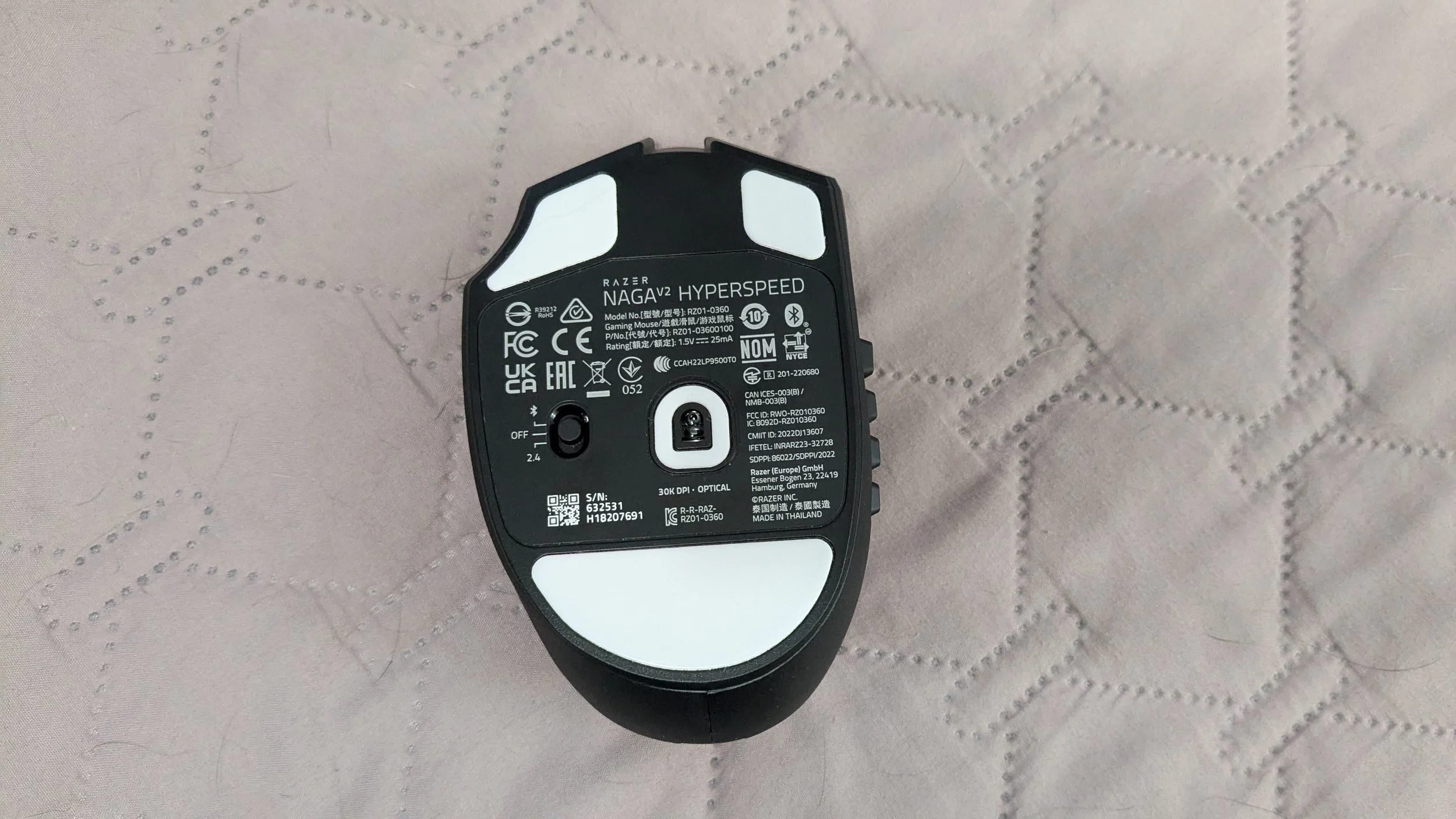
The Razer Naga V2 Hyperspeed is a fully wireless mouse and runs on a single AA battery. I found that I got about a month, perhaps a month and a half of daily use out of it before the included battery needed replacing. Luckily, I did get a notification when the battery was at about 5%, so I wasn’t stuck with a dead mouse in the middle of a gaming session. Still, you might want to keep some AA batteries nearby, just in case.
Advantage in Weight
Because the AA battery slot is positioned diagonally across the center-rear of the mouse, you can actually use different battery types to custom-tune its weight distribution. Shifting from a standard alkaline battery to a lightweight Lithium AA drops the total weight by about 15 grams, entirely transforming how the mouse handles and glides during fast-paced MMO raids.This mouse can be used via Bluetooth connection, but it also comes with a wireless dongle. I found the Bluetooth connection to be the less preferable of the two because of how long it would take the mouse to function after waking from a sleep state. It was actually a bit annoying; I would have to move the mouse around and tap it on my desk. It felt like it took a good 15 to 20 seconds before anything happened. However, using the dongle instead, the mouse was much snappier when waking from a sleep state and worked almost immediately.
I also had some small issues with the Bluetooth losing connection when the mouse fell asleep; this didn’t happen with the dongle since it’s physically plugged into the PC. Once the Naga was up and running, I didn’t notice any lag or anything like that when connected via Bluetooth, but I still strongly recommend and prefer the dongle for this one.
Synapse Software keeps winning
Though Razer has long been a leader in peripherals, I often find they lag behind when it comes to aesthetics. There are so many brands offering peripherals that are better looking and better sounding, which makes them more enjoyable to use. However, that enjoyment can come to a very abrupt halt when you open up the software to edit keybinds and find that it is completely unintuitive, or worse, buggy.
So, it’s always a joy to review a Razer product because I know I can always count on the Synapse software. Synapse is easy and straightforward to use; you can create, edit, and assign macros and set up custom profiles for each and every game you play. When Synapse is running in the background, you can simply click on its icon in the tray to swap between the profiles you’ve set up.
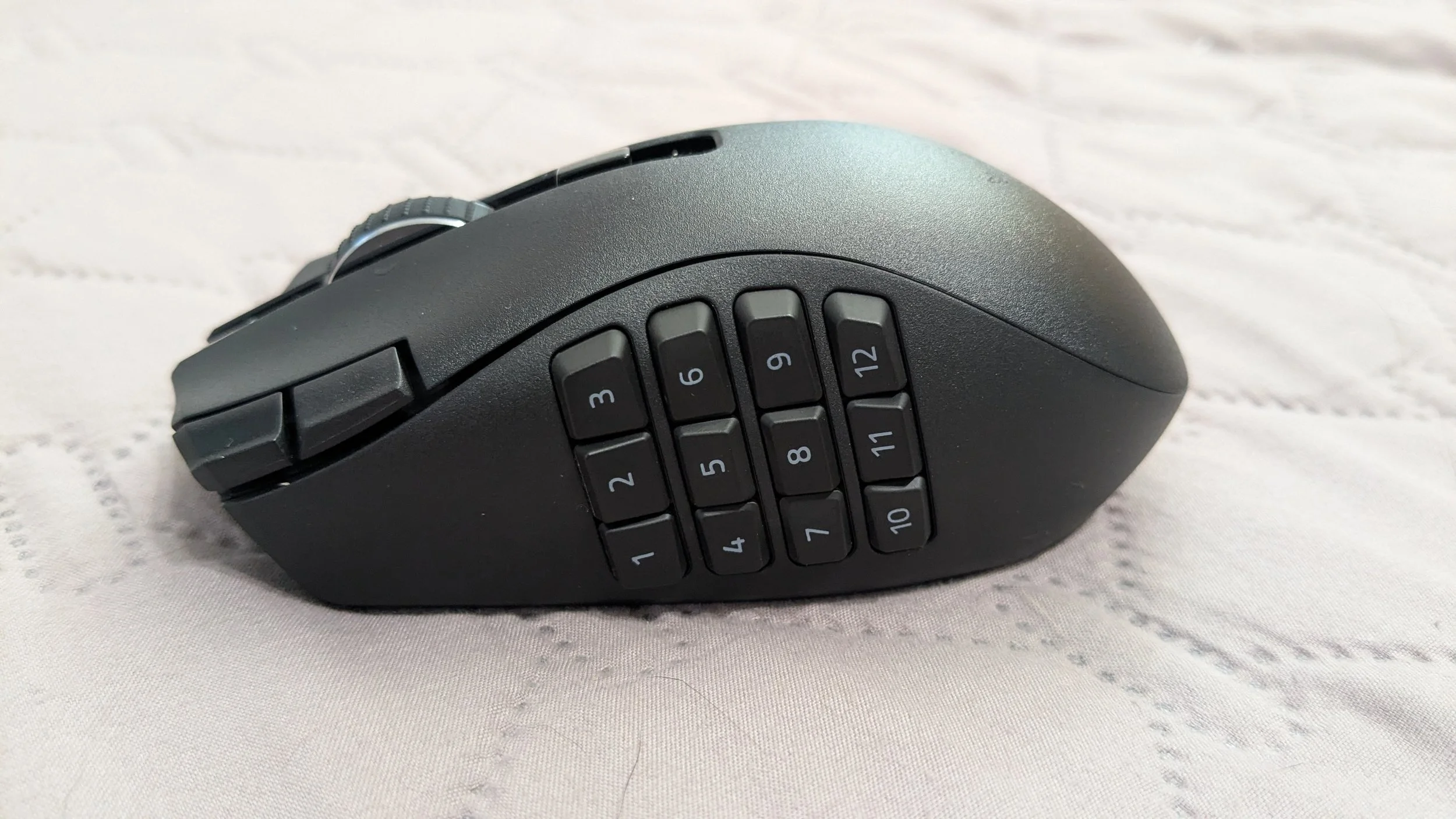
The MMO mouse has 19 programable buttons
As much as I love the Mad Catz M.M.O. 7+ mouse, the accompanying software was honestly quite bad. I always appreciate that Razer put a lot of care into developing their software, and I wish more companies would follow their lead. If you’re buying a gaming mouse, it’s because you want to be able to use features like mouse hotkeys and macros, so I truly don’t understand why companies don’t put more effort into developing software for their peripherals as, in my opinion, the software is just as important.
MelGeek Horus Review
There’s a lot of things to like about this Esports mouse from MelGeek. One of them is the surprising price point.
Final Thoughts
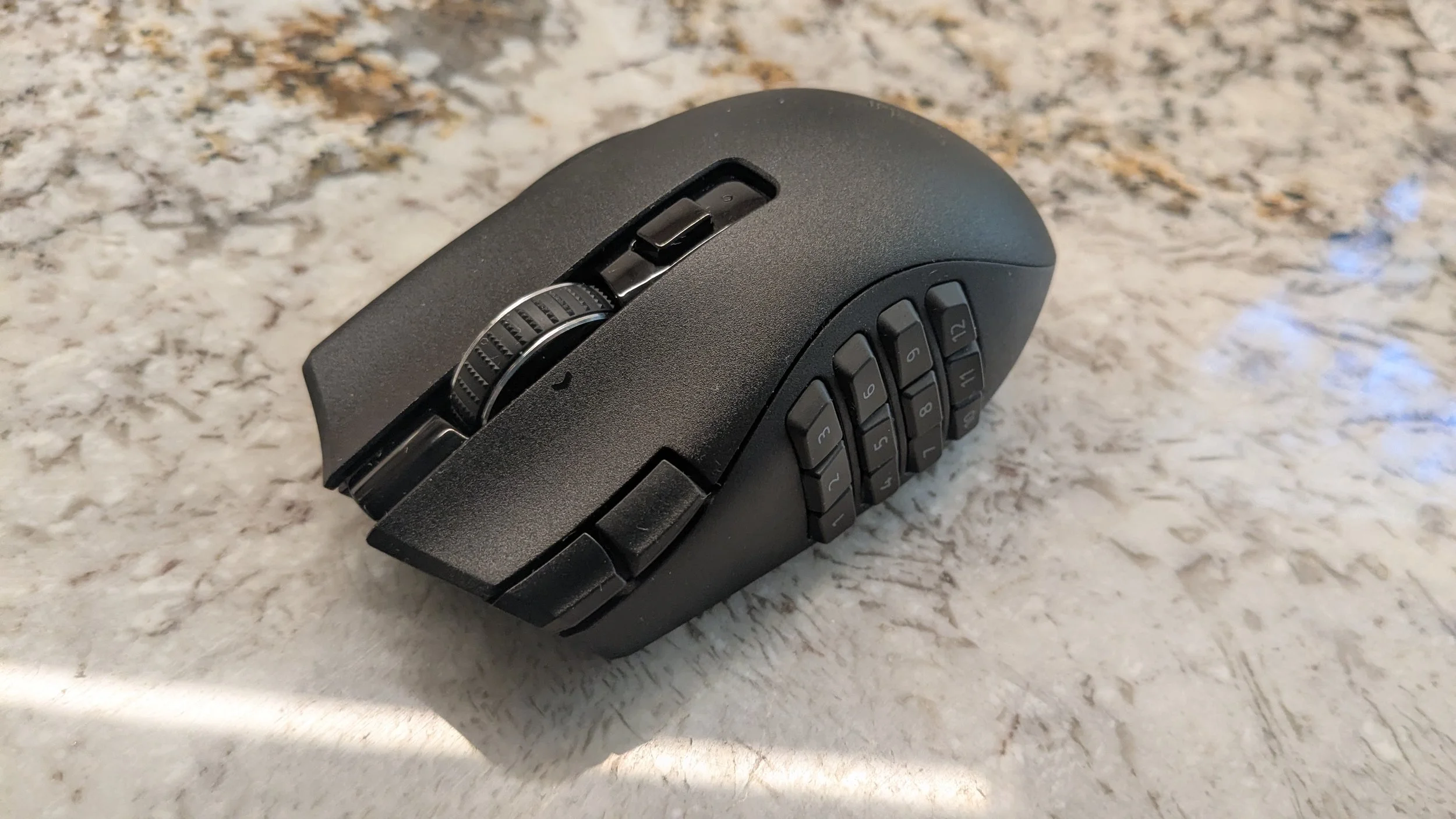
The Naga Hyperspeed V2 seems to be Razer’s idea of a “budget” MMO mouse as it doesn’t have many bells and whistles: it is wireless only, the side panel has no physical customization (not even stickers), and there are no RGB lights to customize, either. That said, you still get everything you need here, as the mouse buttons can be fully customized with Razer’s Synapse software. The mouse itself is quite comfortable in the hand, and so long as you use the dongle as opposed to Bluetooth, very responsive. Though I’ll be sticking with the Mad Catz M.M.O. 7+, I don’t think the Razer Naga Hyperspeed V2 is at all a bad piece of tech, and I’ll be holding onto it as a backup.
We are a participant in the Amazon Services LLC Associates Program, an affiliate advertising program designed to provide a means for us to earn fees and support our channel by linking to Amazon.com and affiliated sites.
Seri
A writer by day and gamer by night, Seri’s most prized possession is her computer. In fact, she built her desktop PC herself and repaired her college laptop with nothing but Google, Reddit, and determination to guide her. This do-it-yourself attitude was born from frugalness, so if you see Seri raving about something, it’s probably worth the price.