
Lenovo Legion Tab Gen 5 Review
The Elite Android Gaming Solution
Retail Price: $849.99
Disclaimer: Lenovo sent us a unit free of charge to review, but all thoughts and opinions expressed in this review are our own and were not discussed with the company prior to publishing.
Android gaming tablets are an interesting segment of the tech market that I have a hard time gauging right now. The Lenovo Legion Tab Gen 5 is an exceedingly powerful Android tablet that will steamroll through any Android App that you attempt to boggle it down with. It also retails for about the ballpark of what a Valve Steam Deck is going for at the moment. While the two obviously target different use cases, it is valid to consider what provides the most flexible use of all this power, especially since they cost so much in this economy.
Design and Build
-
8.8-inch 3040 × 1904p (800nits)
IPS LCD display
Android 16
Snapdragon 8 Elite Gen 5
Integrated Qualcomm Adreno A840 GPU
12 GB ram
256 GB of storage with microSD cart slot supports up to 2TB
9,000 mAh battery
8 MP Front Camera, 50 MP Rear Camera
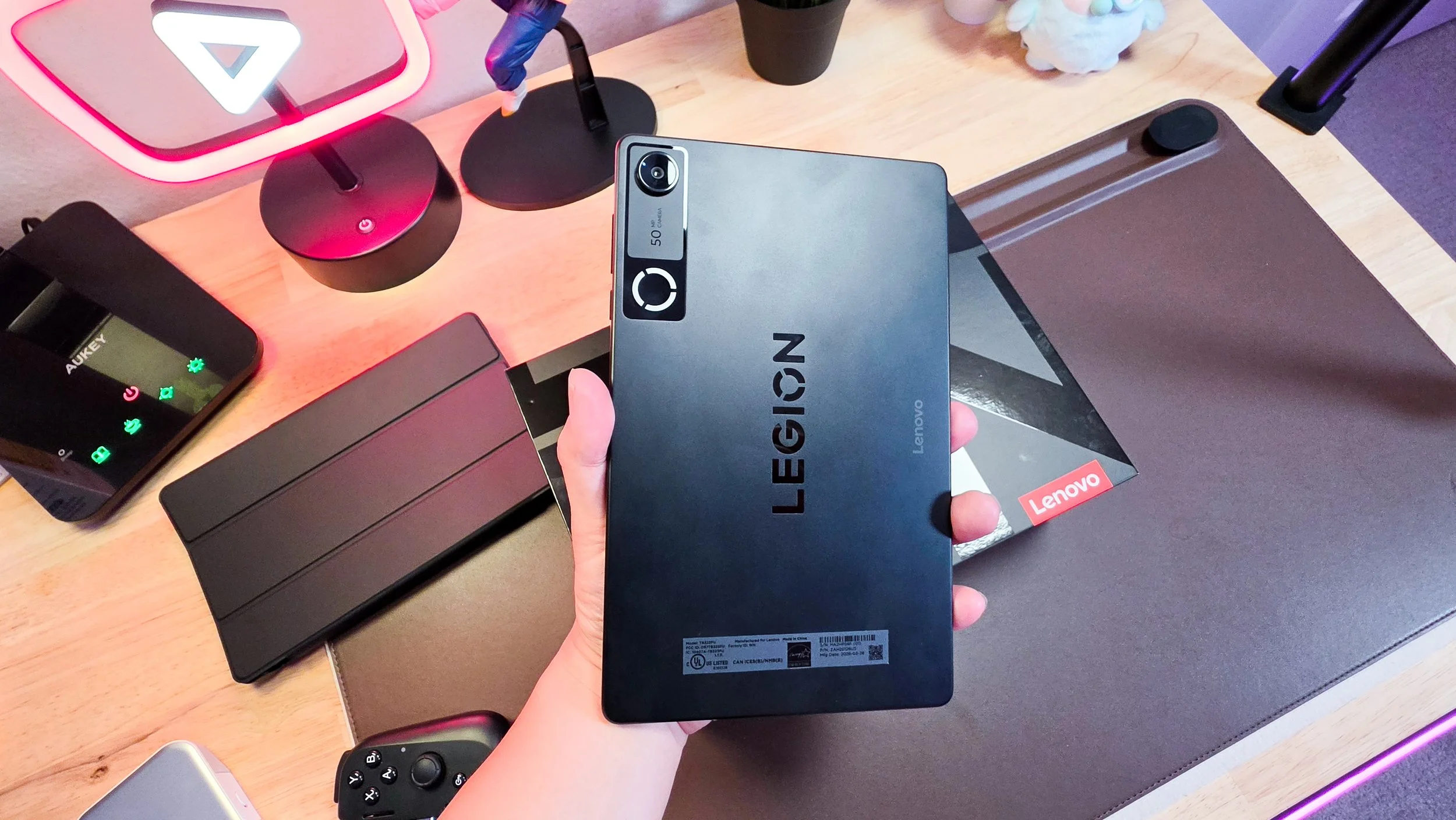
Where the Legion Tab Gen 5 truly excels is in its ergonomics. The 8.8-inch form factor occupies a perfect middle ground for handheld play; it offers a substantial upgrade over the cramped real estate of a smartphone screen, yet remains light enough to prevent wrist fatigue during extended gaming marathons. With a 16:10 aspect ratio, the Tab has a traditional Android tablet feel that gives it a good footprint for horizontal and landscape gaming. While I prefer square-ish form factors for reading purposes, this rectangle shape handles mobile gaming aspect ratios much better.
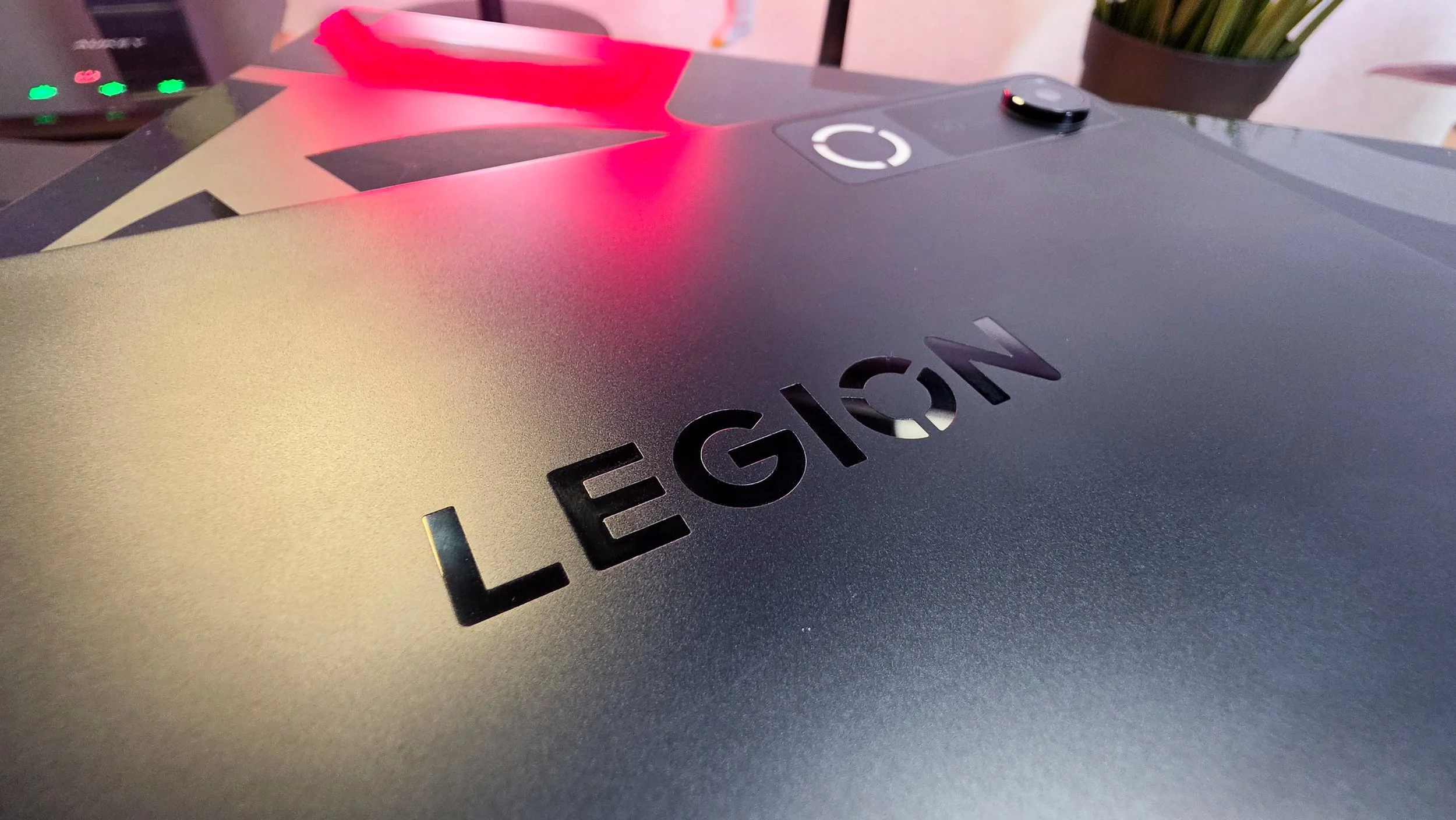
Lenovo’s design language here is tastefully aggressive, sporting a refined chassis with integrated thermal venting that signals its high-performance internals. The tablet’s exterior is forged entirely from aluminum. Rather than utilizing cheaper plastics, Lenovo chose a sophisticated all-metal unibody, pairing an aluminum frame with a matching rear panel. While this certainly grants the device a rigid, premium hand-feel, the metal construction is also a tactical engineering choice; it functions as a comprehensive passive heatsink. This design effectively pulls heat from the internal vapor chamber and processor, ensuring surface temperatures remain manageable even when you are pushing the hardware through a lengthy gaming marathon. The tablet has an industrial appearance capitalizing on a dark finish with a single source of gaming RGB flare called the Legion Halo. This AI adaptive lighting “O” design, located under the rear panel camera, reacts to gameplay and system states as the user navigates through Android on the tablet. It can also sync the RGB through Legion Space for customization.
Bypass Charging
This feature allows the tablet to run directly off external power (bypassing the battery), which stops the device from overheating and degrading battery health during long sessions.
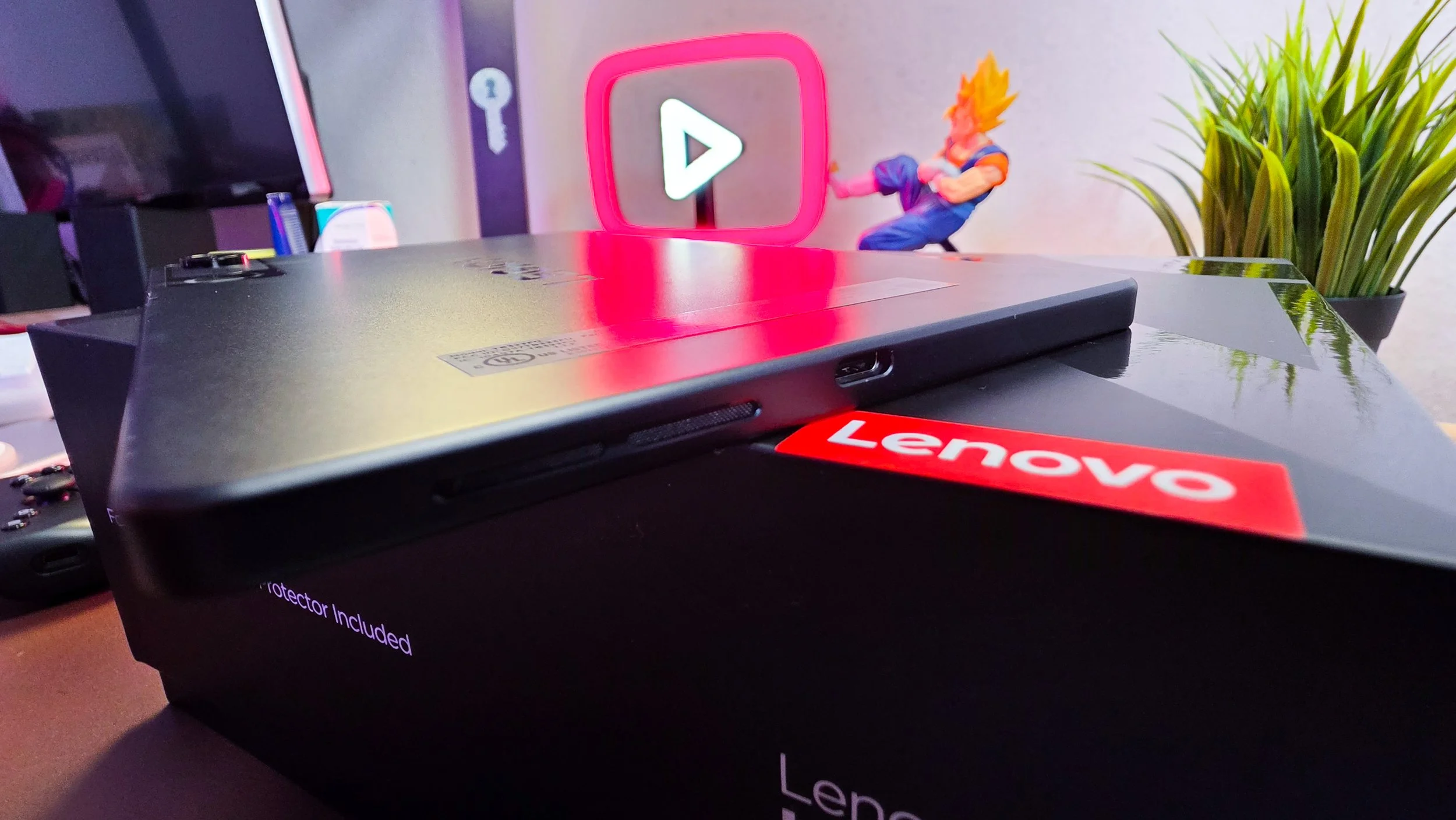
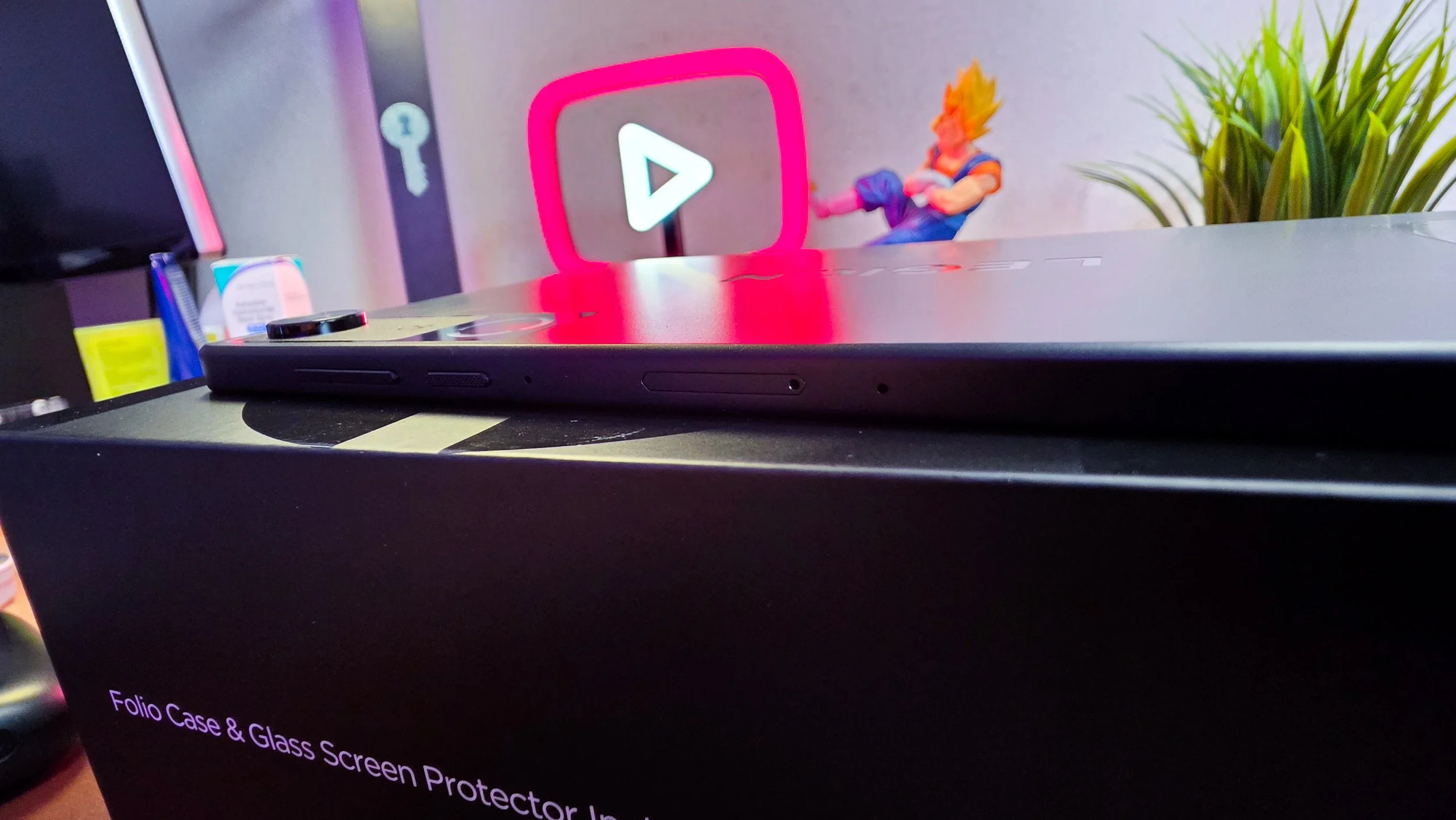
One of my favorite design choices is also such a basic implementation, but the Legion Tab has two USB-C ports: one on the long side, and one on the short side of the frame. The long side port is faster and also supports DP-out, but the short side one can also handle charging, OTG, and audio like the other one can. I love flexibility, especially in a gaming-centric handheld and this gives me the comfort I want to see to handle both landscape and portrait mode apps.
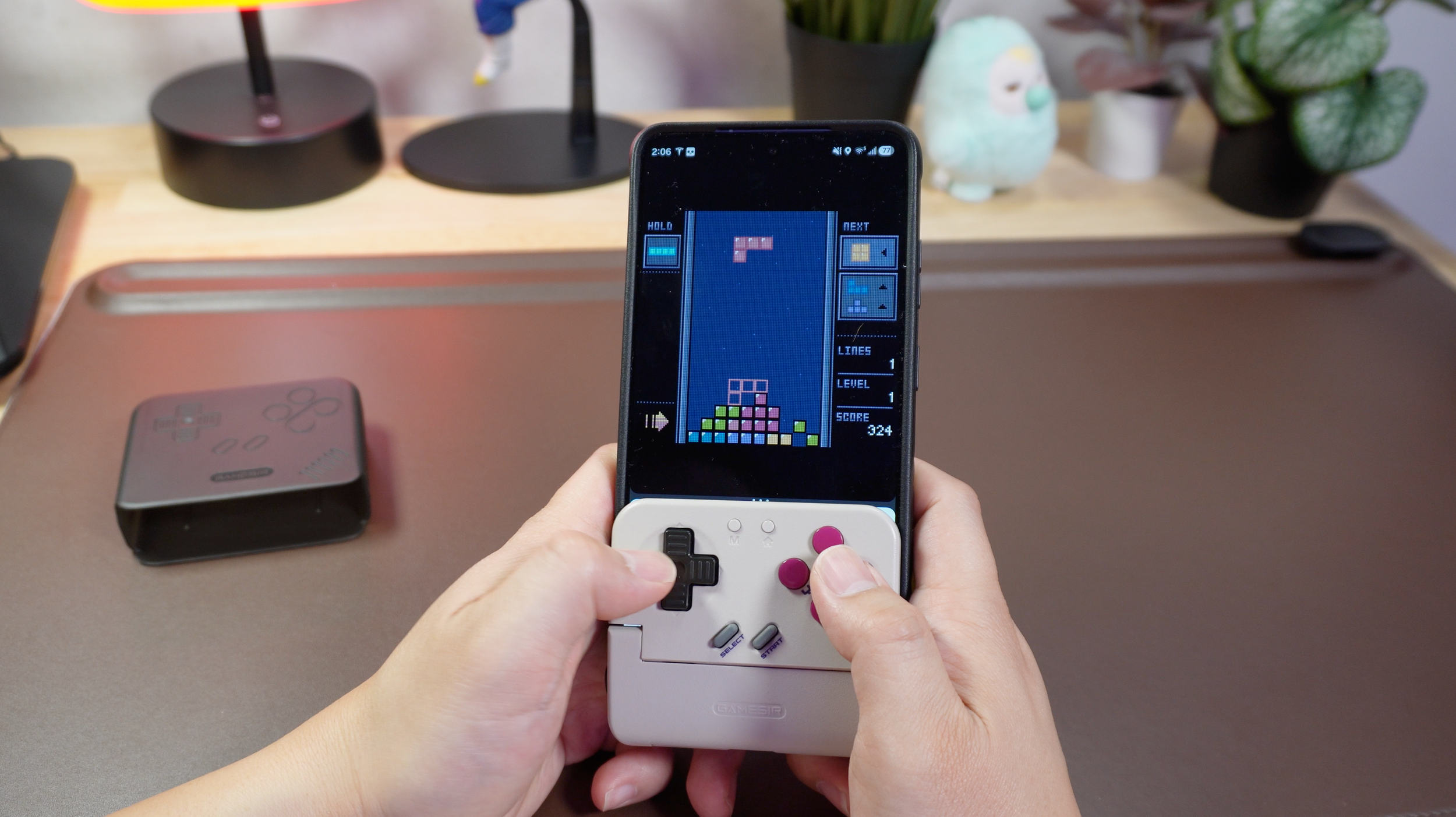
Speaking of gaming friendly features, every legitimate device that considers itself gaming-first needs external storage solutions, and Lenovo provides us with a MicroSD card slot that can run a card up to 2TB large. This pretty much sets the Legion Tab up to be a beast for portable retro emulation as it really covers all the bases of what you need to run a high-end library.
Display
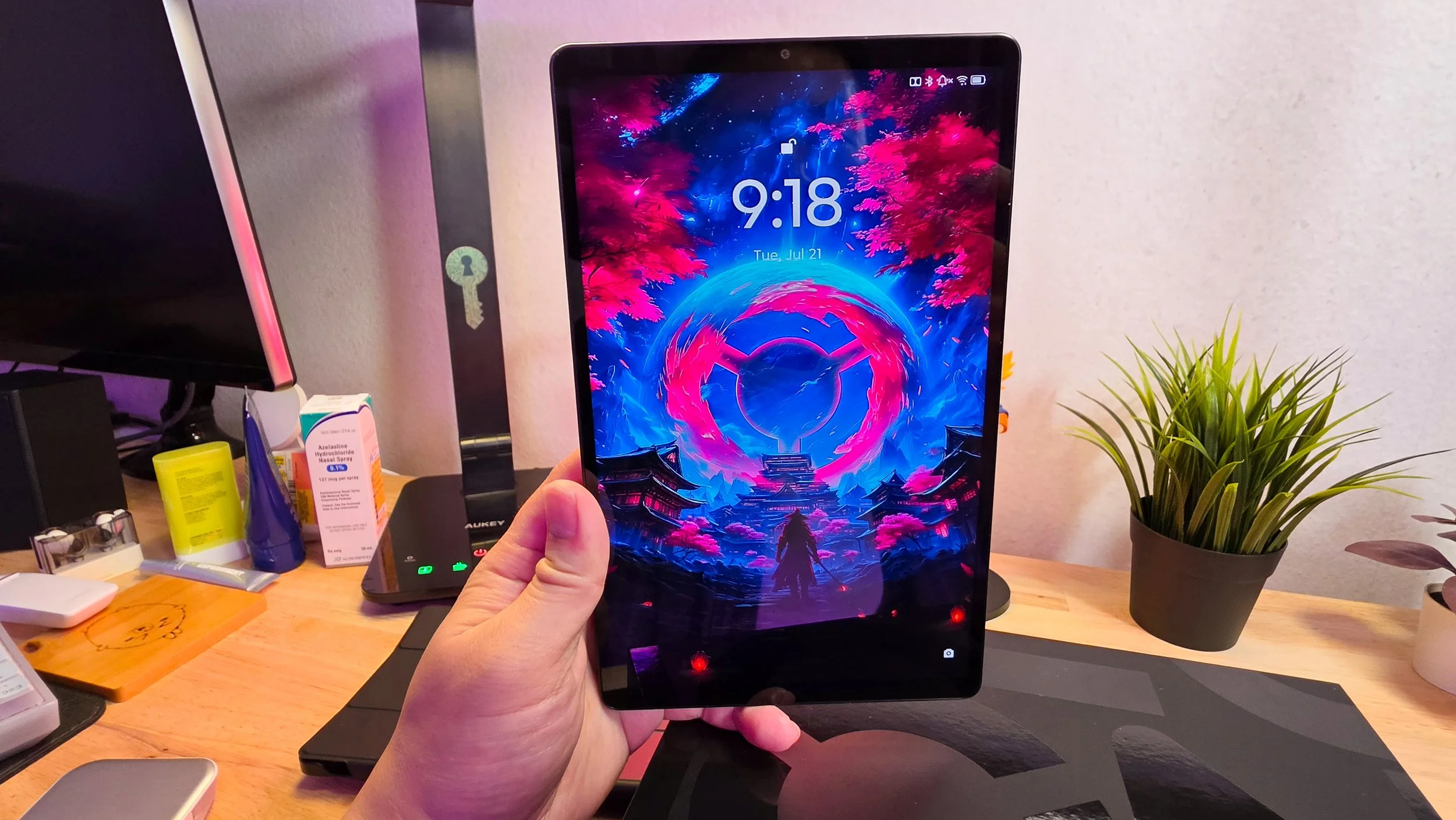
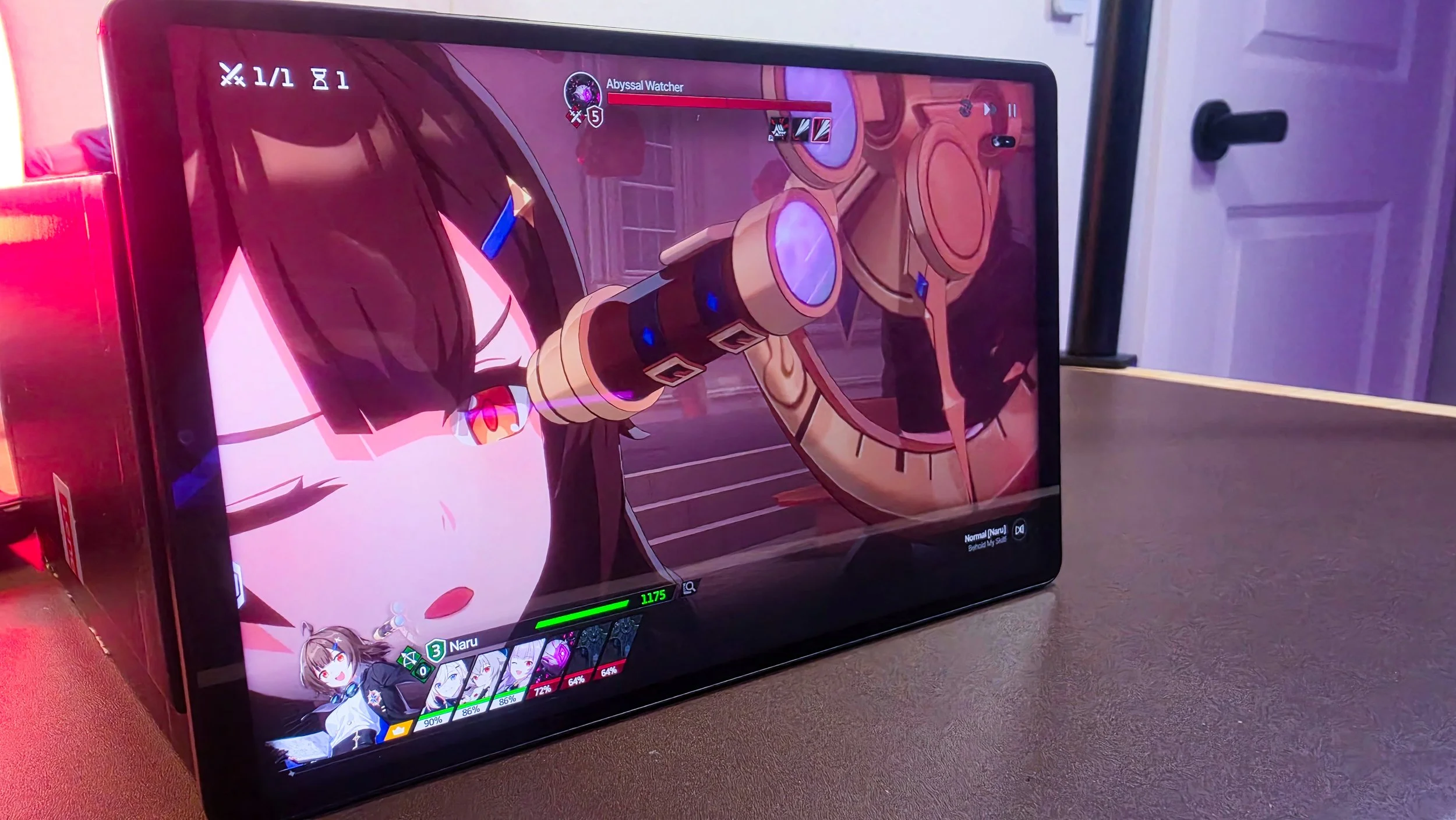
The centerpiece of the Legion Tab is a 3K resolution panel capable of reaching the heights of a 165Hz refresh rate. This hardware configuration is a certified dream for enthusiasts of high-octane competitive shooters or precision racing simulations and really pushes the hardware specs to the max of what the current cap is closing in on. Lenovo utilized intelligent dynamic switching, enabling the device to automatically engage its 144Hz or 165Hz ceiling for peak fluidity during gameplay, while throttling down during static tasks like reading to optimize power consumption. It’s actually pretty effective and noticeable.
However, the device’s most significant compromise lies in the choice of panel tech: it is a traditional LCD rather than a self-emissive AMOLED. Although the integration of Dolby Vision and HDR10 standards helps maintain a punchy, vivid color palette, the screen is fundamentally incapable of producing the deep, infinite black levels synonymous with OLED technology. Given the premium price tag, the omission of an OLED display remains a significant point of contention for potential buyers who seem to have consolidated around OLED for high end gaming. The viewing experience is still solid and provides plenty of brightness (800nits) in any situation for human eyes to consume, but that extra visual punch just isn’t there.




Performance
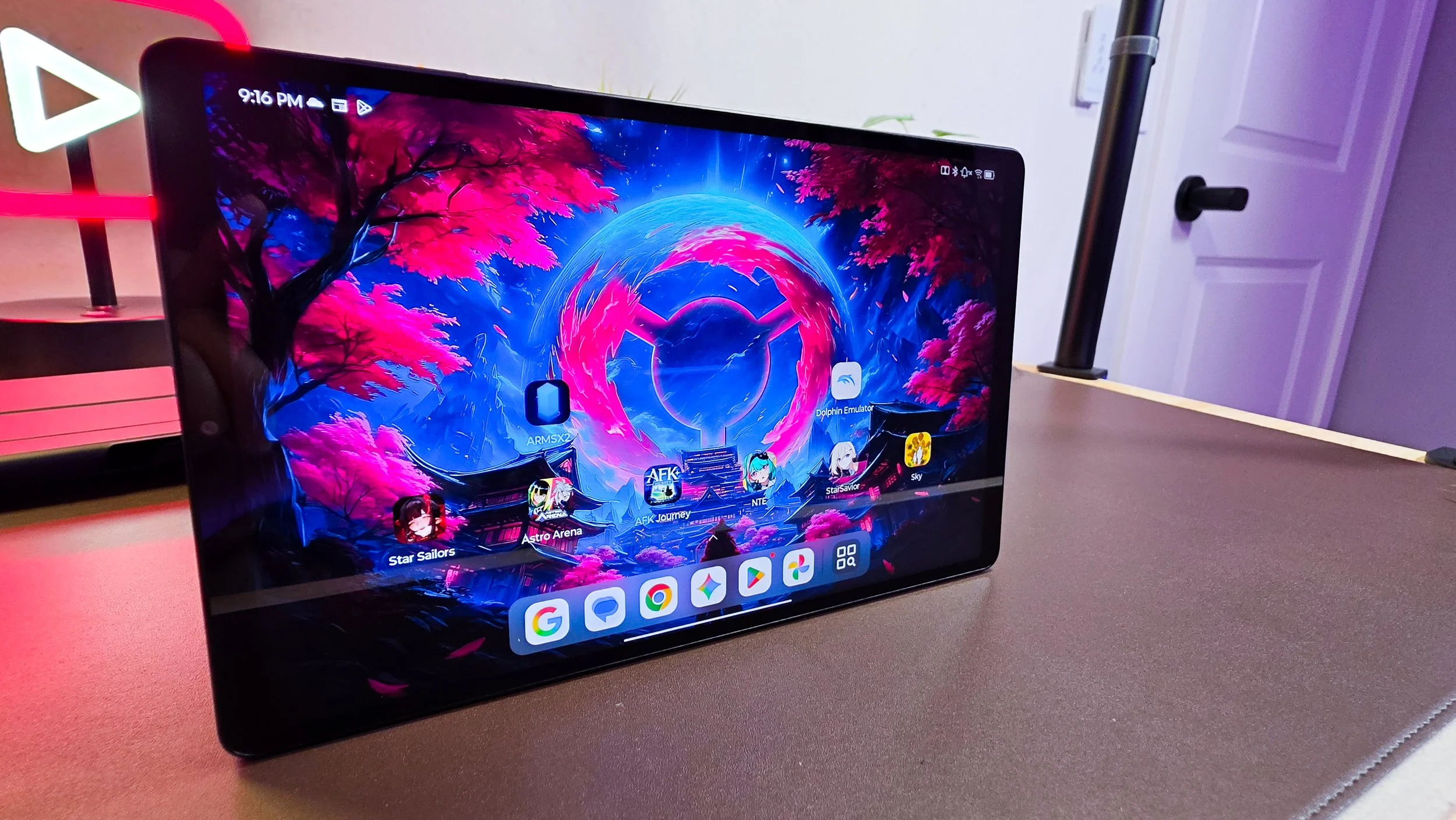
As expected from a device powered by the Snapdragon 8 Elite Gen 5, the Legion Tab is a powerhouse on Android. I ran a few of the new big titles on the Google Play Store like NTE (Neverness to Everness) and not only did the game look great on the tablet, it also performed exceedingly well. It’s not difficult for a steady 120fps rate on games of this caliber and that’s pretty impressive to me.
However, other new games like Star Savior thrust the Tab into rougher territory as there were noticeable frame drops. For the most part it was still a clean experience at 30 FPS, but it was a bit too common to see it dip to 22 FPS during attack transitions.
Aside from the huge discrepancy from those two games, most other Android games I tested out during my time with the Tab held consistent framerates of at least 30 FPS. Like most devices that try to advance your hardware control, Lenovo gives owners a bevy of setting swaps that can affect the overall performance of the Legion Tab. I typically kept the tablet in the Balance mode where Lenovo would attempt to tether between high-end performance and sustaining battery life. For certain games that I found to test the hardware, I switched over to Performance mode and really didn’t notice much of a difference in elevating the efforts of the Tab. On the polar opposite spectrum is the battery saving mode which dampens the overall experience of gameplay to subject survivability of the battery. Once again, Balance mode is where I found the best user experience.
The Legion Tab Gen 5 has a great opportunity to present itself as a portable emulation library thanks to its chipset and form factor. Connect a controller to the tablet and it becomes a powerhouse machine for AAA titles from generation’s past. Forget talking about the 2D era consoles as the SD8 Gen 5 is overkill for it. I’m excited to see that the Legion runs PS2 and Dolphin about as well as I’ve seen on any Android device to date. The hardware has essentially fully caught up to the sixth-generation of console gaming and I love to see it. I’m looking at a smooth 60 FPS for basically all games that I’ve given a shot at playing that are emulatable. God of War 2 is a great example of a game that doesn’t give this SOC issues. I didn’t even tinker with any emulation configurations and the game just booted up and ran without issue. I found similar results with GameCube and Wii performance out of Dolphin Emulator. It’s an exciting time if you’re looking for avenues to run an emulation handheld. Sure there are plenty of handheld consoles that are amazing right now, but if you’re strictly looking for a tablet form factor to house all of your emulating needs, the Legion Tab can handle that in a sleek and thin form factor which is beneficial in so many ways.
Battery And Audio
Fueling a high-refresh-rate 165Hz panel alongside a top-tier flagship processor requires significant power, and Lenovo has met this demand by integrating a substantial 9,000 mAh battery within this rather thin body structure. During my testing, the device comfortably navigated through a full day of gaming and high-resolution media consumption. If you really push the Tab with as intense of a graphical and settings-profiled session as possible, I’d estimate you could hit about 4 hours before needing to get it back on the brick. Fortunately, there’s 68W fast charging capability and you can still use the second USB-C port at the same time it’s charging. I’m also quite happy with the idle time drain as I’ve left the tablet sleeping for at least a week without it dying. That’s not bad at all.
Regarding the acoustic performance, the Legion Tab offers remarkably impressive audio fidelity. The integrated speakers produce a loud, crisp soundstage with an unexpected level of low-end punch, often rendering a dedicated gaming headset unnecessary for those seeking an immersive auditory environment. I’m not sure I noticed any benefits of AI audio or smart PA refocusing clear clean vocal chat and audio, but the overall audio experience on this tablet is quite good.
Conclusion
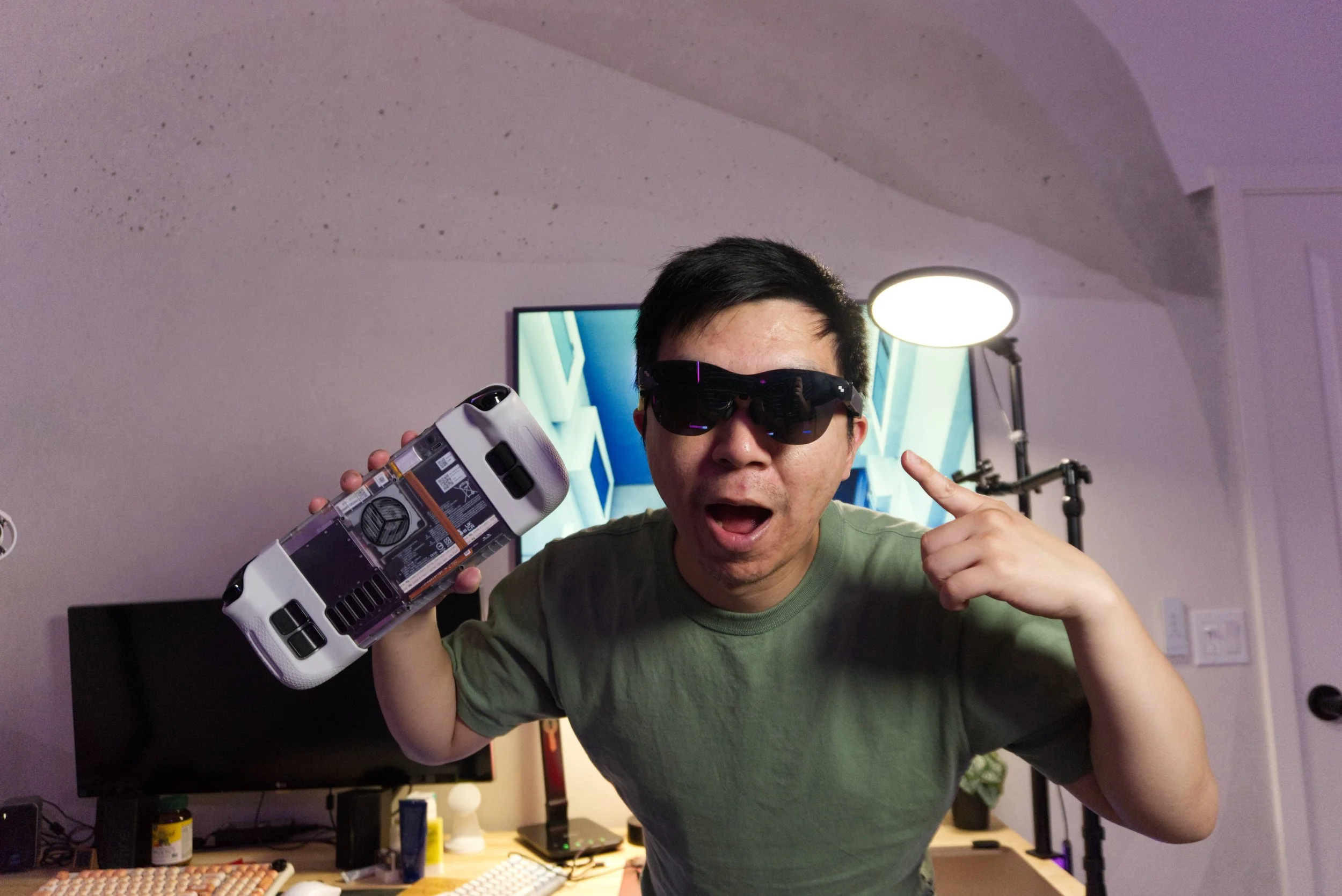
I pause to recommend this to gamers especially in this current economy solely due to the price of entry to get the Legion Tab. This is a premium tablet offering that runs Android with all the benefits and detractors that amounts to. There’s a lot of power behind this little form factor and I could potentially justify the MSRP if I singularly base my decision making on evaluating it as a tablet. However, this likely will crossover with your handheld PC gaming segment which includes options like the Steam Deck, ROG Xbox Ally, and Lenovo’s own Legion Go S. That’s where the decision making process gets complicated. While you still technically can use streaming apps like Moonlight to stream your PC library, that basically eliminates the Tab as a PC replacement. It just can’t do that. The other gaming handhelds theoretically could function as a low-end gaming PC replacement that can also cover Android gaming and emulation needs of owners with some tinkering.
That leaves me with the assessment that the Lenovo Legion Tab is a terrific luxury device. It’s great to have if you have the means to own an extra device for a specific need. With ram, GPU, and storage prices ballooning retail prices of electronics, it's more important than ever for buyers to consolidate their needs into one purchase. You don’t need a tablet for Android gaming, a handheld console for retro emulation, and a PC for AAA gaming. There are devices in the Legion Tab’s price point that theoretically can handle all three with some degree of success. Unfortunately, I just don’t see the Tab in that light and that isn’t the Legion’s fault as much as it's the result of world economics.
We are a participant in the Amazon Services LLC Associates Program, an affiliate advertising program designed to provide a means for us to earn fees and support our channel by linking to Amazon.com and affiliated sites.
Does RuneScape work as an open-world survival game?